
Resize Hood
Limits image size to under 6000x6000 pixels, struggles with extremely large images.
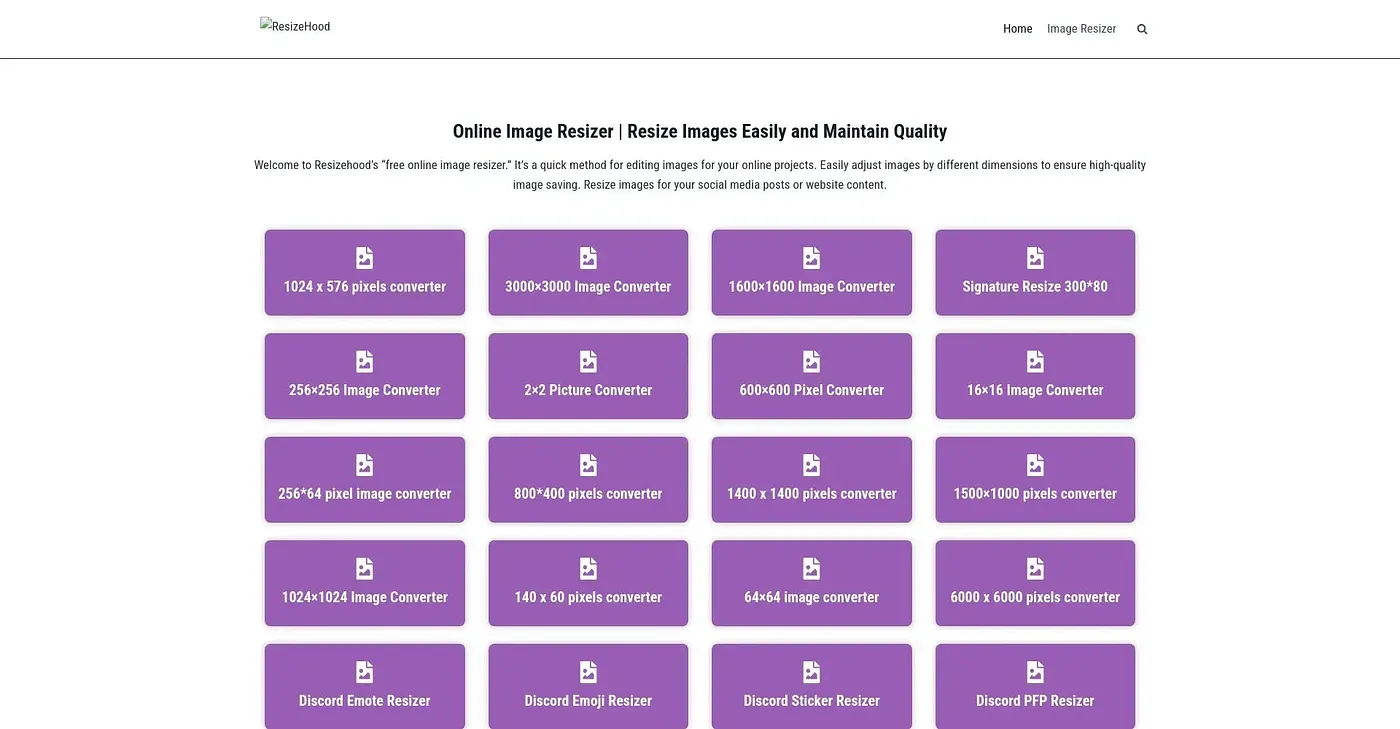
At a glance
4.5 out of 5
Scored by Alex after real useOur verdict
Resize Hood is great for basic resizing tasks. However, it may struggle with very large or specific social media image requirements.
✓What it does well
✕Where it falls short
Key features
Questions about Resize Hood
What does Resize Hood do?
Resize Hood is a web tool for basic image resizing. It works with standard formats such as JPEG, GIF, BMP and PNG, can resize images for social media platforms like Facebook and Twitter, and encrypts images during upload before deleting them automatically afterwards.
Is Resize Hood free?
Yes. Resize Hood is free, and no paid plan was found on the vendor's site in September 2026. The reviewer notes there are no hidden costs or registration required for basic use, though users also cannot create an account for advanced features or storage.
What is the largest image Resize Hood can handle?
Resize Hood cannot handle extremely large images over 6000x6000 pixels, which the reviewer lists as a shortcoming. It also does not support massive bulk resizing tasks, so it suits basic users and small projects rather than large enterprise users.
Does Resize Hood have a desktop app?
No. Resize Hood is available through its website only, with no desktop app. The reviewer praises its user-friendly interface, which allows quick resizing without technical expertise, and Alex scored the tool 4.5 out of 5 after real use.
What are some alternatives to Resize Hood?
Toolio lists CleanSnap, PokeCut, Tee AI and PrismaAi as alternatives to Resize Hood. CleanSnap creates clean, professional-looking screenshots, PokeCut merges a person into an existing photo, Tee AI turns ideas into print-ready designs, and PrismaAi offers AI-driven photo and video editing.