
Restylar
Transform images with AI text prompts.
At a glance
4.0 out of 5
Scored by Alex after real useOur verdict
Restylar excels at transforming and recreating photos easily. Great for designers but lacks advanced editing features like retouching.
✓What it does well
✕Where it falls short
Key features
Questions about Restylar
What does Restylar do?
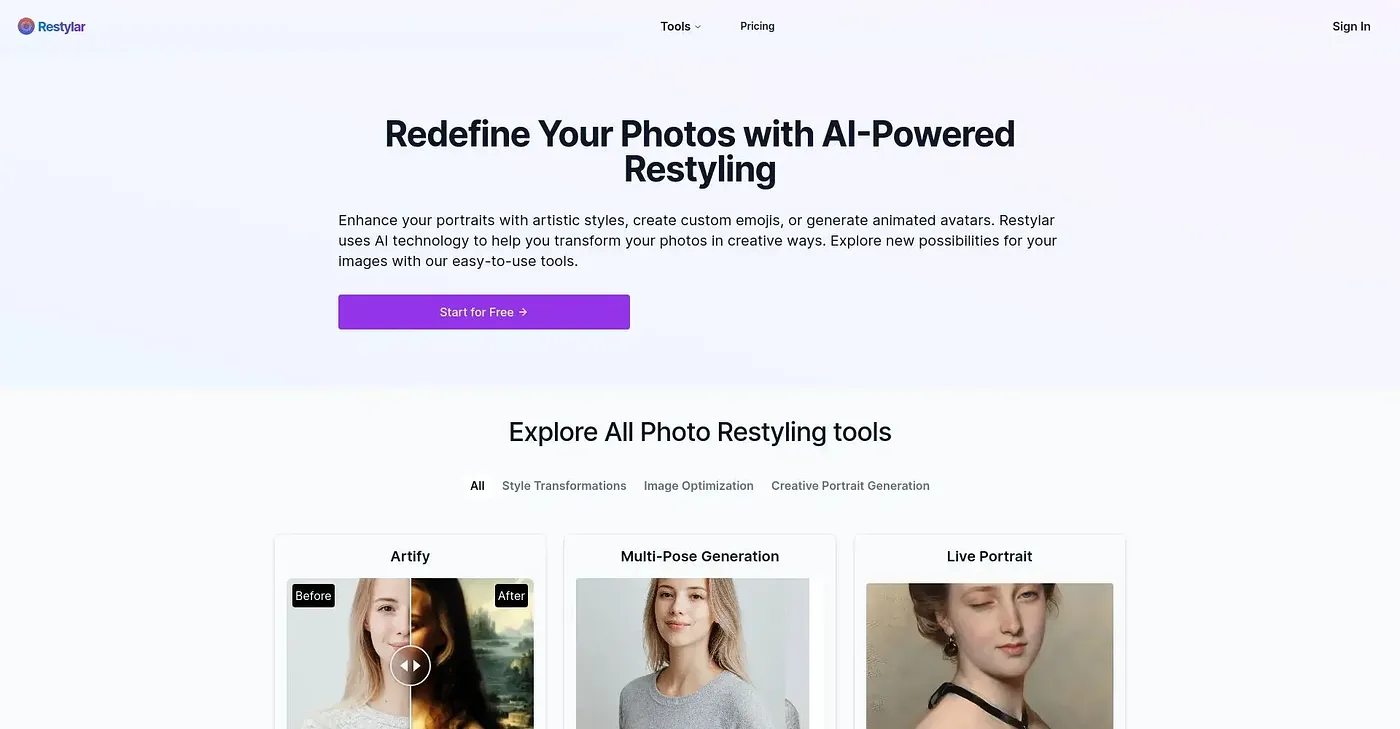
Restylar transforms images with AI text prompts in three steps: upload, describe the changes, and download the result. It offers style transfers, scene changes and portrait modifications, and it can also turn text descriptions into images. The reviewer says it excels at transforming and recreating photos easily.
How much does Restylar cost?
Restylar has a free plan that includes two credits on registration. Paid plans are Lite at $9.90 per month for up to 60 credits, Plus at $19.90 per month for up to 200 credits, and Pro at $39.90 per month.
Who is Restylar best for?
Toolio lists designers and content creators as the best fit for Restylar. Photographers who need high-quality exports should look elsewhere, since max-quality exports are only available on the paid plans, and the reviewer notes it lacks advanced editing features such as retouching.
Can Restylar be used offline?
No. Restylar works only online and requires internet access, with no downloadable version, and it runs on the web. Its context-aware AI understands natural language, so complex transformations can be described in plain words.
What does Toolio score Restylar?
Restylar holds a Toolio score of 4.0 out of 5, given by Alex after real use on 5 Oct 2026. Toolio lists QRCode1s, FaceWix and BeFunky as alternatives, with BeFunky described as easy photo editing that also lacks advanced features.