
Revid AI
Turn prompts, scripts, URLs into editable videos.
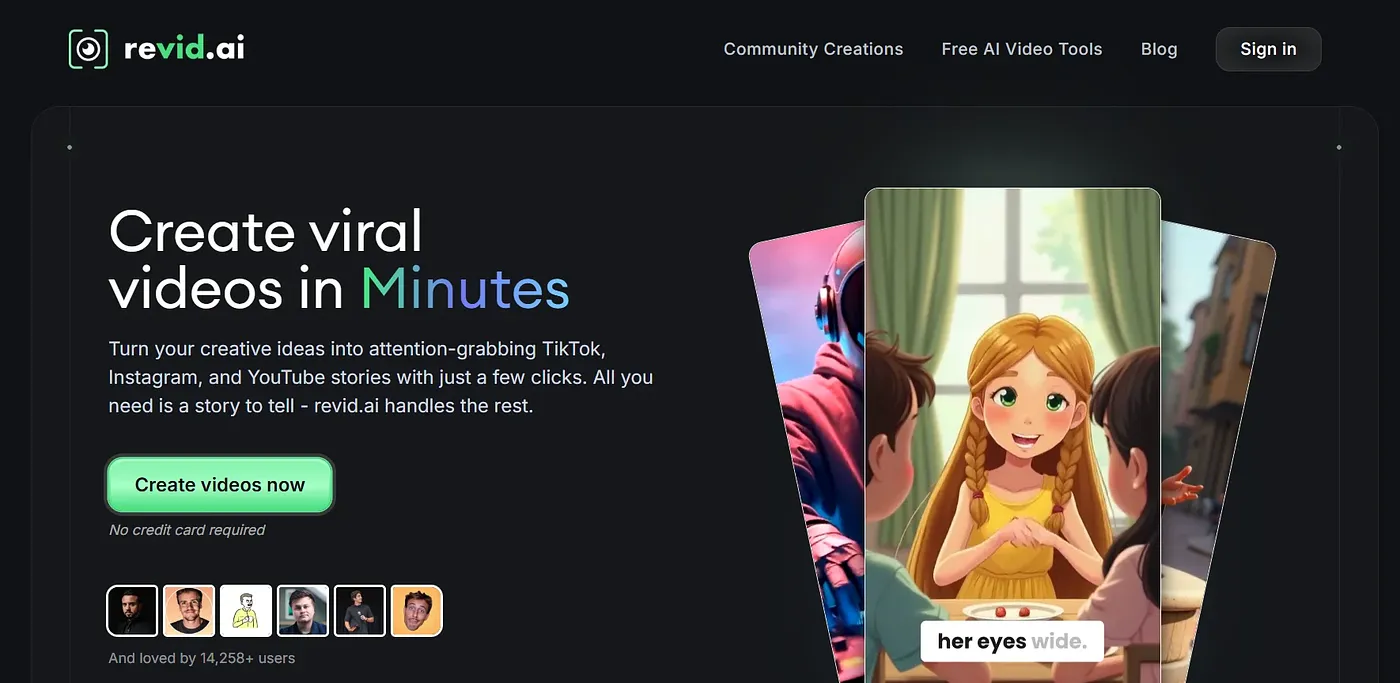
At a glance
4.0 out of 5
Scored by Alex after real useOur verdict
Revid AI excels at creating and editing short-form content but struggles with complex production needs. It’s great for quick video tasks but lacks advanced features needed for professional productions.
✓What it does well
✕Where it falls short
Key features
Questions about Revid AI
What does Revid AI do?
Revid AI turns prompts, scripts and URLs into editable videos, with a focus on short-form content. The reviewer says it excels at creating and editing short videos and handles quick video tasks well, but lacks the advanced features needed for professional productions. It runs on the web.
How much does Revid AI cost?
Revid AI has a limited free tier, and paid use starts from $99 per month. That plan includes 2,000 AI credits and publishing options to TikTok, Instagram and YouTube, and it can be cancelled anytime.
What are the downsides of Revid AI?
The reviewer says Revid AI does not handle complex storyboarding or advanced visual effects, and it is limited for detailed post-production work such as color grading or nuanced sound mixing. It also depends heavily on the inputs it is given, so it is not suited to writing original scripts from scratch.
Does Revid AI have an API?
Yes. Full API, MCP and CLI access for advanced integrations is available on Revid AI's Ultra plan. The Growth plan includes 6 Auto-Mode workers while Ultra includes 10, and users keep full ownership of every video they create with the tool.
Who is Revid AI best for?
Toolio lists Revid AI as best for short-form video creators and not for professional film editors. Alex scored it 4.0 out of 5 after real use, crediting its breakdown of what makes viral videos work, its hundreds of AI video creation options and its support for scaling output through automation and voice cloning.