
RightBlogger AI for Blogging Chrome Extension
Audits any page's on-page SEO, then runs AI writing tools on the text you highlight.
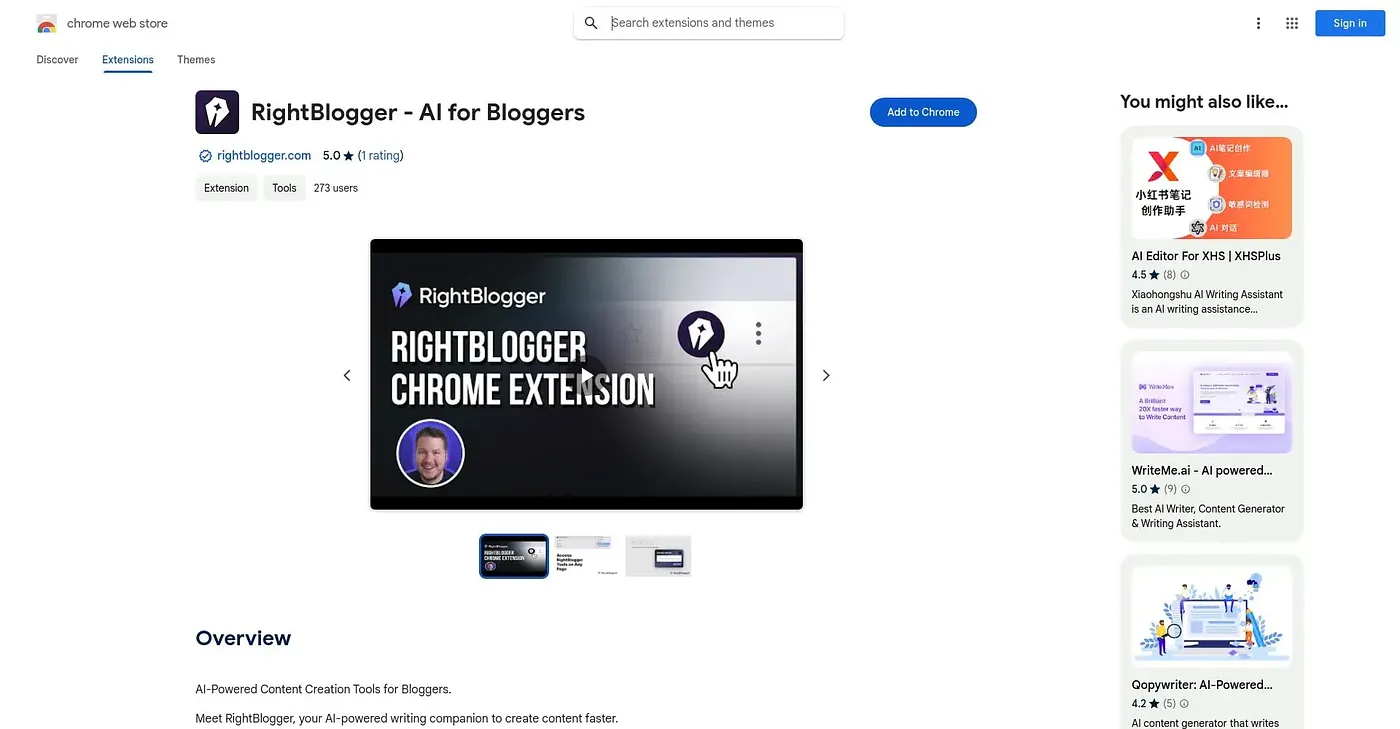
At a glance
Starts at
Free
Listed as free on the Chrome Web Store.
Free tier
Yes
Platforms
Chrome
Best for
Bloggers checking SEO and rewriting text in one pass
Not for
Anyone wanting AI writing without creating an account
5.0 out of 5
Scored by Alex after real useOur verdict
RightBlogger shows how Google actually sees a page, flags missing H1s, alt text and schema issues, and then lets you generate ideas, fix grammar or draft an article from any highlighted text without leaving the tab. Page data like headings and links stays local and is only sent out when you run an AI tool. Those AI writing features need a RightBlogger account, free or paid, so the SEO auditing and the AI side aren't equally available on install alone.
✓What it does well
Search preview accuracyShows exactly how a page will be cut off in Google's results.
SEO issue detectionFlags missing H1s, alt text, social tags and blocked pages automatically.
Local data handlingKeeps page data on your machine unless you run an AI tool on it.
✕Where it falls short
Account required for AIAI writing tools require a free or paid RightBlogger account to use.
Text sent externally for AIText you run AI tools on is sent to RightBlogger's servers, not kept local like the rest of the audit.
Chrome onlyOnly available as a Chrome extension, not other browsers.
Key features
On-page SEO auditChecks titles, meta description, canonical tags and word count against the page.
Schema viewerInspects JSON-LD structured data with validation links built in.
AI writing toolsGenerates ideas, fixes grammar, rewrites or drafts articles from selected text.
SERP metricsShows keyword difficulty, search volume and CPC for search results.