
Scenario
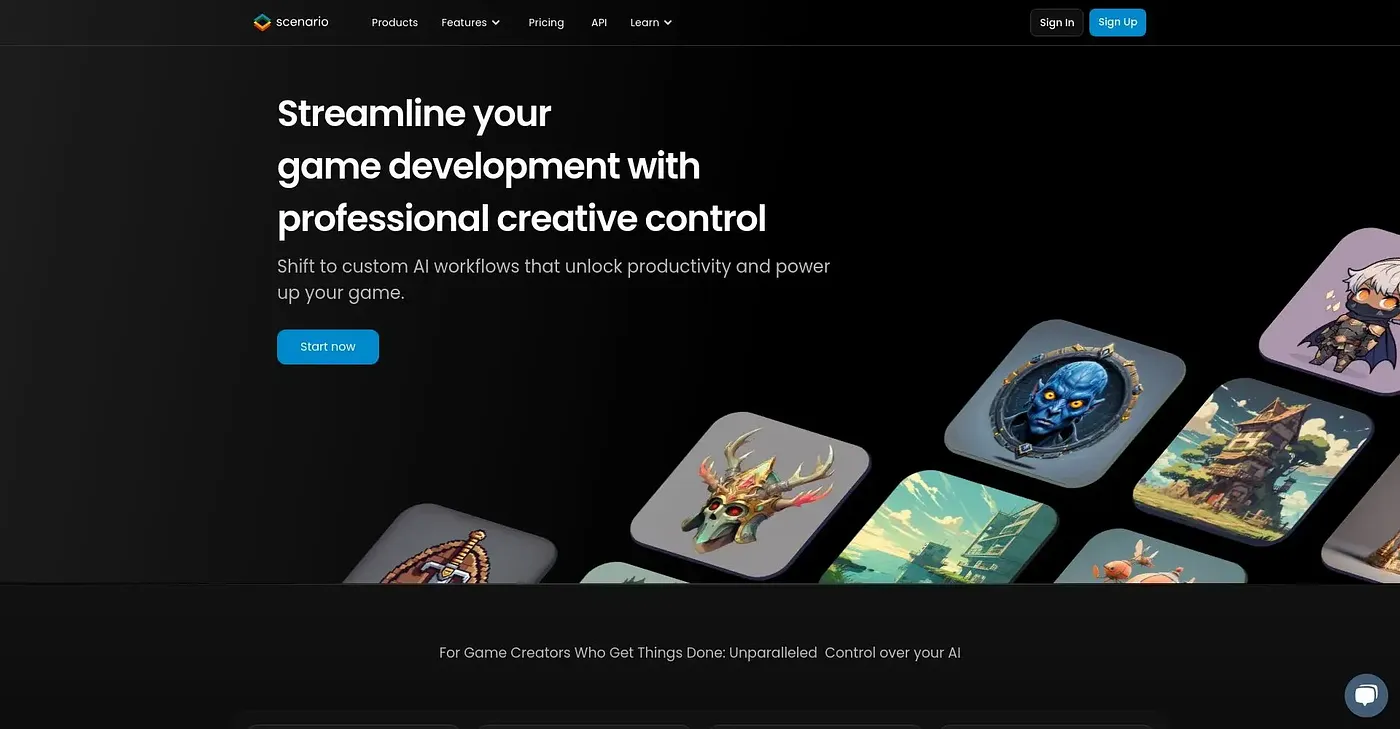
Build custom workflows across image, video, audio and 3D.
At a glance
3.9 out of 5
Scored by Alex after real useOur verdict
Scenario is great for creatives who need consistent output from their models. Not ideal if you're looking to train your own complex models without guidance.
✓What it does well
✕Where it falls short
Key features
Questions about Scenario
What does Scenario do?
Scenario builds custom workflows across image, video, audio and 3D. Teams can upload an art bible and style references to train custom models, build multi-step pipelines in a visual editor for batch generation, and access over 650 models from 50+ providers in one workspace.
How much does Scenario cost?
Scenario's Essential plan costs $19 per month and includes basic features and one workspace, with additional workspaces at an extra cost. There is no free tier, and the reviewer notes the lowest plan comes with limited features.
What does Scenario need for custom model training?
Custom training needs significant reference images, between 5 and 100, to be effective. Scenario trains custom LoRA models to fit any style with brand guidelines built in. The reviewer says it is not ideal for anyone who wants to train complex models without guidance.
Does Scenario have an API?
Yes. Scenario takes an API-first approach for developers and agents building apps or workflows. The reviewer notes that agents can only be deployed via API and Node, with no GUI customization. Private workspaces rely on SOC 2 Type II compliance to keep data private.
What platforms does Scenario run on?
Scenario runs on the web, macOS and Windows. Toolio rates it best for creative teams building scalable assets and not for teams with minimal AI training. Alex scored it 3.9 out of 5 after real use.