
SkipMail
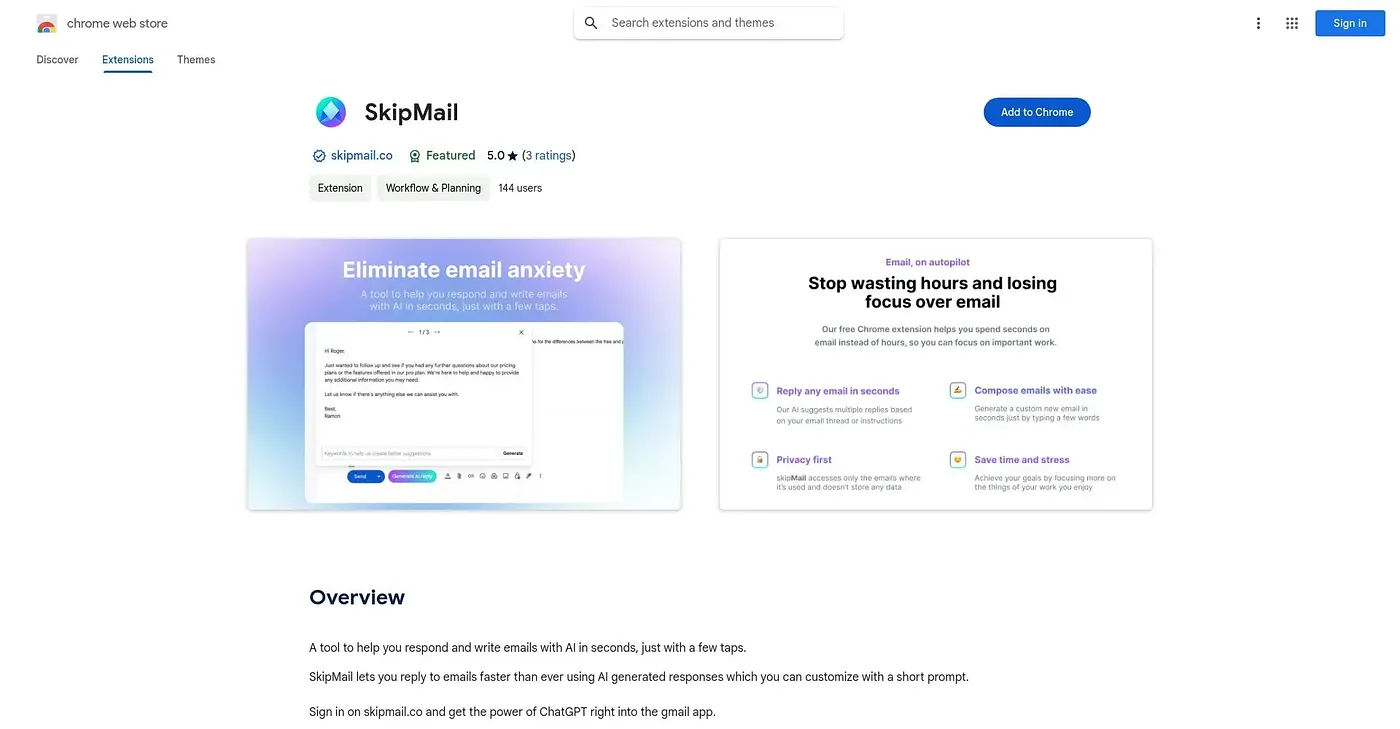
Drafts email replies in seconds and suggests responses based on the surrounding thread.
At a glance
3.9 out of 5
Scored by Alex after real useOur verdict
SkipMail generates a full email reply from a short prompt, adjusts tone between professional, casual or persuasive, and reads the surrounding thread to suggest contextually relevant responses. Anyone answering a high volume of email will notice the time saved fastest. Replies can start to feel less authentic after a while, and leaning on the AI too much risks letting a person's own writing skills slide.
✓What it does well
✕Where it falls short
Key features
Questions about SkipMail
What does SkipMail do?
SkipMail drafts email replies in seconds and suggests responses based on the surrounding thread. It generates a full reply from a short prompt, and replies can be set to a professional, casual or persuasive tone. The reviewer says anyone answering a high volume of email will notice the time saved fastest.
Is SkipMail free?
SkipMail is listed as free with a free tier, at $0. The vendor's site is offline, though, so Toolio found no current price, and no paid plan is listed. It runs as a Chrome extension.
Which browsers does SkipMail work in?
SkipMail only works in Chrome, as an extension, with no support for other browsers, which the reviewer lists as a shortcoming. Inside the extension, replies can be generated with a single tap, and it reads prior messages in a thread to suggest fitting responses.
What are the downsides of SkipMail?
The reviewer notes that SkipMail's generated replies can come across as less authentic, without the writer's own voice behind them. Leaning on it too much also risks letting personal writing skills slide over time, so Toolio says it does not suit writers who want to keep their own voice sharp.
What are some alternatives to SkipMail?
Toolio lists ChatGPT-Mail Chrome Extension, Mail Buddy AI, Mailbot Chrome Extension and Email Generator AI as alternatives to SkipMail. Mail Buddy AI writes email replies in seconds, while Mailbot adds AI-drafted suggestions and buttons to Gmail. SkipMail itself scores 3.9 out of 5 on Toolio.