
Slick AI
Creators who need quick, simple edits; not for complex projects.
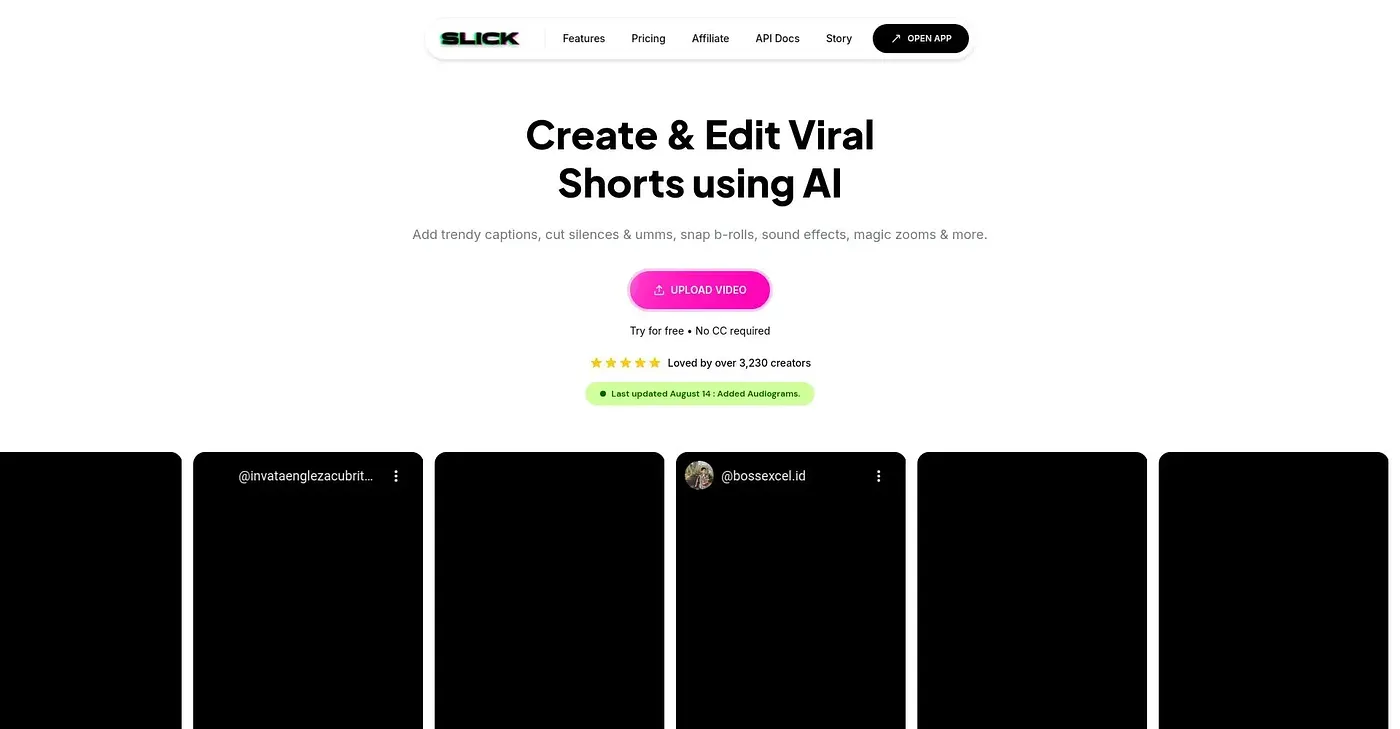
At a glance
3.8 out of 5
Scored by Alex after real useOur verdict
Slick AI is an easy-to-use tool for viral shorts. It's great if you’re looking to add b-rolls and custom captions quickly but might lack advanced features for professional editing tasks.
✓What it does well
✕Where it falls short
Key features
Questions about Slick AI
What does Slick AI do?
Slick AI creates viral shorts from uploaded videos or YouTube URLs. It automatically cuts out irrelevant parts, adds trending b-rolls, applies magic zoom effects and adds fully customizable captions. The reviewer calls it easy to use but says it might lack advanced features for professional editing.
How much does Slick AI cost?
Slick AI has no free tier. The Starter Plan costs $22 per month billed yearly with up to 500 credits per month, the Pro Plan costs $33 per month billed yearly with up to 1000 credits per month, and the Business Plan costs $149 per month.
Who is Slick AI best for?
Toolio recommends Slick AI for quick video edits and social media content creators. It does not suit video editors with detailed manual requirements, and the reviewer says it might lack advanced features for professional editing tasks.
Does Slick AI transcribe videos?
Yes. Slick AI automatically transcribes videos with high accuracy and offers custom template designs for captions and edits. The reviewer lists its trendy, fully customizable captions among the tool's main strengths, alongside drag-and-drop uploads.
How does Toolio rate Slick AI?
Toolio rates Slick AI 3.8 out of 5, scored by Alex after real use on 4 Oct 2026. Toolio lists Pixellot, Spotlight FX, Sora 2 AI and Flawless AI as alternatives, including Sora 2 AI for video creators with a budget.