
SlidesBot
Best for quick presentations, not detailed designs.
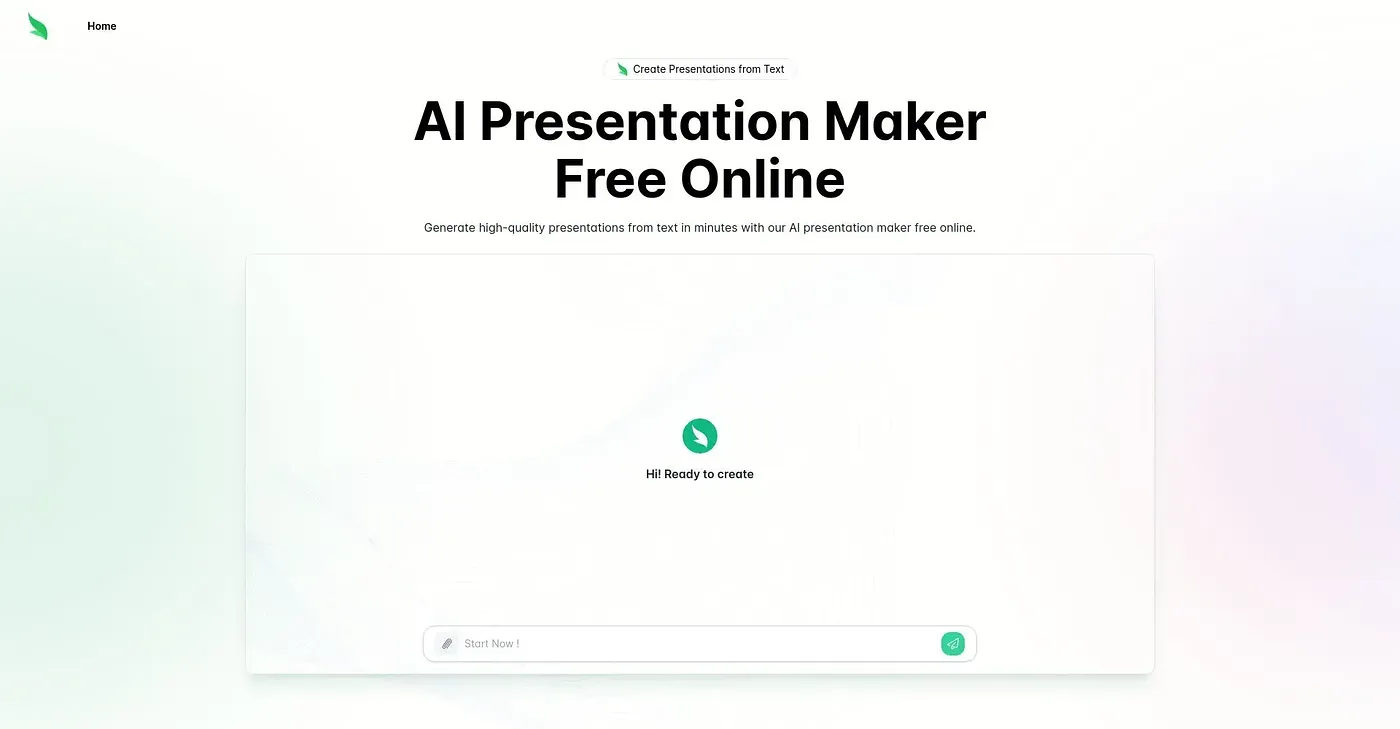
At a glance
4.4 out of 5
Scored by Alex after real useOur verdict
SlidesBot excels at converting text to slides but falls short on complex design needs. It’s perfect for businesses and educators looking for fast results but should be used with caution if you need professional-level visuals.
✓What it does well
✕Where it falls short
Key features
Questions about SlidesBot
What does SlidesBot do?
SlidesBot converts written content into presentation slides automatically. It supports multiple languages for localizing presentations and is aimed at quick presentations rather than detailed designs. The reviewer says it suits businesses and educators looking for fast results.
Is SlidesBot free?
SlidesBot is free, with a limited free tier listed at $0, and no paid plan was found on the vendor's site in September 2026. The reviewer lists its free, accessible approach to creating presentations among its strengths.
Can SlidesBot create professional-level designs?
SlidesBot offers limited support for complex design elements and lacks advanced customization beyond basic adjustments. The reviewer advises caution for anyone who needs professional-level visuals, and Toolio says it does not suit users requiring advanced visual design.
How does Toolio score SlidesBot?
Toolio scores SlidesBot 4.4 out of 5, rated by Alex after real use on 4 Oct 2026. The reviewer praises its text-to-presentation conversion, multi-language support and free access, while noting limited customization for complex designs.
What are some alternatives to SlidesBot?
Toolio lists WebExtLLM Chrome Extension, Keyboard 404, Dice La Canción and 知了 AI - Chrome Extension as alternatives to SlidesBot. WebExtLLM brings web-native LLMs to the browser, and Keyboard 404 offers daily AI-generated short stories for content inspiration.