
SoulGen
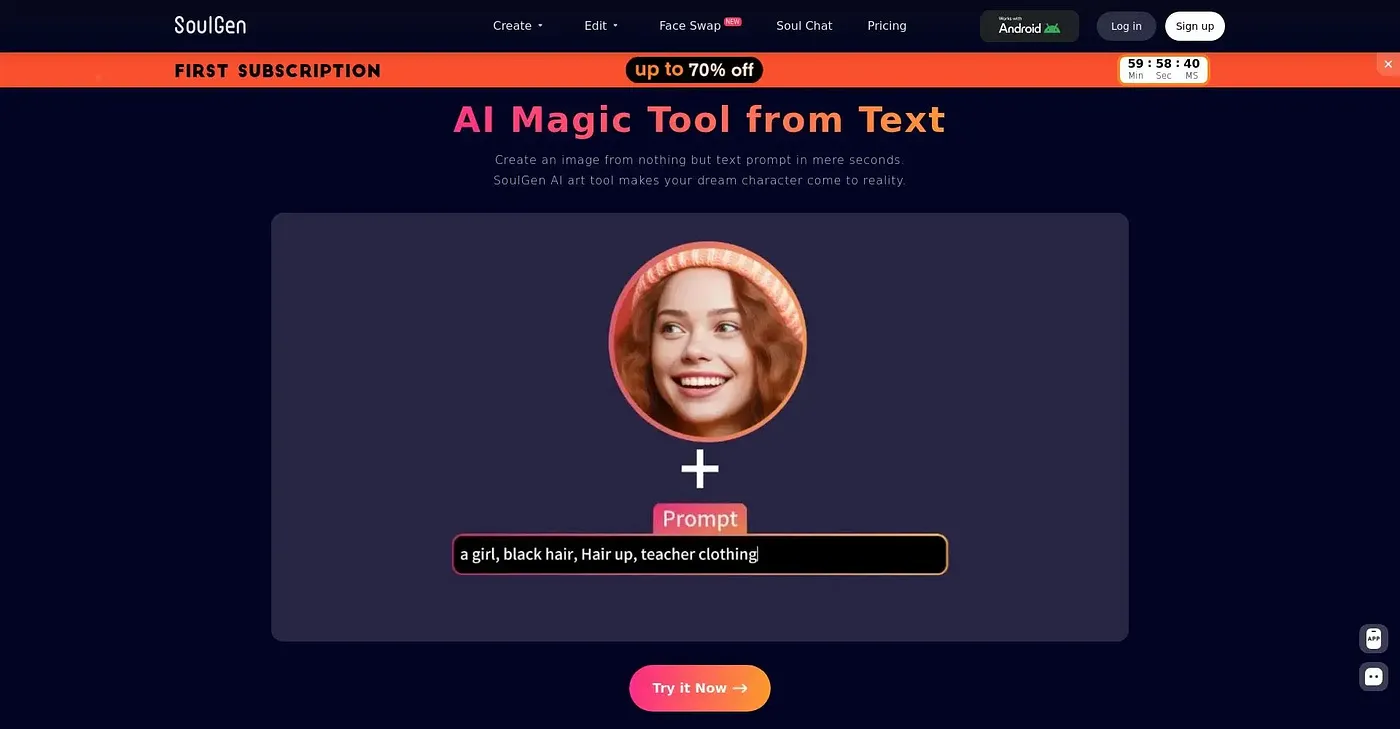
SoulGen turns images or text into dynamic talking videos.
At a glance
4.5 out of 5
Scored by Alex after real useOur verdict
Create realistic talking videos easily with SoulGen's AI technology. Great for beginners and those who want to avoid editing. However, it lacks advanced customization options for pro users.
✓What it does well
✕Where it falls short
Key features
Questions about SoulGen
How does SoulGen make a talking video from text or an image?
SoulGen turns images or text into talking videos. A user writes a text prompt or uploads an image, and its AI creates a character with lip-synced speech and natural motion, with no editing skills needed. It can also create human-like models from images or video references and offers an API for text chat and account functions.
Which SoulGen features cost extra credits?
Turning audio on, rendering at a higher resolution and human modeling each take extra credits. The base Free Plan costs $0 per month but is limited, and a Pro Plan sits above it on the pricing list.
Does SoulGen offer enough control for experienced video editors?
Not really. SoulGen suits beginners and content creators who want talking videos without editing. It lacks the advanced options pro users expect and gives little control over characters or the edit itself, so seasoned editors may find it too basic.
What video quality does SoulGen produce?
It renders HD video at 720p and 1080p, good enough for professional use, though higher resolutions take extra credits. Its AI models handle lip-synced speech and natural motion, so characters talk and move convincingly. No editing skills are needed.
How did Toolio score SoulGen in its October 2026 review?
4.5 out of 5, the score Alex set on 6 Oct 2026. Ease of use and HD output earned the high mark; against it are limited customization, extra credit charges for some features, and commercial use restricted to content that complies with applicable laws and copyright rules.