
Speech Ki
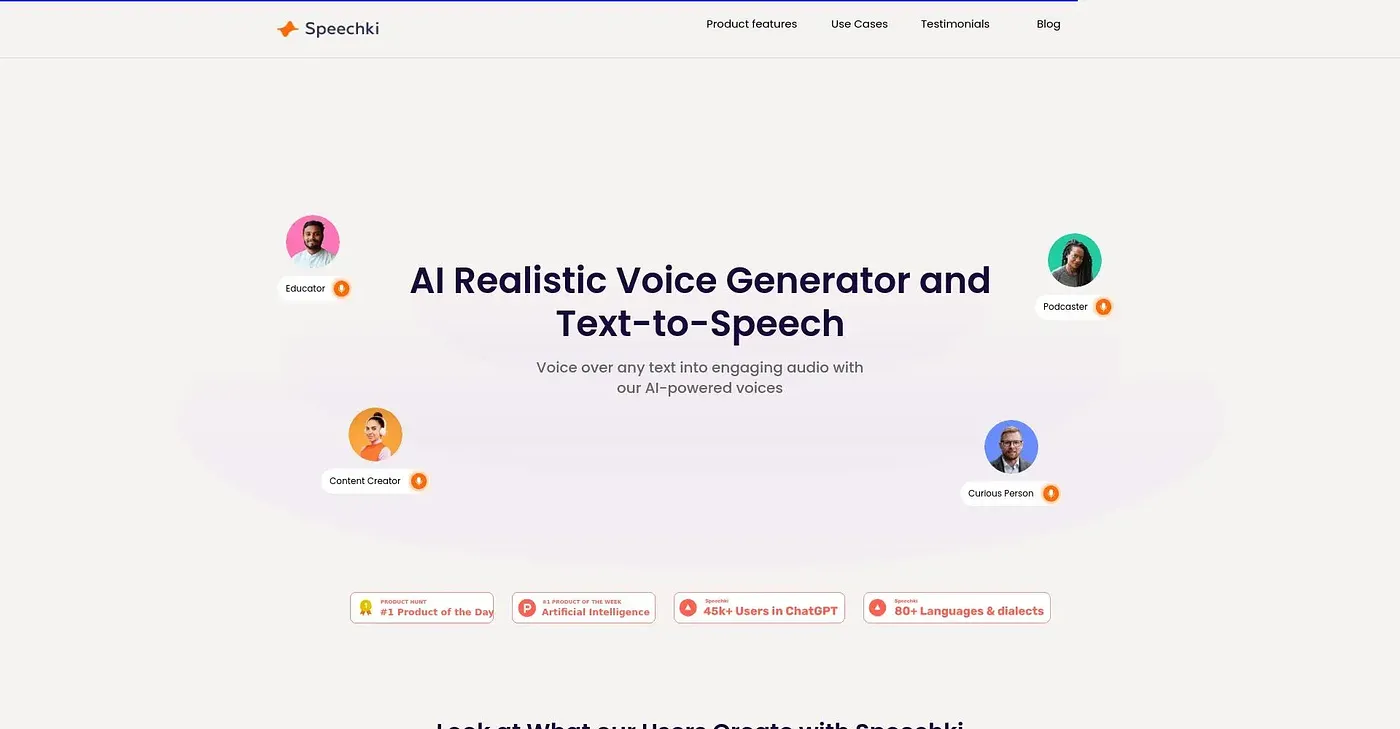
Turns text into realistic voiceovers across 1,100+ voices and more than 80 languages.
At a glance
Starts at
Free
No paid plan found on the vendor's site, September 2026.
Free tier
Yes
Platforms
Web
Best for
Creators producing audiobooks, podcasts or e-learning audio
Not for
Anyone wanting only a single default voice
3.9 out of 5
Scored by Alex after real useOur verdict
Speechki converts text into voiceovers across a large catalog of voices and languages, with a visual editor for pauses, prosody, role assignment and chapter-style formatting for longer projects like audiobooks. Use cases stretch from ebook-to-audiobook conversion to YouTube and TikTok voiceovers, podcasts and IVR systems, and a ChatGPT plugin is planned via waitlist rather than available today. With this much range on offer, casual users after one quick voiceover may find the editor more elaborate than they need.
✓What it does well
Large voice and language catalogOffers over 1,100 voices across more than 80 languages.
Fine-grained audio controlLets you adjust pauses, prosody and phonemes for natural-sounding output.
Multi-use-case coverageSupports audiobooks, e-learning, video, podcasts and IVR from one platform.
✕Where it falls short
ChatGPT plugin still gatedThe ChatGPT plugin is waitlist-only rather than immediately available.
Editor complexityThe editor's depth of controls is more than a single quick voiceover requires.
Feature scope is broadCovering this many use cases at once means individual tools go less deep than a narrow, dedicated one would.
Key features
Text-to-speech conversionConverts written text into natural-sounding spoken audio.
Voice cloningOffers AI voice cloning alongside the built-in voice catalog.
Audiobook and ebook toolsConverts ebooks into audiobooks with chapter-style formatting.
SSML and prosody controlLets you fine-tune pauses, tone and pronunciation using SSML.