
Spoke Gmeet Recorder Live Chrome Extension
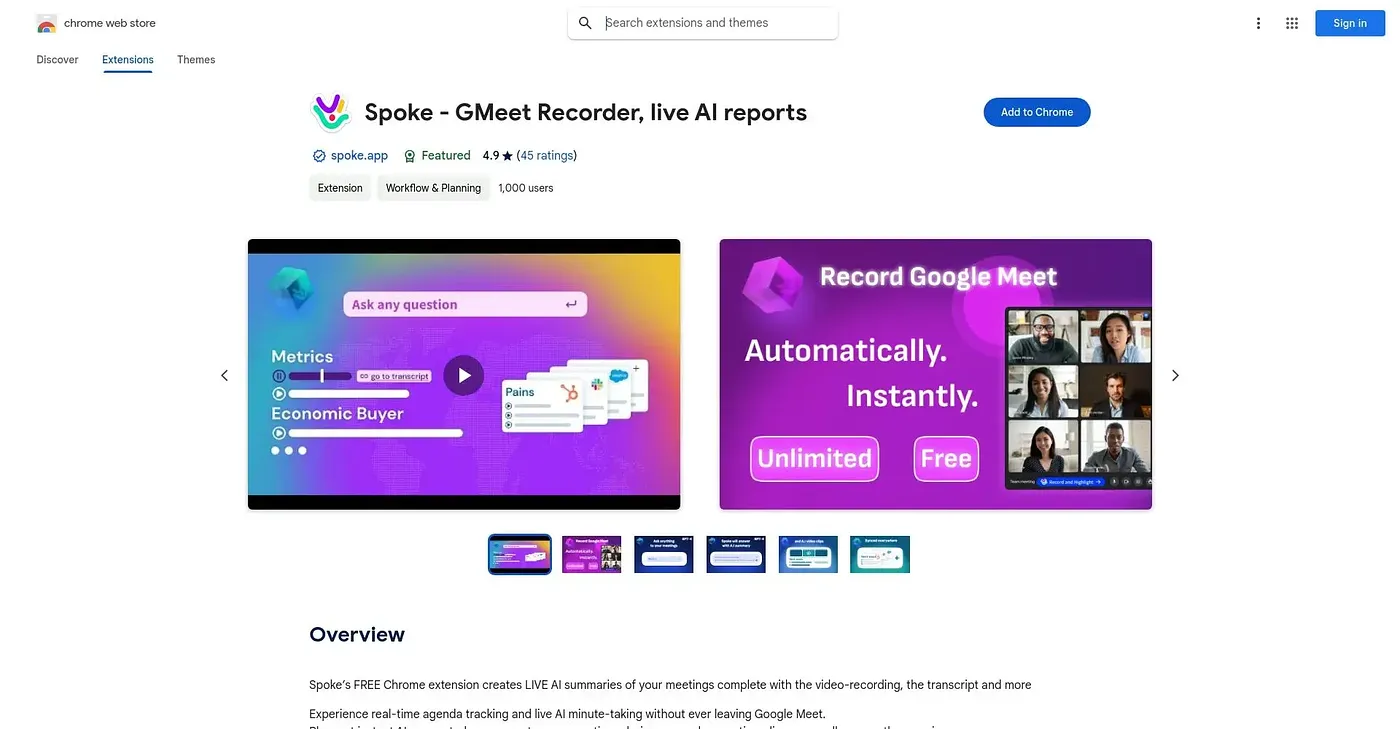
Records Google Meet calls live, transcribes them and answers questions about the meeting as it happens.
At a glance
4.9 out of 5
Scored by Alex after real useOur verdict
Spoke sits inside Google Meet and generates a live summary as the call happens, alongside a full video recording, transcripts in more than 80 languages, and the ability to ask it questions about the meeting in real time. Clips, tagged playlists, reusable agenda templates and a searchable meeting knowledge base extend it well past a single call, and it syncs natively with over 15 other apps. Everyone on the call needs to be comfortable being recorded and AI-summarized, and the deeper organizational features mainly pay off for teams running many meetings, not someone joining the odd call.
✓What it does well
✕Where it falls short
Key features
Questions about Spoke Gmeet Recorder Live Chrome Extension
What does Spoke Gmeet Recorder Live Chrome Extension do?
Spoke Gmeet Recorder Live Chrome Extension sits inside Google Meet, records the full call and generates a live AI summary as the meeting happens. Users can ask it questions about the meeting in real time, and it produces transcripts in more than 80 languages. It can also cut instant video clips from the recording.
Is Spoke Gmeet Recorder Live Chrome Extension free?
Yes. Spoke is listed as free on the Chrome Web Store, and no paid plan is listed. It runs in Chrome as an extension that works inside Google Meet calls, recording, transcribing and summarizing them.
Does Spoke Gmeet Recorder Live Chrome Extension integrate with other apps?
Yes. Spoke syncs natively with more than 15 apps, plus Zapier, and the reviewer notes that getting full value depends on connecting those integrations. Clips, tagged playlists, reusable agenda templates and a searchable meeting knowledge base extend it beyond a single call.
Who should use Spoke Gmeet Recorder Live Chrome Extension?
Toolio lists Spoke as best for sales and discovery teams running frequent video calls. The reviewer says its deeper organizational features mainly pay off for teams with many meetings rather than someone joining the odd call. It is not for anyone avoiding recorded and AI-summarized meetings, since everyone on the call needs to be comfortable with that.
How does Toolio score Spoke Gmeet Recorder Live Chrome Extension?
Spoke holds a Toolio score of 4.9 out of 5, given by Alex after real use. The reviewer highlights its live AI summaries, in-meeting Q&A and a meeting knowledge base that makes past meetings searchable across the whole organization.