
Study Pro
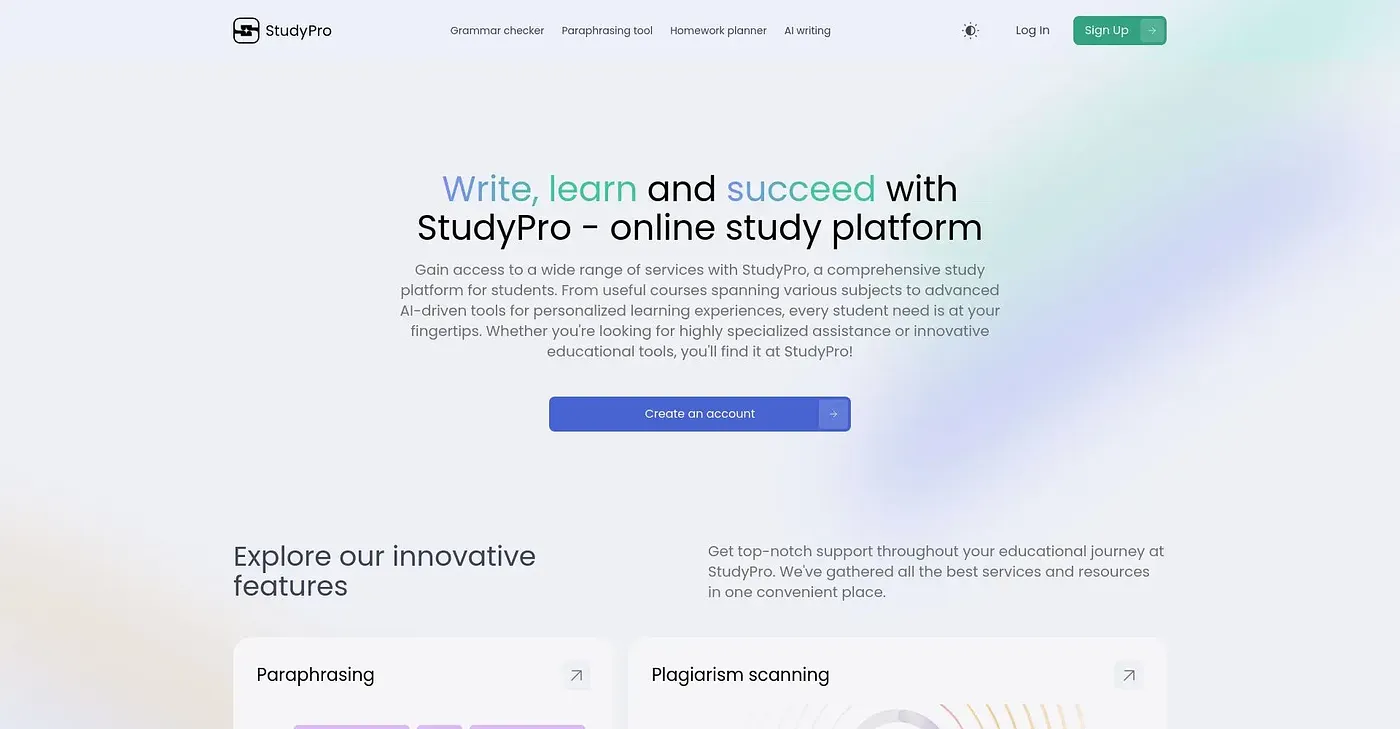
Humanize AI text, check for plagiarism and errors — all in one platform.
At a glance
3.9 out of 5
Scored by Alex after real useOur verdict
StudyAgent humanizes AI drafts but may struggle with unstructured content. It’s great for students and researchers who need to refine academic texts, yet lacks advanced customization options.
✓What it does well
✕Where it falls short
Key features
Questions about Study Pro
What does Study Pro do?
Study Pro humanizes AI text and checks for plagiarism and errors in one platform. It turns AI drafts into natural-sounding text, keeps the writing style consistent across sections, and moves users from idea generation to a final version without switching tools.
Is Study Pro free?
Study Pro has a limited free tier at $0. The reviewer notes that it charges extra for monthly or yearly access to the full suite of tools, and lists that upgrade cost among its shortcomings.
Does Study Pro check for plagiarism?
Yes. Study Pro scans texts against public sources to detect unoriginal content, alongside its tool for humanizing AI-generated drafts. The reviewer notes it is not compatible with all AI detectors and may miss detections when some specialized AI scanners are used.
Who is Study Pro for?
Study Pro is aimed at students and researchers who need to refine academic texts. Toolio marks it as not for specialized AI researchers. Alex scored it 3.9 out of 5 after real use, checked on 5 Oct 2026.
What are the limitations of Study Pro?
The reviewer says Study Pro may struggle with unstructured content and does not fully analyze texts within specific academic contexts. It also lacks advanced customization options, and full access to the suite costs extra each month or year.