
Subtitle O
Protects against untrusted video sources.
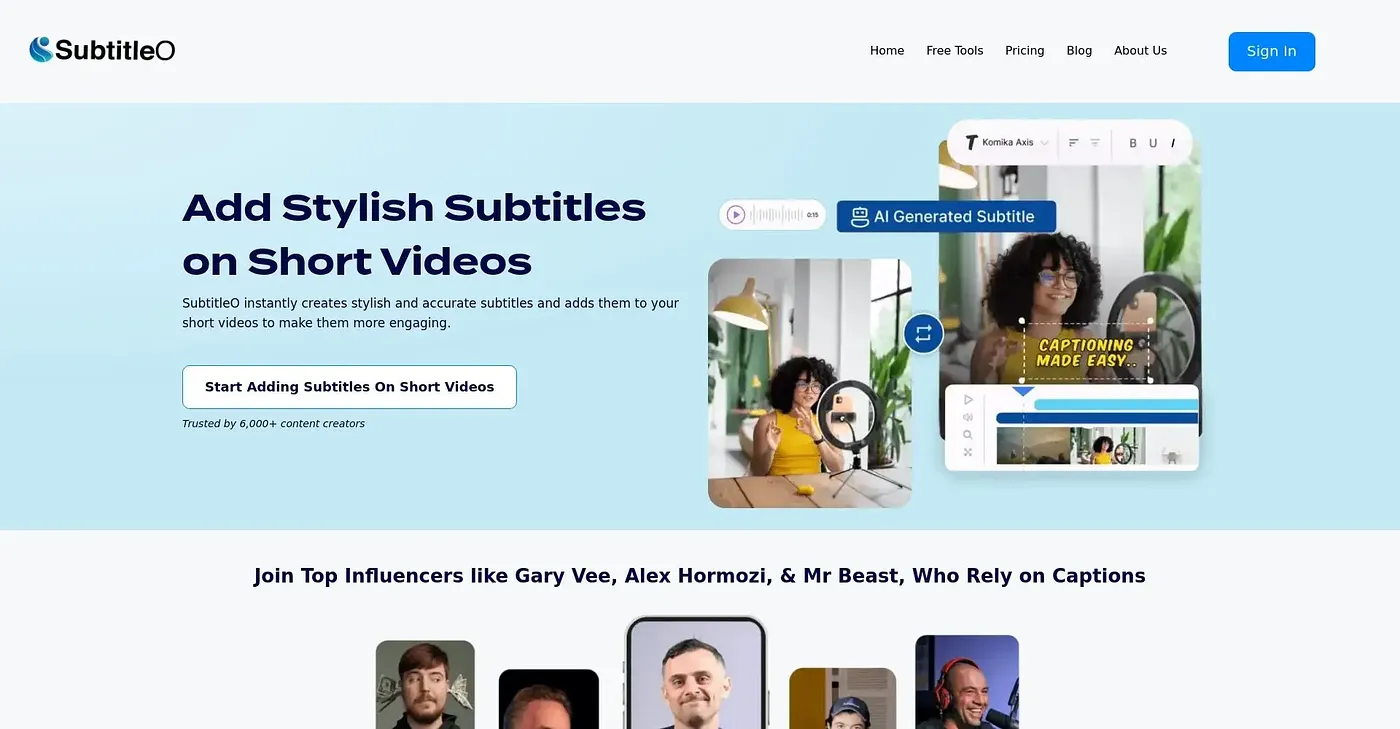
At a glance
3.8 out of 5
Scored by Alex after real useOur verdict
It protects data and warns about suspicious links, but falls short in explaining how exactly it does so.
✓What it does well
✕Where it falls short
Key features
Questions about Subtitle O
What does Subtitle O do?
Subtitle O is a web tool that protects against untrusted video sources. It monitors video sources, detects untrusted resources to protect user data, and shows warnings about potentially dangerous links. Users can also customize warnings to identify specific dangerous links.
How much does Subtitle O cost?
Subtitle O costs $5 per month, according to the price the vendor published in September 2026. There is no free tier, so a paid plan is needed to use the service fully, even for basic protection.
What are the drawbacks of Subtitle O?
The reviewer's main complaint is that Subtitle O does not explain in detail how it scans and protects content. It also does not list supported websites or detailed terms of service, and it has no free tier, so even basic protection requires paying.
Who is Subtitle O for?
Toolio recommends Subtitle O for video content creators who want warnings about suspicious links and untrusted video sources. Toolio lists privacy-concerned users as a poor fit for the tool. The reviewer credits it with protecting data and flagging suspicious links.
What are some alternatives to Subtitle O?
Toolio lists FlexClip, CrePal AI and DreamFace as alternatives to Subtitle O, all of which focus on making videos quickly with AI. Subtitle O itself scores 3.8 out of 5 from Alex, who reviewed it on 3 Oct 2026 after real use.