
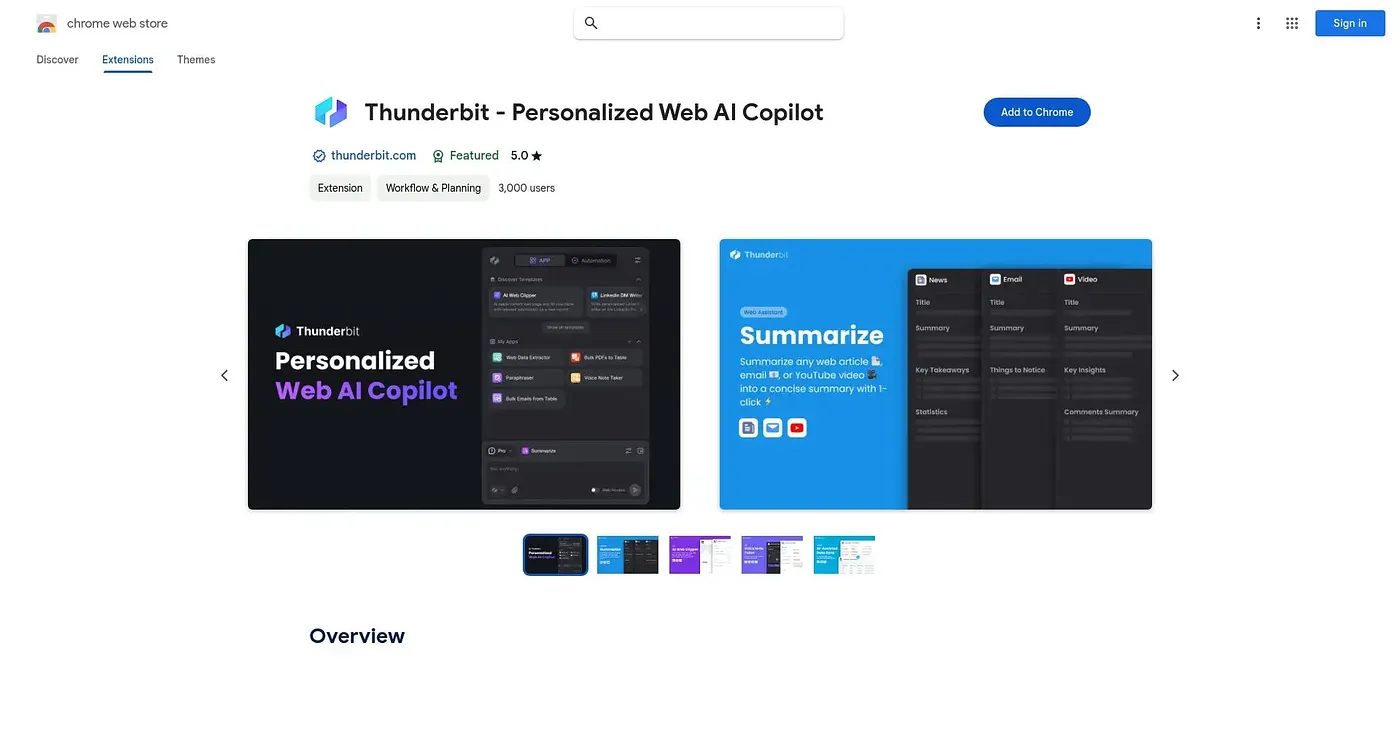
Thunderbit Chrome Extension
Reads a webpage like a human and turns it into a spreadsheet in two clicks.
At a glance
Starts at
Free
Listed as free on the Chrome Web Store.
Free tier
Yes
Platforms
Chrome
Best for
Teams needing lead lists or price data without coding
Not for
Anyone needing complex custom scraping logic
4.6 out of 5
Scored by Alex after real useOur verdict
Thunderbit points ChatGPT, Gemini and Claude at a webpage and structures the data automatically, following subpages, pagination and infinite scroll without writing a script, then exports to Excel, Sheets, Airtable or Notion. It's aimed at people who need lead lists, price tracking or general data collection without a coding background, which explains its low learning curve and 200,000-plus user base. Scheduled monitoring and premium extraction sit behind a free trial, so ongoing heavy use eventually depends on upgrading beyond the free tier.
✓What it does well
No-code AI scrapingExtracts structured data from any page without writing scripts.
Automatic subpage enrichmentFollows subpage links to add extra detail to each row.
Pagination and scroll handlingAutomatically works through pagination and infinite scroll.
✕Where it falls short
Premium features are trial-limitedPremium features are only available through a free trial before requiring payment.
AI accuracy varies by pageHow well the AI structures data still depends on how consistent the page layout is.
Not for highly custom logicIt's built for common scraping needs, not complex, highly custom extraction logic.
Key features
AI-powered data extractionUses ChatGPT, Gemini and Claude to structure webpage data.
Subpage and pagination scrapingFollows subpages and handles pagination or infinite scroll automatically.
Scheduled scrapingRuns scraping tasks on a schedule to monitor changes.
Multi-destination exportExports data to Excel, Google Sheets, Airtable or Notion.