
Transcript AI Study Compa - Chrome Extension
An AI study companion that answers questions on any webpage and remembers your uploaded notes for context.
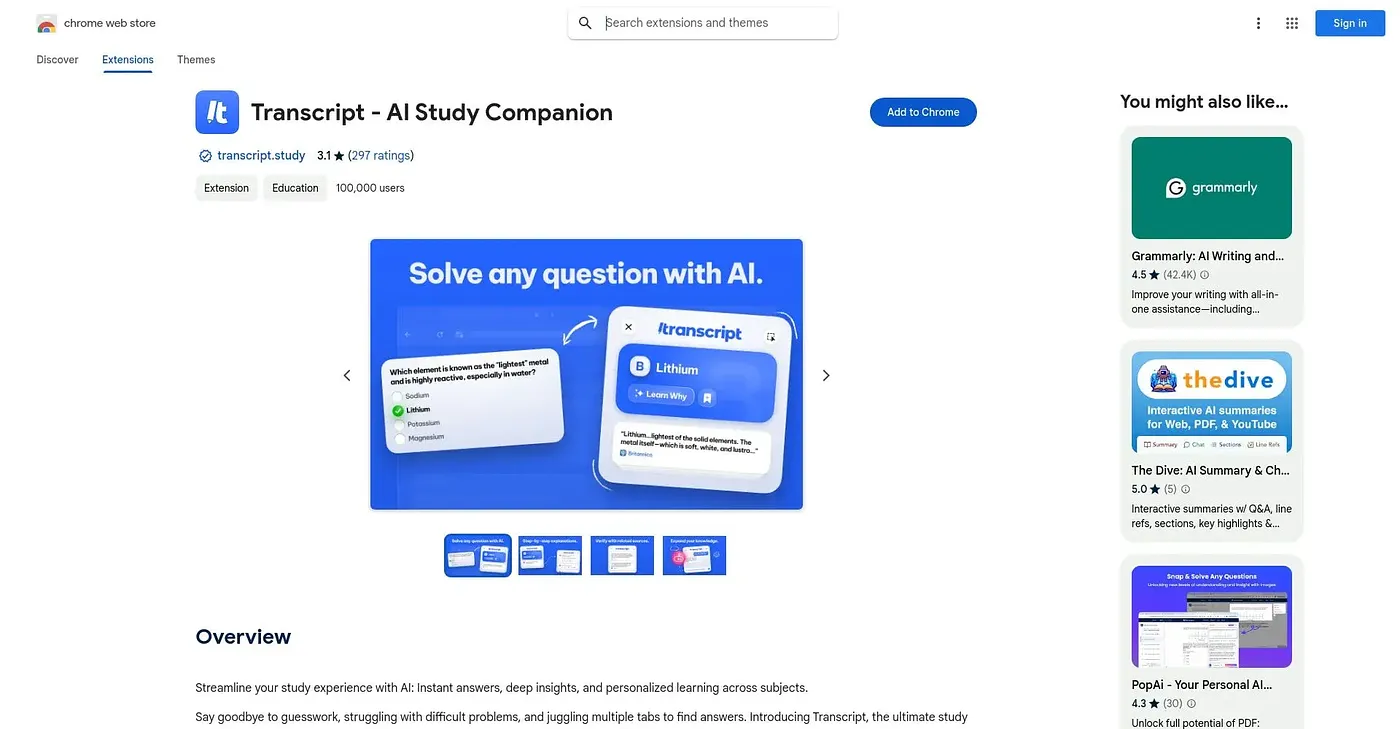
At a glance
Starts at
Free
Listed as free on the Chrome Web Store.
Free tier
Yes
Platforms
Chrome
Best for
Students needing quick explanations across all subjects
Not for
Students wanting a no-signup instant answer tool
3.3 out of 5
Scored by Alex after real useOur verdict
Transcript works as a study sidekick that sits on top of any webpage: highlight a question and it returns an answer with an explanation, drawing on notes you've uploaded to its notebook when relevant. It covers a broad range of question types and subjects rather than one narrow use case, and voice input lets you ask follow-ups without typing. Using it means creating an account first, and since accuracy claims aren't backed by specifics, harder material is worth double-checking.
✓What it does well
Instant explanationsHighlight a question on any page to get an answer plus a step-by-step explanation.
Notebook contextUploaded notes and lecture materials give the AI context for more relevant answers.
Broad subject rangeHandles multiple-choice, math, short answer, and visual questions across many subjects.
✕Where it falls short
Account requiredYou have to log in before using it, so it's not a no-signup, install-and-go tool.
Still mostly textVoice input is offered but core interaction is still text selection and chat, not a fully hands-free study tool.
Unverified accuracyNo details are given on subject accuracy beyond general claims, so results likely need double-checking on harder material.
Key features
Instant answersHighlight any question on a page to get an AI-generated answer and explanation.
Any subject supportHandles multiple-choice, math, short answer, and visual questions across subjects.
Notebook uploadsUpload notes and lecture materials so answers can draw on your own course content.
Voice follow-upsAsk follow-up questions by voice for hands-free review of a topic.