
Ultimate Toolbar GPT – Fo Extension
Selects text anywhere online and generates replies, translations, or summaries by voice or typed command.
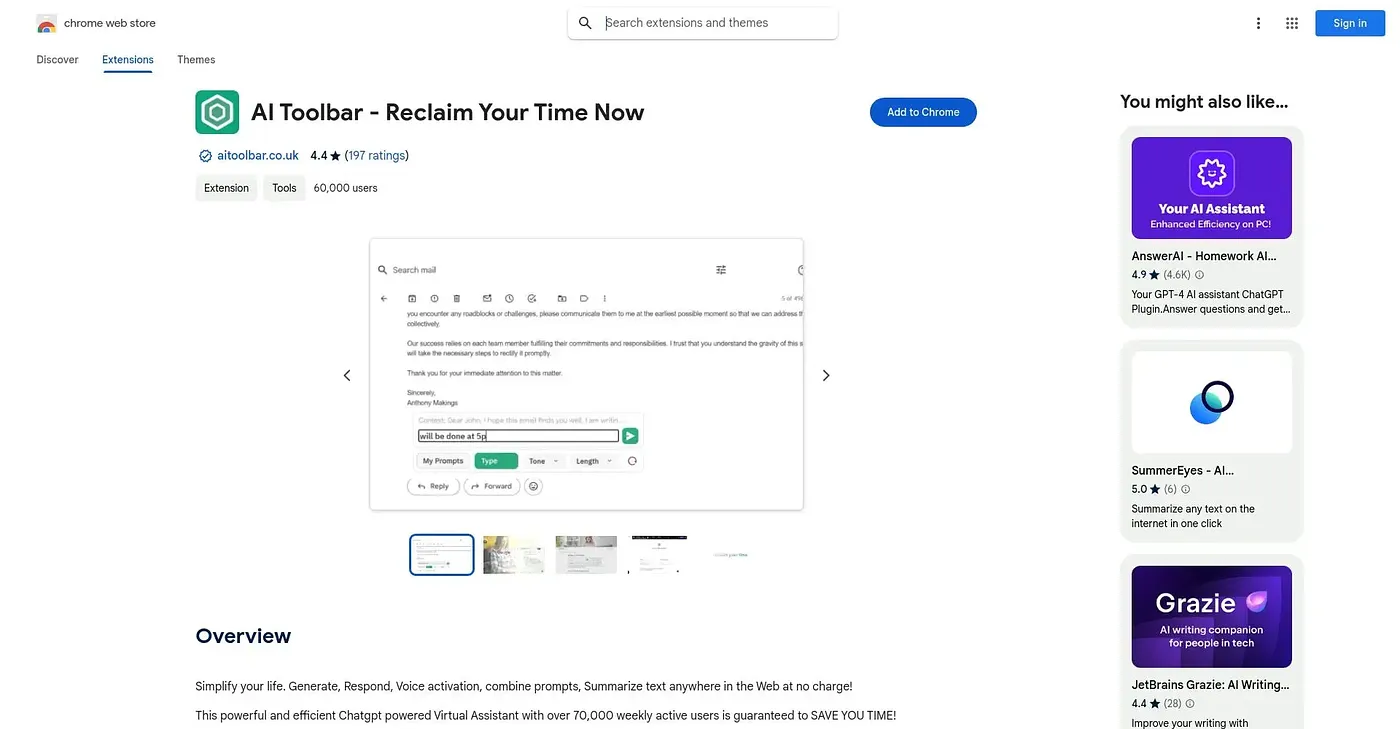
At a glance
Starts at
Free
Listed as free on the Chrome Web Store.
Free tier
Yes
Platforms
Chrome, API
Best for
Professionals replying to email and content in bulk
Not for
Users wanting a simple single-feature writing tool
3.9 out of 5
Scored by Alex after real useOur verdict
AI Toolbar lets you select text anywhere on the web, then speak or type a command to translate, summarize, paraphrase, or draft an email reply on the spot. It's aimed at professionals handling a heavy volume of email and text who want a voice- or text-driven shortcut rather than opening a separate AI chat. Getting the most out of it means learning its 300-plus combinable prompt options, an account is required before use, and extras like undetectable AI and video generation sit apart from the core feature without much explanation.
✓What it does well
Select-and-respondSelect any text on a page and speak or type a command to act on it.
Large prompt libraryBuilds prompts from over 300 combinable tones, types, lengths, and purposes.
Voice commandsCarries out spoken commands without needing buttons or extra typing.
✕Where it falls short
Prompt setup overheadGetting tailored output means combining from over 300 prompt options rather than a single default setting.
Account requiredRequires signing up or logging in before you can select text and start using it.
Automation add-ons separateExtra tools like undetectable AI and video generation sit apart from the core feature, without clear detail on how they're accessed.
Key features
Select-and-respondSelect any text on a page and speak or type a command to act on it.
Email reply draftingDrafts email replies automatically with minimal input from you.
Prompt builderBuilds prompts from over 300 combinable tones, types, lengths, and purposes.
Export to Word or PDFExports generated output directly to Word or PDF format.