
Upscayl
Free online upscaling; great for photos, posters.
At a glance
4.0 out of 5
Scored by Alex after real useOur verdict
Upscayl turns low-res images to high-quality 4K quickly. Best for those needing frequent upscale jobs but tight on budget. Skip if you need batch processing at scale or constant high-resolution uploads.
✓What it does well
✕Where it falls short
Key features
Questions about Upscayl
What does Upscayl do?
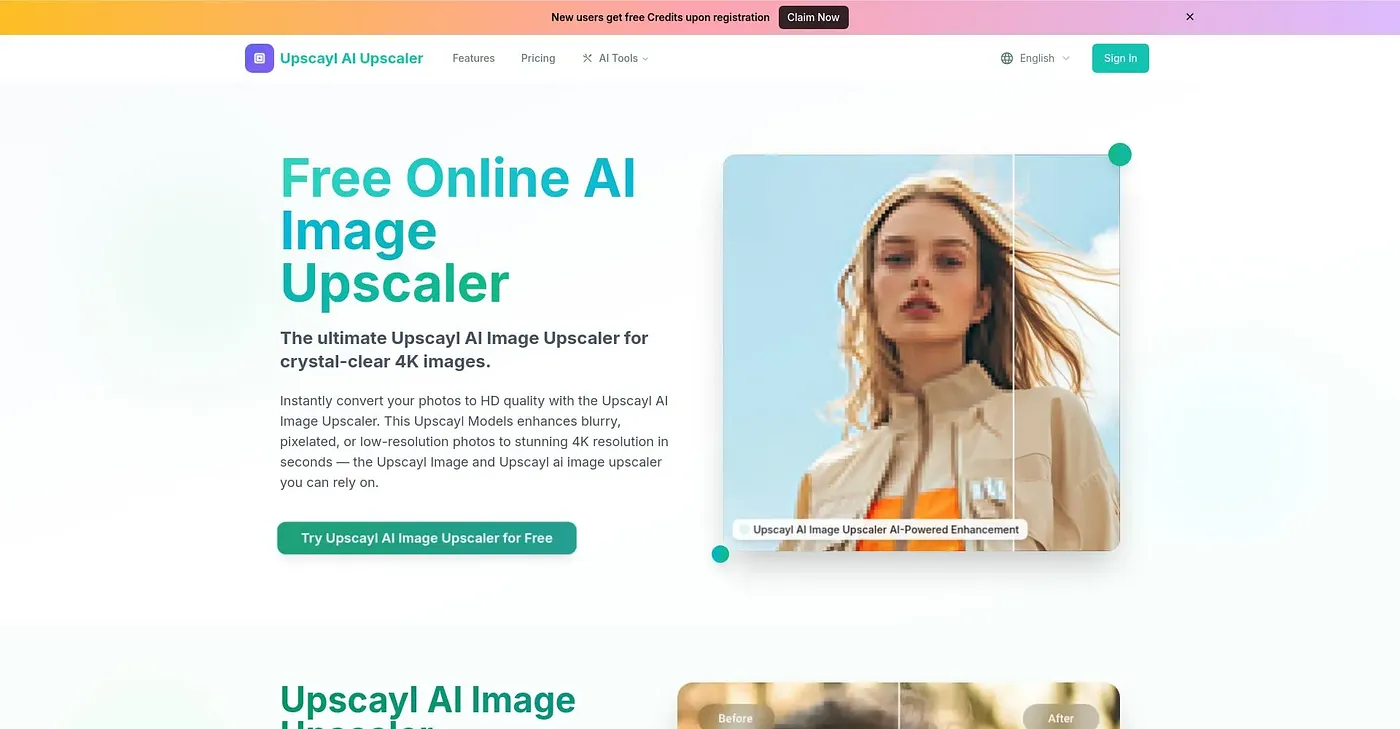
Upscayl is an online AI image upscaler that turns low-resolution images into high-quality 4K results, removing blur and noise along the way. It can increase resolution up to 8 times while preserving natural textures, which suits photos, posters and high-quality prints.
Is Upscayl free?
Upscayl has a free plan, but it is limited to five images per day. Paid use starts at $4.50 per month, and the reviewer notes that the Starter pack also limits daily uploads. The verdict calls it a good choice for frequent upscaling on a tight budget.
Can Upscayl process images in bulk?
No. Upscayl processes only one image per upload session and offers no batch processing, so Toolio lists it as a poor fit for content creators who need batch processing at scale. It is aimed instead at photographers and designers.
What enhancement modes and formats does Upscayl support?
Upscayl offers several enhancement modes, including Portrait, Anime and Face Restore, and users can upload a file or paste a URL to start. Results can be saved as JPG, PNG or WEBP files, and the tool can also remove watermarks from images online.
Does Upscayl have a mobile app?
No. Upscayl runs on the web and does not offer a dedicated mobile application, which the reviewer lists among its shortcomings for on-the-go use. Toolio has listed it since July 2026, and Alex gives it a score of 4.0 out of 5.