
Veo 3.1
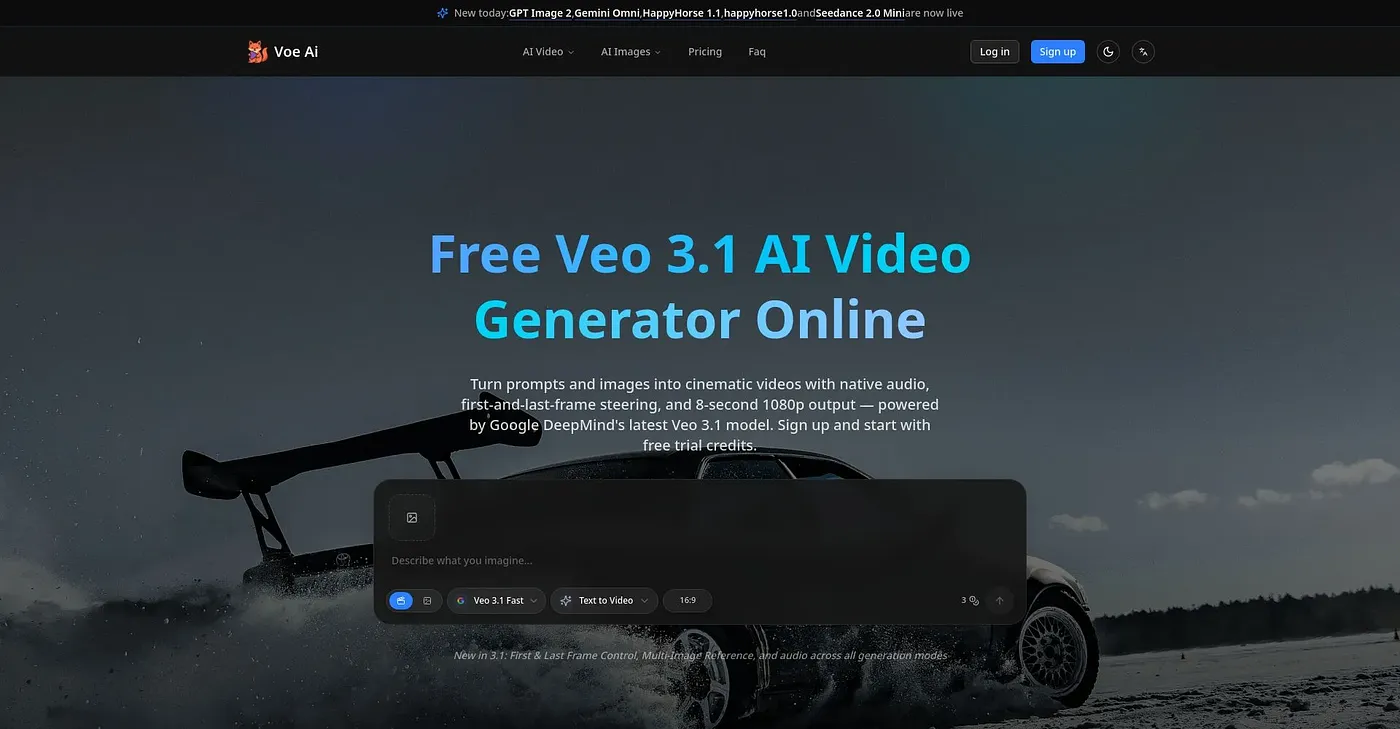
Turn prompts and images into cinematic videos with Veo 3.1 — first & last frame control.
At a glance
3.8 out of 5
Scored by Alex after real useOur verdict
Veo 3.1 excels at text-to-video, reference images, and audio integration. It’s perfect for quick video creation but lacks more advanced editing features.
✓What it does well
✕Where it falls short
Key features
Questions about Veo 3.1
What can you do with Veo 3.1?
Veo 3.1 turns text prompts and images into cinematic videos with synchronized audio. Users can define start and end frames for smooth transitions, such as time-lapses or morphing shots, and upload up to three reference images to keep style and branding consistent across generated videos.
How long are Veo 3.1 videos?
Veo 3.1 generates videos up to 8 seconds long per scene. The reviewer lists this as a shortcoming, noting that it produces only up to 8 seconds of video per scene without additional costs, and that generated videos cannot be edited beyond basic insertion and removal.
How much does Veo 3.1 cost?
Veo 3.1 has two plans, Starter at $9.90 per month and Pro at $23.90 per month. There is no free tier or free trial, though the reviewer notes that new users get limited credits upon sign-up.
Who is Veo 3.1 for?
Toolio lists Veo 3.1 as best for individual creators and small teams, and not for large enterprise production workflows. The reviewer says it is well suited to quick video creation but lacks more advanced editing features. Alex scored it 3.8 out of 5 after real use on 5 Oct 2026.
What are some alternatives to Veo 3.1?
Toolio lists Wan 2.7, Vidful.ai and Reeler AI as alternatives to Veo 3.1. Wan 2.7 turns text into videos in minutes, Vidful.ai converts text and images to videos quickly but lacks advanced effects, and Reeler AI offers only basic features in its free version.