
Veo 4
Create cinematic videos and edit images with text prompts.
At a glance
3.8 out of 5
Scored by Alex after real useOur verdict
Veo 4 excels at generating professional-quality video from simple text inputs but requires text to function effectively. It’s not ideal for those needing detailed control over every frame or audio element.
✓What it does well
✕Where it falls short
Key features
Questions about Veo 4
What does Veo 4 do?
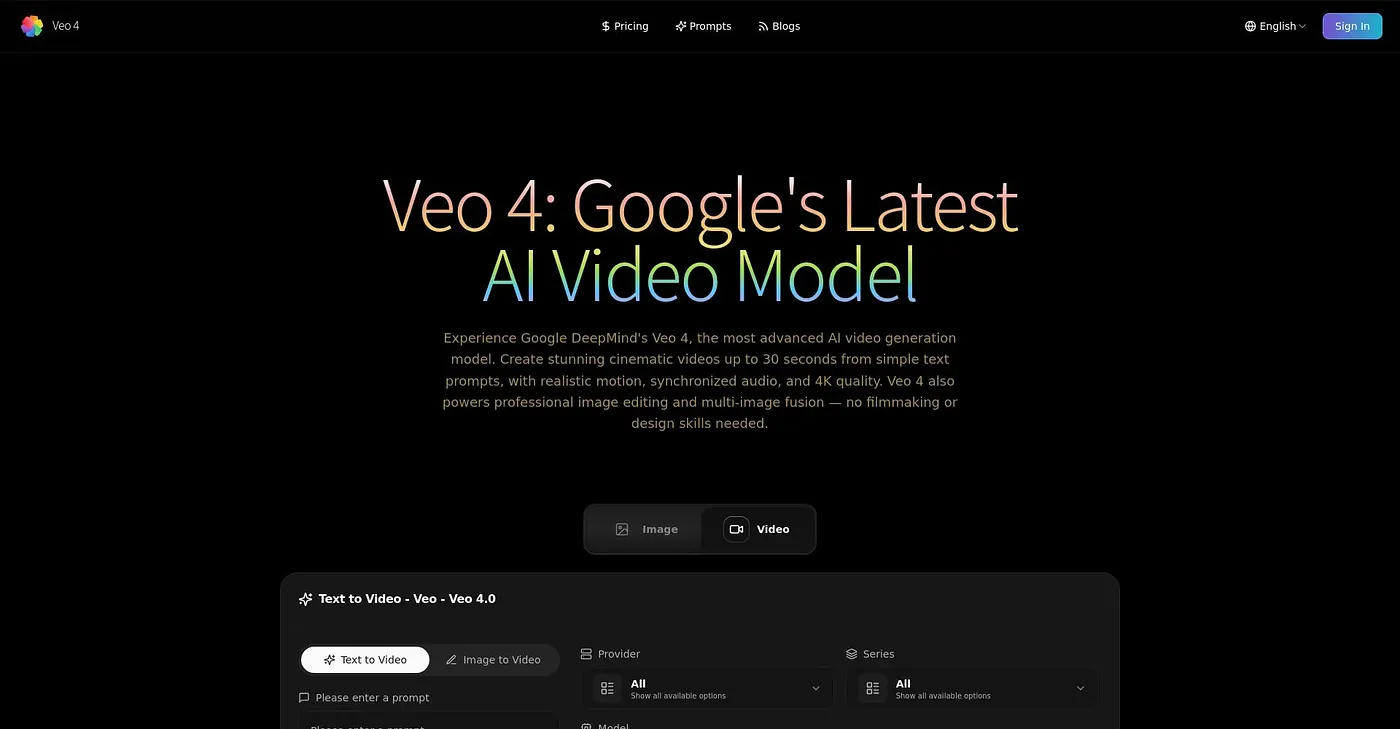
Veo 4 creates cinematic videos and edits images with text prompts. It turns prompts into cinematic clips up to 30 seconds long, delivered as broadcast-quality MP4s with embedded audio, and it can fuse and edit multiple images based on provided references. It draws on multiple AI models to generate and edit content.
How much does Veo 4 cost per month?
Veo 4 starts from $10 per month, which includes up to 180 videos per year with priority speed and no watermark. There is no free tier, additional features cost extra, and the reviewer notes that pricier plans add more models and faster generation but require a higher credit purchase.
Does Veo 4 give frame-by-frame control?
No. The reviewer notes that Veo 4 cannot tweak specific frames or animations and relies on text prompts for detailed scenes. It needs precise written instructions to produce results, so it is not ideal for visual artists or for anyone needing detailed control over every frame or audio element.
Can Veo 4 videos be used commercially?
Yes. Veo 4 includes a commercial use license for professional projects, though full access requires payment. Toolio lists it as best for creative professionals and marketers, and the reviewer praises its simple interface, where users enter prompts and adjust settings in three straightforward steps.
How does Toolio rate Veo 4?
Veo 4 holds a Toolio score of 3.8 out of 5, given by Alex after real use on 3 Oct 2026. It runs on the web, and Toolio lists WanVideo AI, AI Video Generator, Spicygen and Automate Clips as alternatives.