
Video To Page
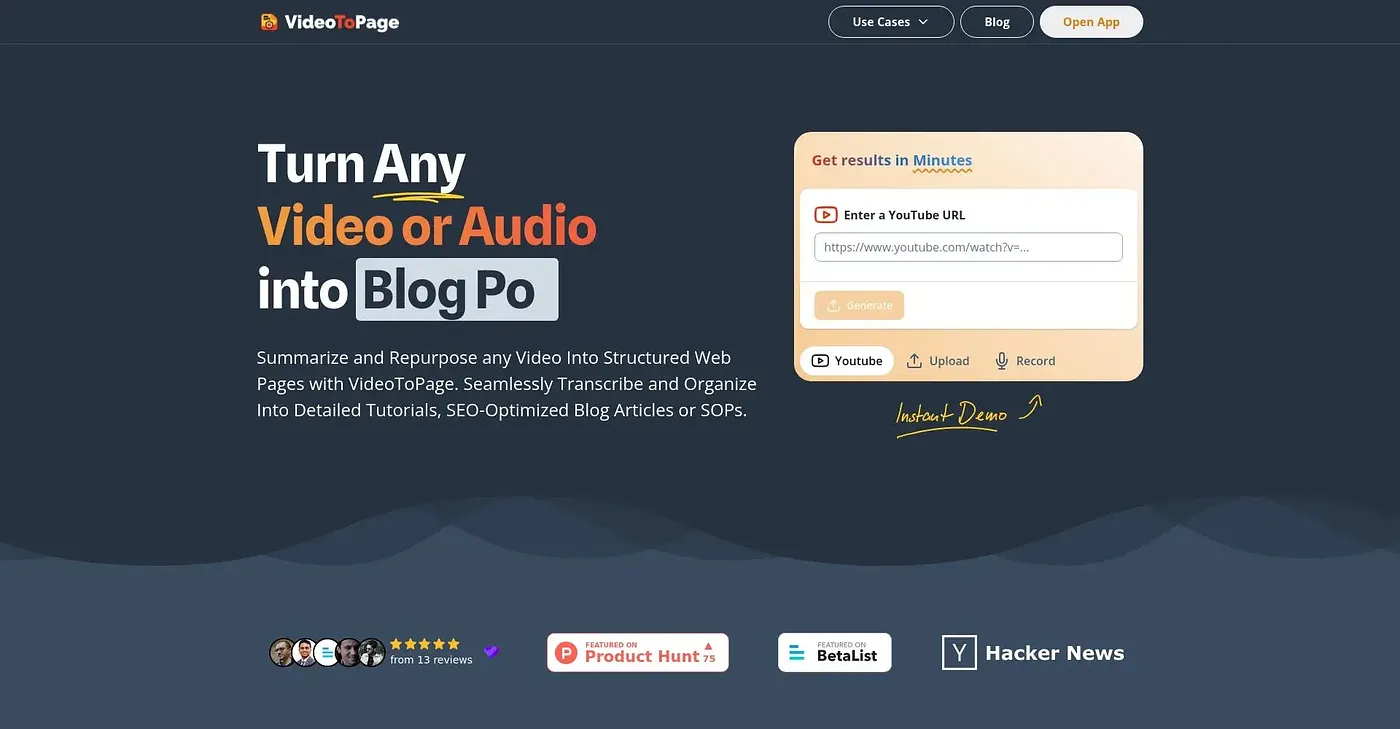
Transforms videos into blog posts and social media content instantly but lacks free tier access.
At a glance
3.8 out of 5
Scored by Alex after real useOur verdict
Automates video-to-content conversion with a one-click process. Trusted by numerous clients for diverse projects. However, only paid users can benefit from its features.
✓What it does well
✕Where it falls short
Key features
Questions about Video To Page
What can you do with Video To Page?
Video To Page transforms videos into blog posts, social media content and marketing materials in a one-click process. It automatically transcribes and analyzes the audio, then schedules the content for multiple platforms or publishes it immediately through automation workflows. The vendor says it supports over 1,000 video sources.
Does Video To Page have a free plan?
No. Video To Page has no free tier, so every feature requires payment. The paid plan starts at $9 per month and includes unlimited video uploads, basic generators and scheduled posts up to three times a week. The reviewer adds that higher-tier plans with advanced analytics cost more than the base price.
Who is Video To Page best for?
Toolio lists content creators, agencies and startups as the best fit for Video To Page, since it automates turning video into written and social content. Individual bloggers with low budgets are listed as a poor fit, because there is no free tier and advanced features sit on higher-priced plans.
How much time does Video To Page save?
The vendor says Video To Page saves up to 10+ hours per video through one-click automation. It handles transcription, content generation and scheduling in a single flow, which the reviewer lists among its main strengths alongside SEO-optimized blog posts and support for many social media platforms.
What are the limitations of Video To Page?
The reviewer points to three limits in Video To Page. There is no free tier, basic features are not customizable, and higher-tier plans with advanced analytics need extra payment beyond the base plan. It scores 3.8 out of 5 on Toolio, scored by Alex after real use on 3 Oct 2026.