
VideoPlus.AI
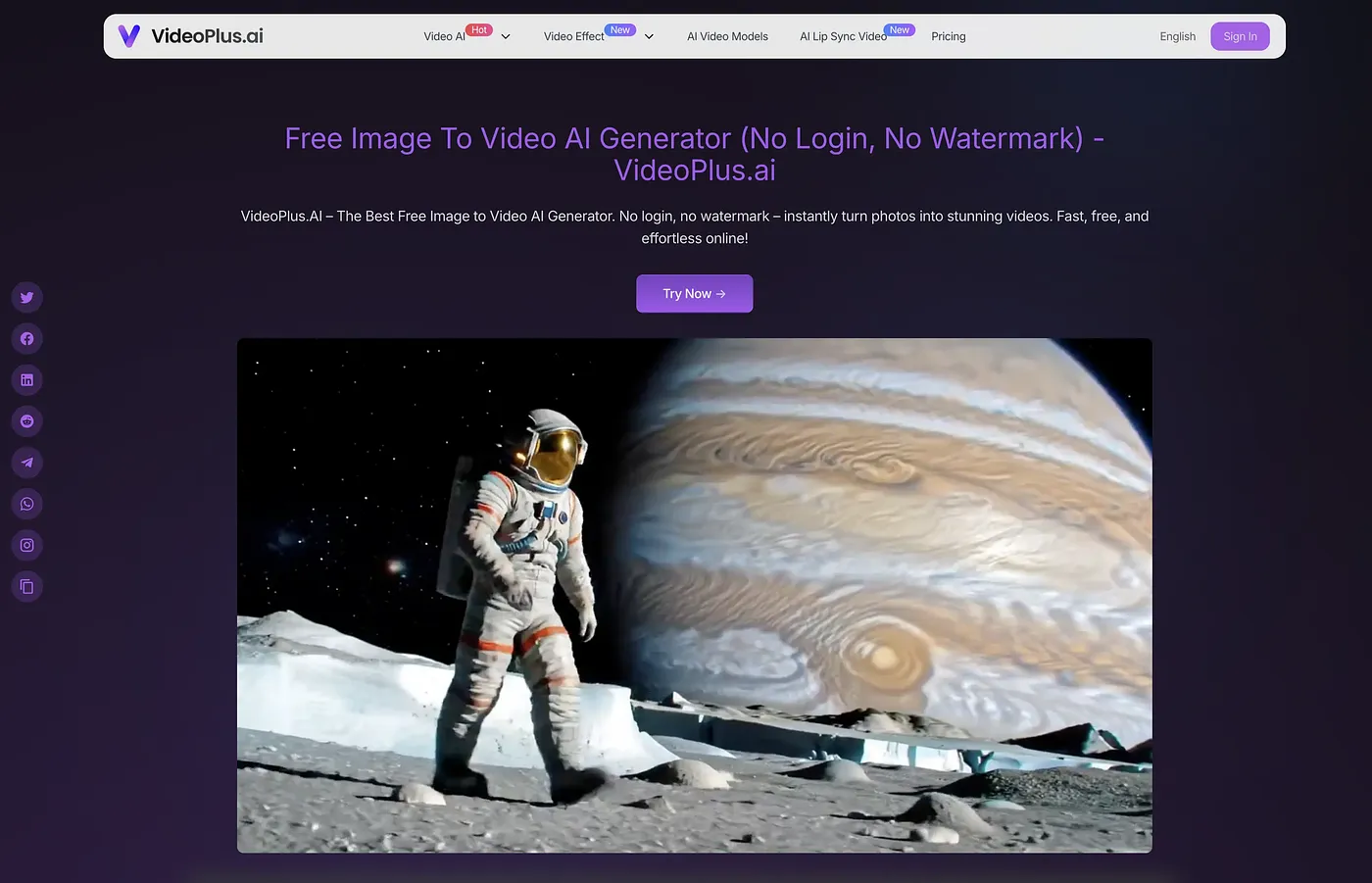
Turn images into videos instantly with AI. Fast and free, but lacks advanced editing features.
At a glance
4.0 out of 5
Scored by Alex after real useOur verdict
VideoPlus.ai lets you easily turn photos into videos for free. It's perfect for beginners who want a simple tool to create basic animations. If you need more advanced editing options or higher resolution outputs, consider other tools.
✓What it does well
✕Where it falls short
Key features
Questions about VideoPlus.AI
What does VideoPlus.AI do?
VideoPlus.AI turns images into short videos in seconds using AI. Users can add text prompts to request specific animations or effects, and creations can be organized in saved collections. The reviewer describes it as a simple tool for making basic animations from photos.
Is VideoPlus.AI free?
VideoPlus.AI has a free plan with limited features, and more generations need additional credits. Paid plans are Basic at $15.20 per month, with up to 220 image generations and 400s of video generation, and Professional at $47.90 per month, with up to 770 image generations, 770s of video generation and priority processing.
Can VideoPlus.AI make long videos?
No. The free plan of VideoPlus.AI restricts video length to only a few seconds, and Toolio lists it as not for users requiring long videos. The reviewer suggests other tools for anyone who also needs higher resolution outputs or advanced editing.
What are the limitations of VideoPlus.AI?
The reviewer notes that VideoPlus.AI has no advanced editing tools or effects beyond basic transitions. Videos on the free plan are only a few seconds long, and higher tiers that offer more credits come at extra cost. It suits beginners who want quick video creations more than users with advanced needs.
How does Toolio score VideoPlus.AI?
VideoPlus.AI scores 4.0 out of 5 on Toolio, scored by Alex after real use on 3 Oct 2026. The reviewer calls it a good fit for beginners who want to turn photos into simple videos. It has been listed on Toolio since March 2025, with Woxo and MiniMax H3 among its alternatives.