
WebQuery
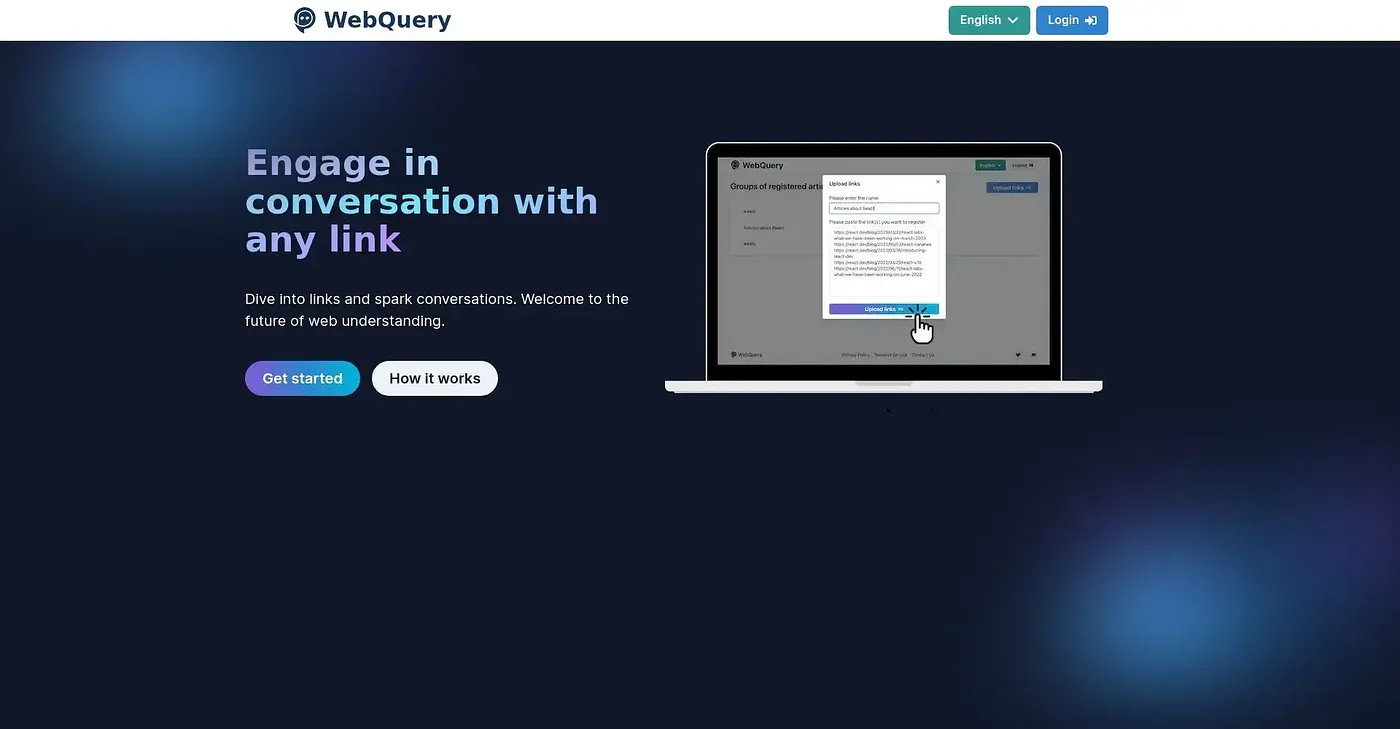
Start a conversation with any link. Dive into articles and spark discussions.
At a glance
4.0 out of 5
Scored by Alex after real useOur verdict
WebQuery lets you interact directly with web content but can be limited in features compared to more comprehensive tools like Notion or Trello. It’s great for quick queries but not suited if you need advanced project management capabilities.
✓What it does well
✕Where it falls short
Key features
Questions about WebQuery
What is WebQuery?
WebQuery lets users start a conversation with any link. It provides a conversational interface for asking questions about an article and getting answers based on its content, so readers can engage with the material without reading the full text. Users can also track their questions after they are answered.
Is WebQuery free?
WebQuery has a Basic plan at $0 per month with limits, covering up to five groups of articles and 10 links per month. The Premium plan costs $10 per month and is listed as unlimited.
What does WebQuery Premium add?
WebQuery Premium, at $10 per month, lets users upload up to 50 links at once and register more than five sets of articles. The reviewer notes the free tier has a low question limit and limited registration capacity, while Premium is listed as unlimited.
What AI does WebQuery use?
WebQuery relies on ChatGPT for its responses. The reviewer lists this dependence on a third-party service as a shortcoming, since it may affect reliability and speed. Answers are based on the content of the articles a user registers.
Who is WebQuery for?
WebQuery suits curious readers and researchers who want quick answers from web content. It is not for researchers with extensive needs, and it lacks advanced project management or collaboration tools compared with tools like Notion or Trello. Alex scored it 4.0 out of 5 on 5 Oct 2026.