
WordCounter.net
Quickly count words and check for grammar mistakes.
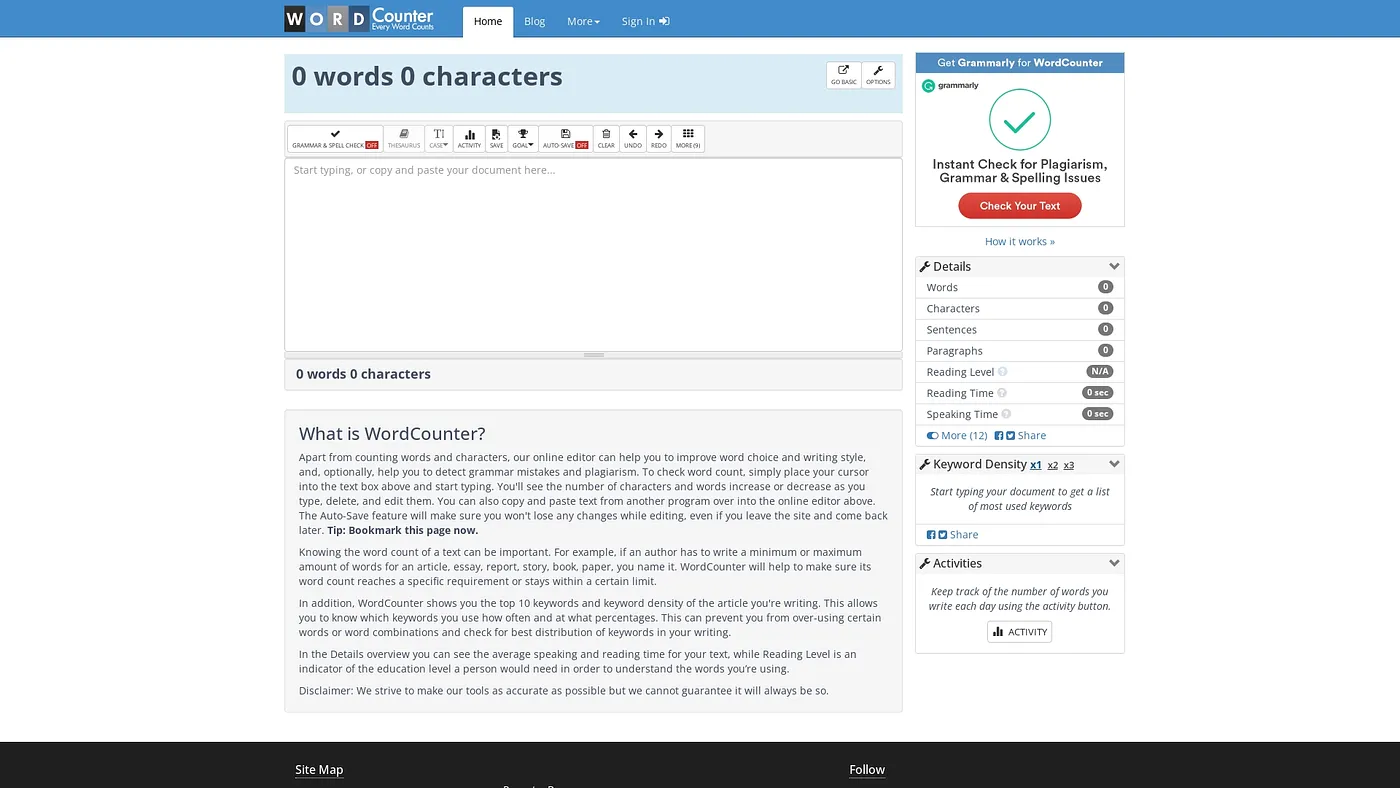
At a glance
4.5 out of 5
Scored by Alex after real useOur verdict
WordCounter is great for checking word counts and keyword density, but lacks advanced analysis tools. It’s a simple solution that works well within certain limits but may fall short with complex projects or large documents.
✓What it does well
✕Where it falls short
Key features
Questions about WordCounter.net
What does WordCounter.net do?
WordCounter.net counts words and characters quickly with no setup, and checks text for spelling and grammar mistakes. The reviewer says it works well for checking word counts and keyword density, and it also includes a thesaurus for better word choice.
Is WordCounter.net free?
Yes. WordCounter.net is free, with a Free plan at $0, and no paid plan was found on the vendor's site in September 2026. Toolio describes the free tier as limited, and the tool runs in a web browser.
Does WordCounter.net save your work?
Yes. WordCounter.net saves work automatically, even if the browser tab is closed, and it stores multiple versions of a document for easy access later. The reviewer lists auto-save and version storage among its main strengths.
What are the downsides of WordCounter.net?
The reviewer notes that WordCounter.net gives no detailed editing suggestions beyond basic grammar checks, and it cannot email or share documents directly from the tool. The verdict adds that it may fall short on complex projects or large documents, so Toolio says it is not for complex academic writers.
How does Toolio rate WordCounter.net?
Alex scored WordCounter.net 4.5 out of 5 after real use on 5 Oct 2026, and Toolio lists it as best for marketing writers and SEO specialists. The verdict calls it a simple solution that works well within certain limits.