
Write Tone
Paraphrase and adjust tone, but limited use of AI Humanizer.
At a glance
4.0 out of 5
Scored by Alex after real useOur verdict
WriteTone is great for quick paraphrasing and toning. It’s not ideal if you need frequent bypasses or more advanced features.
✓What it does well
✕Where it falls short
Key features
Questions about Write Tone
What can you do with Write Tone?
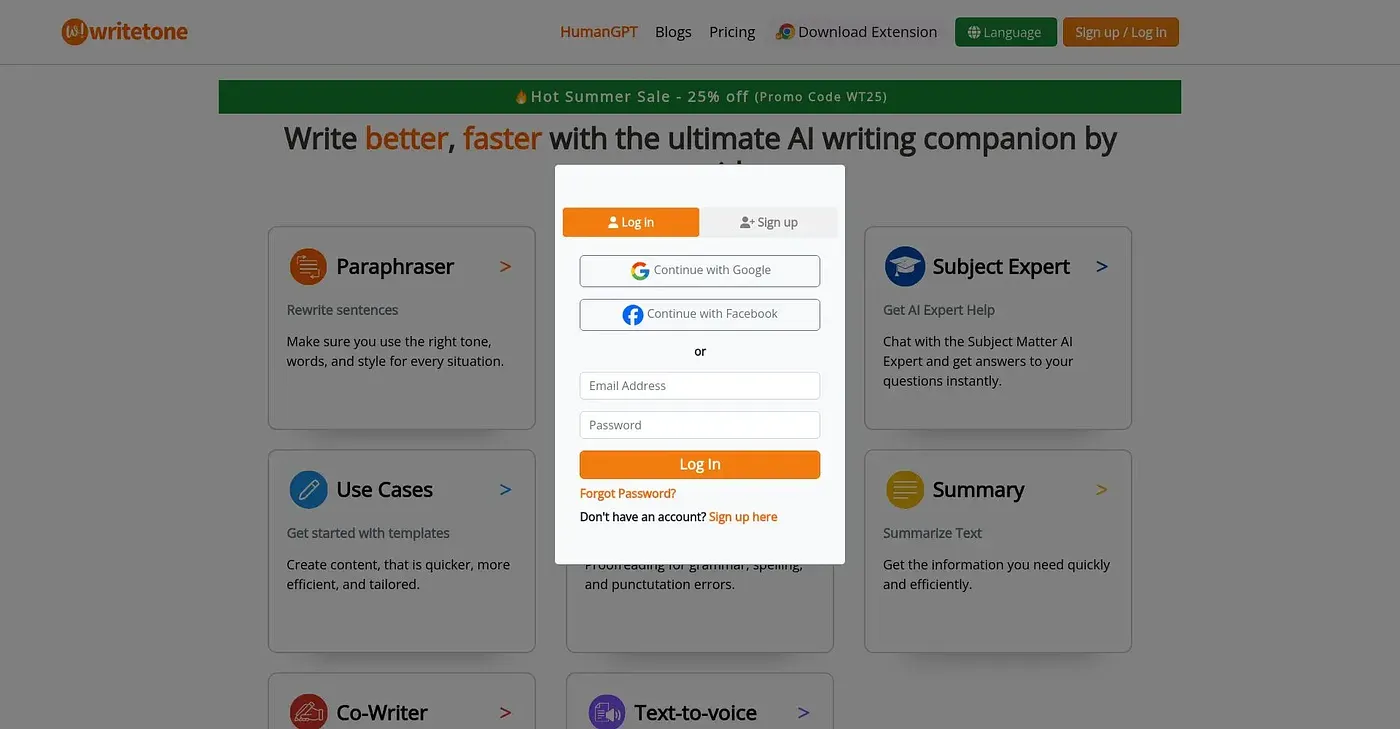
Write Tone paraphrases text and adjusts its tone, rewriting sentences with the right tone, words and style. Users can choose from over 90 different tones, start from 91 use case templates, and ask an AI Tutor for instant answers to subject questions. It also includes a limited AI Humanizer.
How much does Write Tone cost?
Write Tone has a free version with limited features. The Monthly Plus Plan costs $15.82 per month, and the Yearly Plus Plan with 2 months free costs $189.90 per year. The Plus plan unlocks unlimited AI Humanizer uses.
Who is Write Tone for?
Toolio lists Write Tone as best for content creators, students and professionals who want quick paraphrasing and tone changes. It is not for developers who need API access. Alex scored it 4.0 out of 5 after real use on 5 Oct 2026.
What are the limits of Write Tone's free plan?
The free plan of Write Tone includes only a limited number of AI Humanizer uses, while the Plus plan makes them unlimited. The free version also offers no API integration, and the reviewer says the tool is not ideal for anyone who needs frequent bypasses or more advanced features.
What are some alternatives to Write Tone?
Toolio lists Isavant AI, AudioRead, Saze AI and Wavel AI as alternatives to Write Tone. AudioRead converts articles and emails, Saze AI transcribes audio to text, and Wavel AI turns scripts and videos into share-ready content with AI voice cloning.