
Writetone AI Writing Assistant Extension
A Chrome tool for switching a document's tone on demand, from formal reports to casual posts.
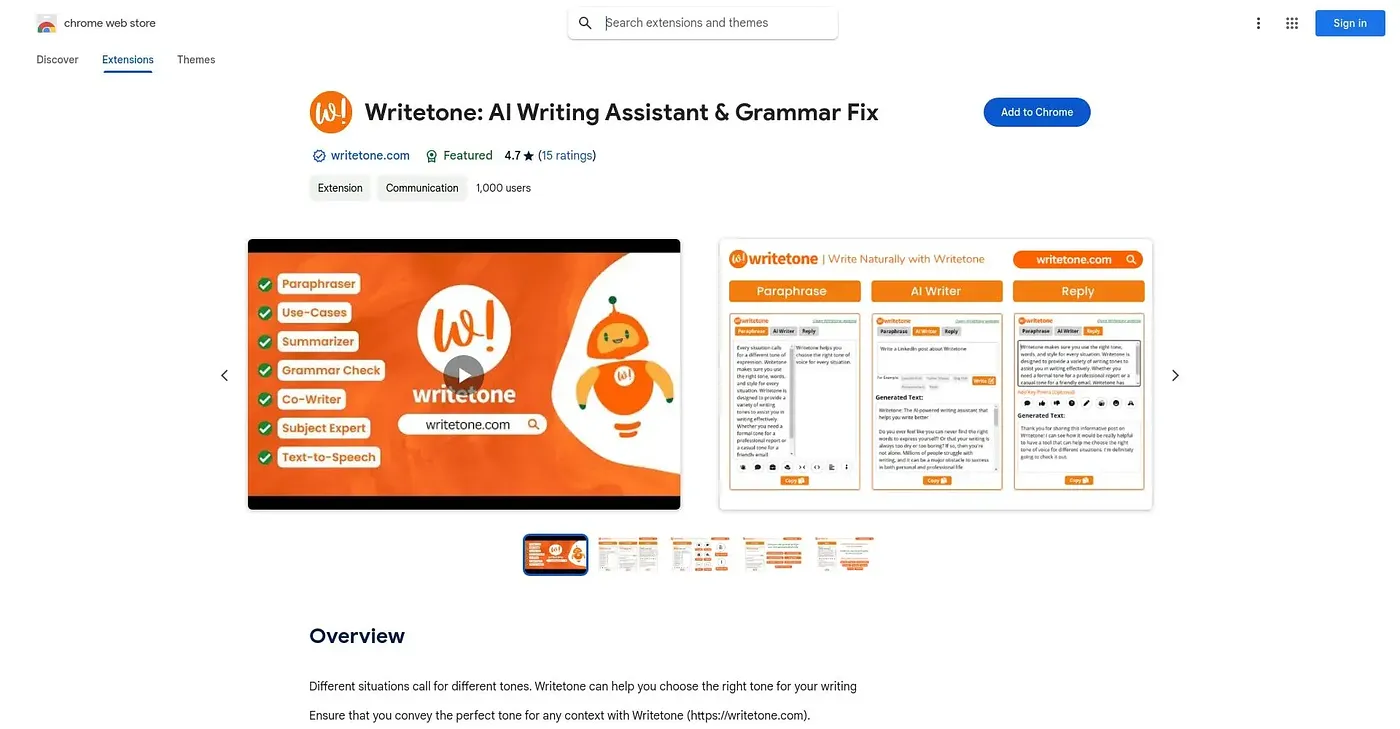
At a glance
3.9 out of 5
Scored by Alex after real useOur verdict
Pick a tone in Writetone and the extension rewrites phrasing to match it, scanning keywords in the document to keep that tone consistent from start to finish. Favorite tones can be saved so a writer is not resetting preferences every session. The available presets are built for common writing situations, so anything unconventional or highly specific tends to need manual polishing afterward. There is no cost beyond installing the free extension.
✓What it does well
✕Where it falls short
Key features
Questions about Writetone AI Writing Assistant Extension
What does Writetone AI Writing Assistant Extension do?
Writetone AI Writing Assistant Extension is a Chrome tool for switching a document's tone on demand, from formal reports to casual posts. A user picks a tone and the extension rewrites the phrasing to match it, scanning keywords in the document to keep that tone consistent from start to finish.
Is Writetone AI Writing Assistant Extension free?
Writetone AI Writing Assistant Extension is free, and there is no cost beyond installing the extension. It is listed at $0 with no paid plan, though the vendor's site is offline, so Toolio found no current price.
Can Writetone AI Writing Assistant Extension save tone settings?
Yes. Writetone AI Writing Assistant Extension saves preferred tone settings in a tone library so they carry over to future documents, and users can tune tone parameters to their own preference. That means a writer does not have to reset preferences every session.
What are the drawbacks of Writetone AI Writing Assistant Extension?
The reviewer notes that tone options are limited to built-in presets rather than fully custom styles, and the extension struggles with unconventional or highly specific tonal requests, which tend to need manual polishing. It also works only inside Chrome, with no version for other browsers.
Who is Writetone AI Writing Assistant Extension best for?
Toolio lists Writetone AI Writing Assistant Extension as best for teams that write across multiple tones and channels. It is not for projects needing a distinctive, non-standard voice. Alex scored it 3.9 out of 5 after real use on 3 Oct 2026.