
Z-Image
A free web-based AI photo editor for background removal, style transfers and clothing swaps.
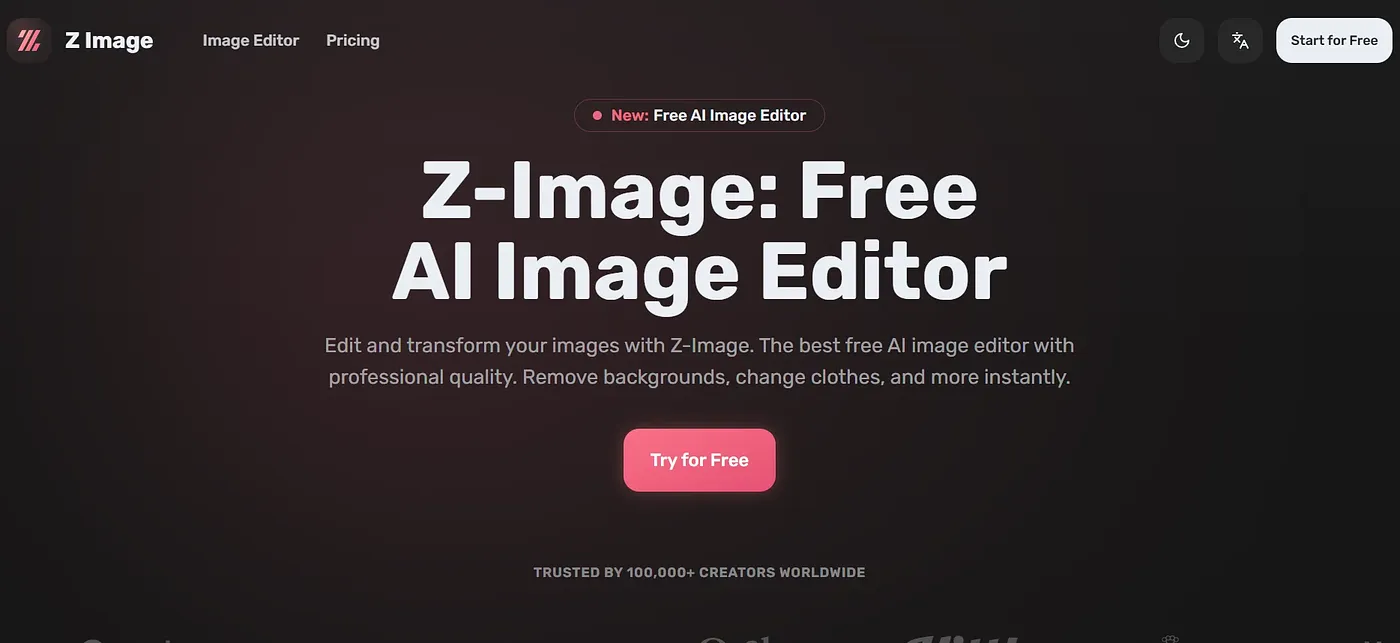
At a glance
3.9 out of 5
Scored by Alex after real useOur verdict
Z-Image is a free browser-based editor built on a 6B-parameter diffusion model that removes backgrounds, swaps clothing, expands images and applies style transfers in under a second. Everything runs through preset one-click tools rather than manual retouching, so precise pixel-level control isn't part of the offering. Casual users who want quick automated edits without installing software get the most from it, while anyone chasing fine-grained professional control will find the automation limiting.
✓What it does well
✕Where it falls short
Key features
Questions about Z-Image
What can Z-Image do?
Z-Image is a free browser-based photo editor built on a 6B-parameter diffusion model. It removes backgrounds, swaps clothing, expands images beyond the original frame, removes watermarks and converts photos into cartoon, anime or other art styles. It also renders text accurately in both English and Chinese within images.
How fast is Z-Image?
Z-Image processes edits in under a second, which the reviewer credits to its diffusion model. Background removal takes a single click, and every edit runs through preset one-click tools. The reviewer notes that automated results can still need manual touch-ups before professional use.
Is Z-Image free?
Z-Image is listed as free on the vendor's site, and Toolio lists no paid plan. It runs in the browser, so there is no software to install. Toolio lists it as best for casual creators who want to edit photos without software.
Is Z-Image good for professional photo editing?
Not for fine-grained work. Z-Image runs every edit through automated presets, without pixel-level manual adjustment tools, so Toolio marks it as not for professionals wanting fine manual control. It is also available only as a web app, not a desktop program.
How does Toolio score Z-Image?
Alex scored Z-Image 3.9 out of 5 on 4 Oct 2026 after real use. The reviewer praises its fast generation, one-click background removal and bilingual text rendering, while noting the lack of fine manual control and its web-only availability. Toolio has listed it since February 2026.