
AnvSoft
AnvSoft offers AI-driven video and photo enhancement tools.
At a glance
3.9 out of 5
Scored by Alex after real useOur verdict
Anvsoft excels at AI-based enhancements but lacks advanced manual controls for some users.
✓What it does well
✕Where it falls short
Key features
Questions about AnvSoft
What is AnvSoft?
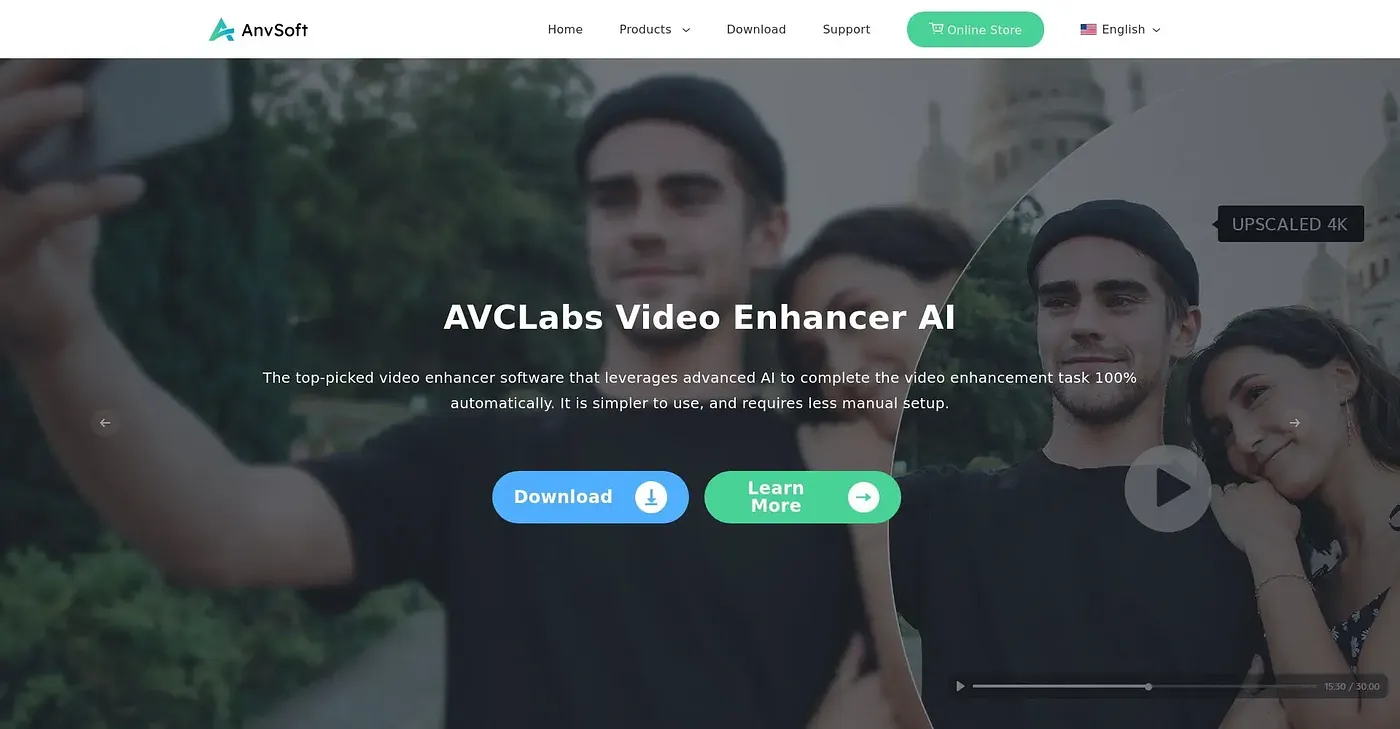
AnvSoft offers AI-driven tools that improve video and photo quality automatically. Its toolkit upscales and sharpens video footage, improves photo quality with AI, uses face recognition for blurring, and includes a data security tool meant to protect enterprise data from leaks. It runs on the web, macOS and Windows.
How much does AnvSoft cost?
AnvSoft has no free plan, only a free trial. On its pricing page, AVCLabs Video Enhancer AI costs $39.95 per month and Any Video Converter Ultimate costs $19.95 per month, while the price of the yearly AI Suite is unknown. The reviewer notes that some plans charge extra for advanced features.
Is AnvSoft good for beginners?
AnvSoft is not aimed at beginners. Toolio lists beginner video editors among those it does not suit, and the reviewer finds its interface can be overwhelming for newcomers. It is a better fit for video editors and photographers who want automatic AI enhancements.
What are the drawbacks of AnvSoft?
AnvSoft lacks fine-grained manual editing options, which the reviewer sees as its main weakness for users who want precise control. Some plans also charge extra for advanced features, and the interface can feel overwhelming to anyone new to video editing.
What are some alternatives to AnvSoft?
Toolio lists AutoCut, which automates repetitive editing tasks, and Adventr, which creates interactive media with AI, as alternatives to AnvSoft. AnvSoft itself scores 3.9 out of 5 from reviewer Alex, who says it excels at AI-based enhancements.