AutoCut
Automate repetitive editing tasks and save hundreds of hours.
At a glance
4.0 out of 5
Scored by Alex after real useOur verdict
AutoCut automates tedious edits like silences removal and captions for efficient workflows. It suits creators who need to speed up their process but may be bad at handling complex projects or requiring human oversight.
✓What it does well
✕Where it falls short
Key features
Questions about AutoCut
What does AutoCut do?
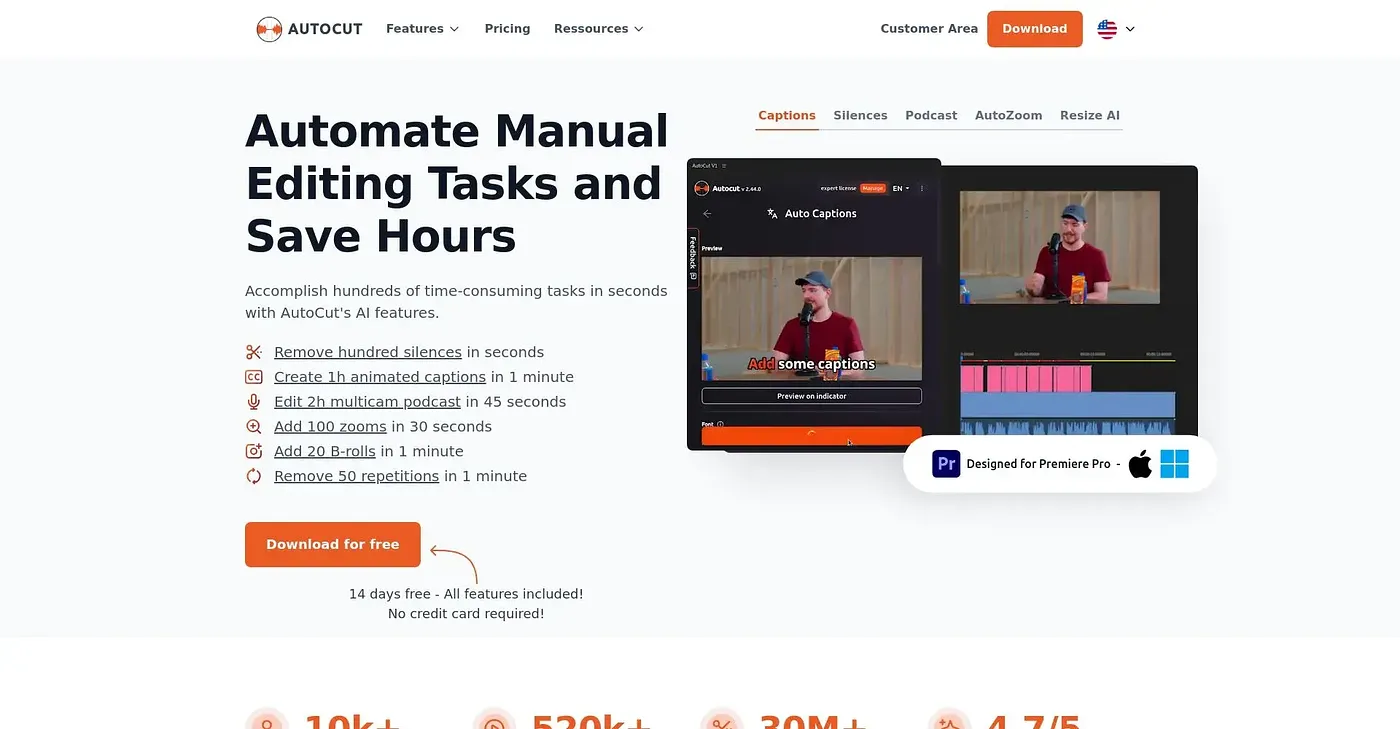
AutoCut automates repetitive video editing tasks such as removing silences, adding captions from spoken words and generating zoom effects. It works natively inside Premiere Pro and DaVinci Resolve without additional software, and includes an advanced profanity filter for content compliance.
How much does AutoCut cost?
The AutoCut pricing page lists a Basic plan at $29 per month, which includes the historical feature only and no free trial. The AI Plan costs $49 per month and includes all 10+ AI features with a free trial.
Which editing software does AutoCut work with?
AutoCut works in Premiere Pro and DaVinci Resolve. It runs natively inside both editors, so no additional software is needed, which the reviewer lists among its main strengths for keeping workflows efficient.
What are the downsides of AutoCut?
AutoCut may struggle with complex, nuanced edits that need human judgment, and it lacks flexibility for detailed manual adjustments and creative control. Features such as viral optimization and profanity filters need a paid plan beyond the free trial. It is not aimed at detailed narrative editors.
Who is AutoCut for?
The reviewer recommends AutoCut for video editors, professionals and beginners who need to speed up their process. Alex scored it 4.0 out of 5 on 4 Oct 2026 after real use, and Toolio lists AnvSoft, which offers AI video and photo enhancement tools, as an alternative.