Auto Slide AI
Automates repetitive slide-building tasks and tracks how each presentation performs afterward.
At a glance
3.9 out of 5
Scored by Alex after real useOur verdict
Auto Slide AI automates repetitive parts of building a presentation, offers a library of customizable templates, and provides real-time analytics on how a presentation performs. Teams that want consistent, quickly assembled slides plus performance data in one tool get both at once. It needs an internet connection to run, its suggestions can drift from personal preferences, and frequent users may notice it repeating the same recommendations.
✓What it does well
✕Where it falls short
Key features
Questions about Auto Slide AI
What does Auto Slide AI do?
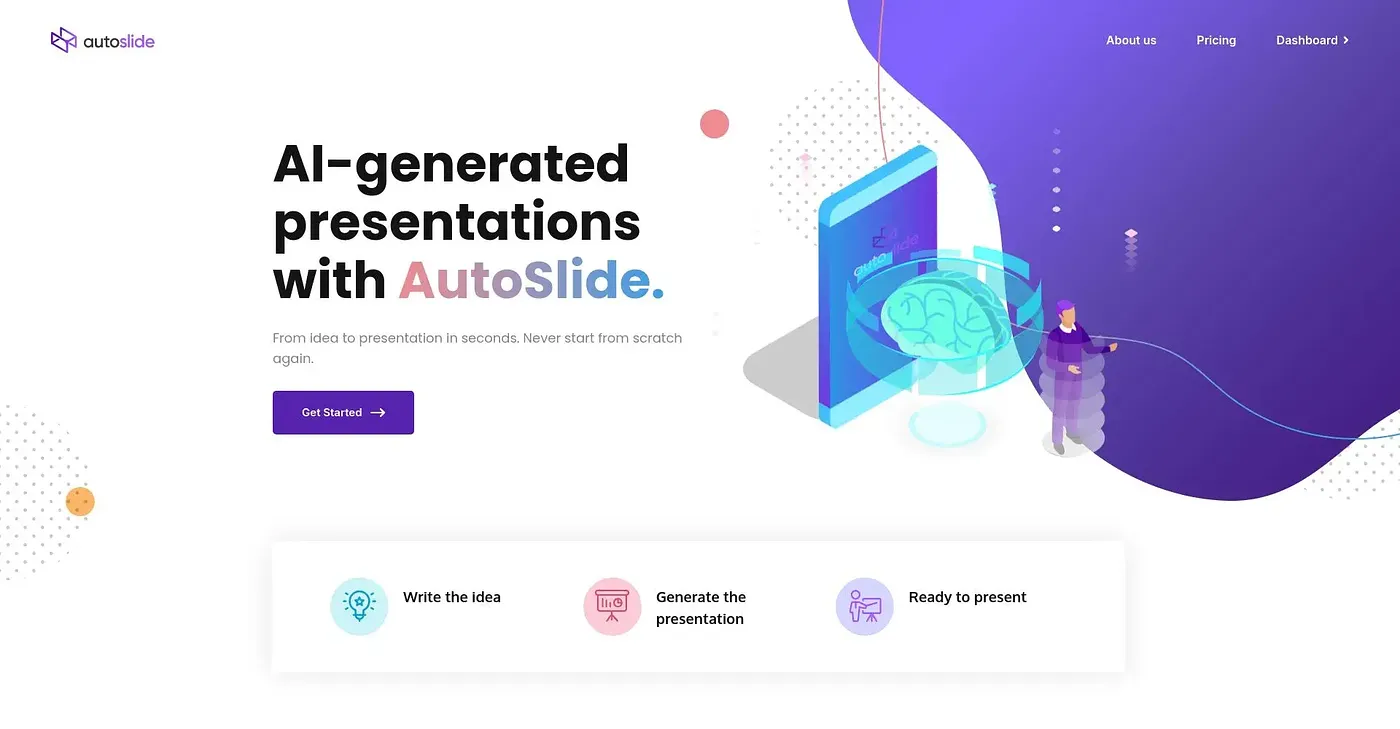
Auto Slide AI uses AI to predict and carry out repetitive slide-building tasks, offers a library of customizable presentation templates and tracks how each presentation performs on a visual analytics dashboard. It also helps users track project progress and spot areas for improvement.
Is Auto Slide AI free?
Auto Slide AI is listed with a free tier at $0, and no paid plan is listed. Toolio notes that the vendor's site is offline, so no current price could be found.
Does Auto Slide AI work offline?
No. Auto Slide AI depends on an internet connection and has no offline mode for building slides. It runs on the web, and Toolio scores it 3.9 out of 5 after real use by Alex.
What are the downsides of Auto Slide AI?
Auto Slide AI's automated suggestions can drift from personal preferences, without much manual override. Frequent users may also notice it repeating similar template recommendations, so people who want fully hands-on, manual control over templates are listed as a poor fit.
Who is Auto Slide AI best for?
Auto Slide AI is best for teams that want automated slide creation and performance tracking in one tool. The reviewer says such teams get consistent, quickly assembled slides plus data on how each presentation performs.