
Backdrop Build
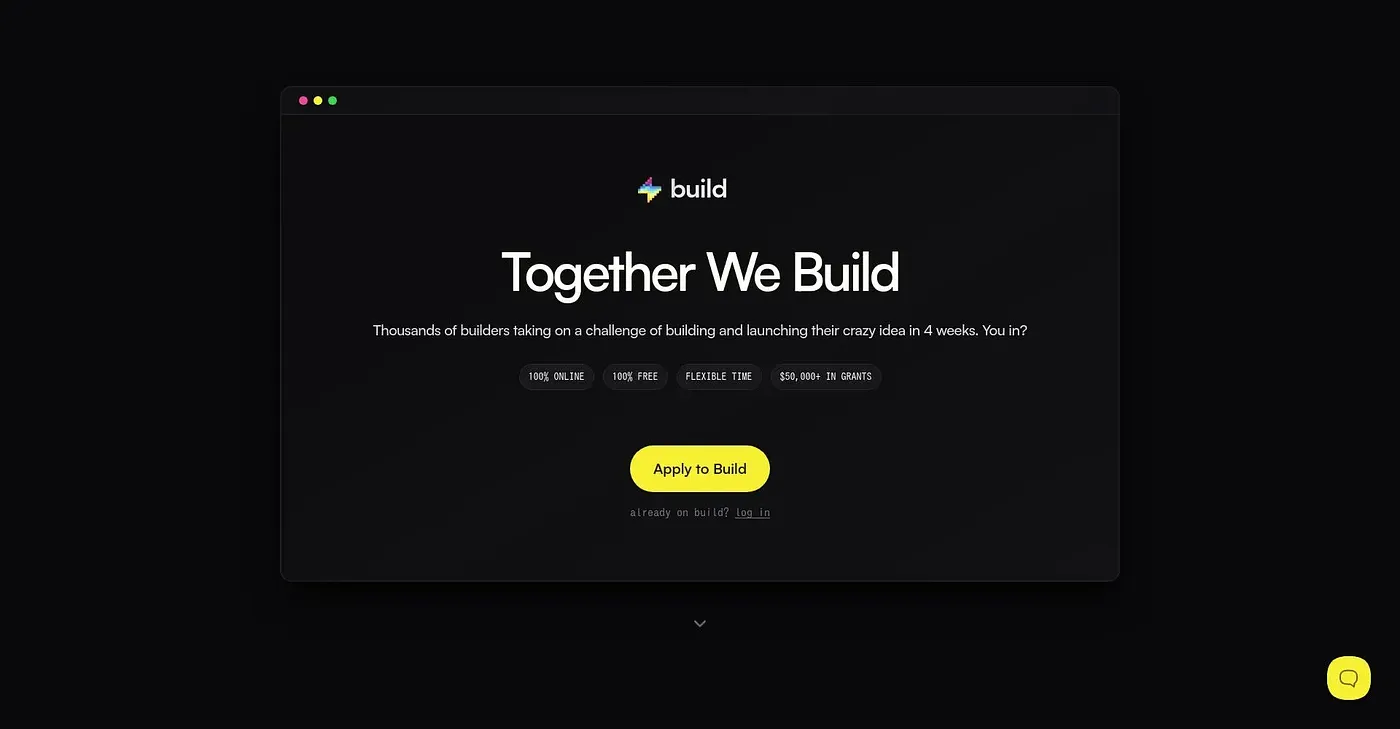
Unleash your creativity in just 4 weeks with Backdrop Build.
At a glance
3.9 out of 5
Scored by Alex after real useOur verdict
Backdrop Build helps you bring ideas to life quickly. However, it's not ideal for those needing long-term support or extensive features.
✓What it does well
✕Where it falls short
Key features
Questions about Backdrop Build
What is Backdrop Build?
Backdrop Build is a project management tool built around quick, short-term projects that run within four weeks. The reviewer says it helps people bring ideas to life quickly. It offers pre-built templates for getting started in minutes, drag-and-drop design tools, and collaboration features that let multiple users work on the same project at once.
How much does Backdrop Build cost?
Backdrop Build starts at $49 per month on its Startup plan, which includes one user and basic features. There is no free tier, and the reviewer notes there is no trial either, which makes it less accessible. Contracts are also required for extended use, which the reviewer finds restrictive.
Who should use Backdrop Build?
Toolio lists creatives and entrepreneurs as the best fit for Backdrop Build, especially those who want to get a project running quickly from templates. It is not a good match for managers of long-term projects, and the reviewer says it is not ideal for anyone needing long-term support or extensive features.
What are the drawbacks of Backdrop Build?
The reviewer names three limits. Long-term contracts are required for extended use, customization is limited compared with more advanced tools, and there is no free tier or trial. Together with its focus on four-week projects, these make Backdrop Build a weaker choice for teams that need deep customization or lasting support.
Does Backdrop Build have a mobile app?
Backdrop Build runs on the web, iOS and Android. Its drag-and-drop interface is designed for easy setup and design, and collaboration features let multiple users work on the same project simultaneously. Toolio scores it 3.9 out of 5, rated by Alex after real use.