
Browse.ai
Automate data collection without writing a single line of code.
At a glance
4.0 out of 5
Scored by Alex after real useOur verdict
Browse AI excels at scraping and monitoring websites with no coding required. It’s ideal for collecting structured web data but may not be the best for complex scraping scenarios or custom integrations.
✓What it does well
✕Where it falls short
Key features
Questions about Browse.ai
What does Browse.ai do?
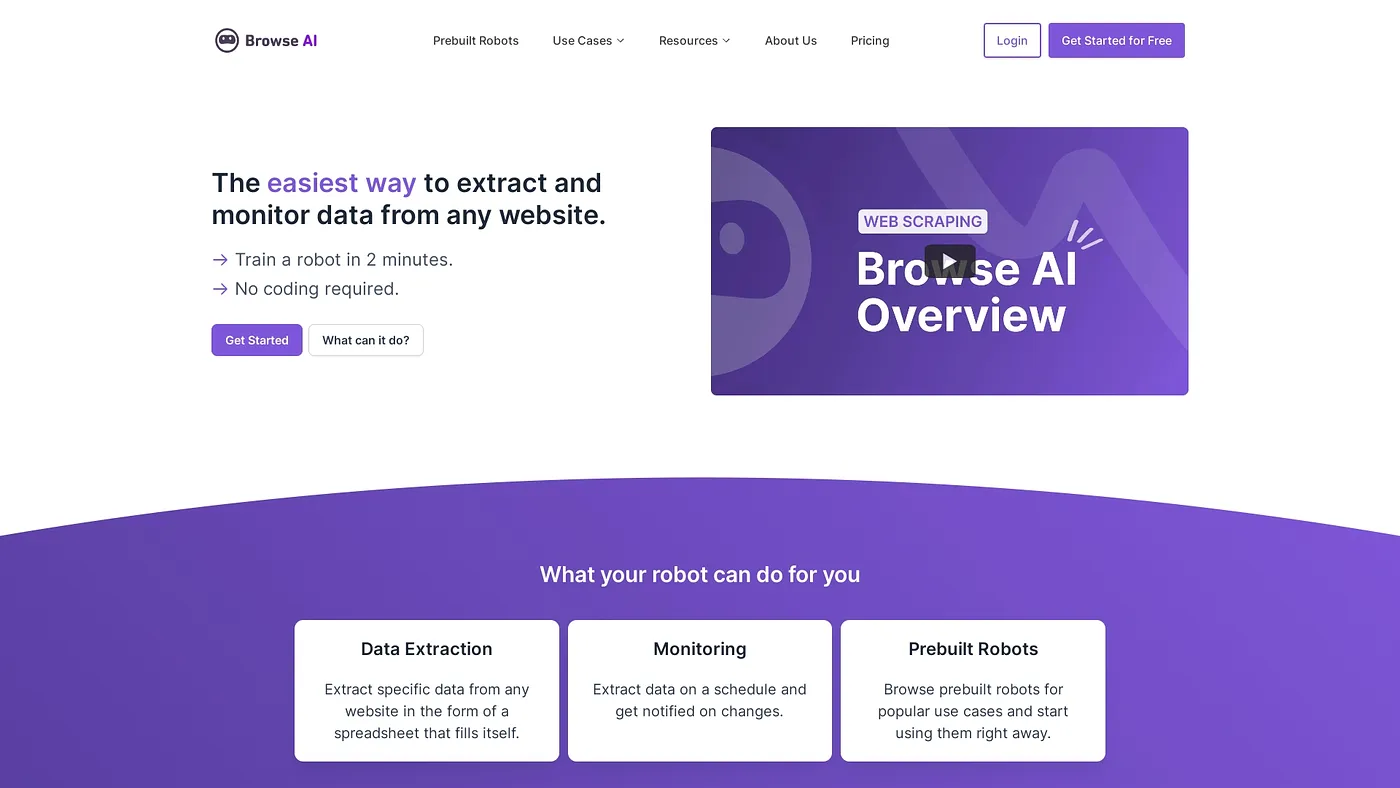
Browse.ai automates data collection from websites without any coding. It extracts structured data with minimal setup, monitors websites and detects changes with AI, and turns web data into APIs, spreadsheets and more. The reviewer says it excels at scraping and monitoring websites.
How much does Browse.ai cost?
Browse.ai has a free tier, and paid plans start with the Starter Plan at $5 per month. The Business Plan costs $30 per month, and the reviewer notes that some advanced features require higher-tier plans or extra customization.
How many apps does Browse.ai integrate with?
Browse.ai connects scraped data to over 7,000 tools and apps, which the reviewer lists among its main strengths. It can also turn web data into APIs and spreadsheets, making it useful for the marketers and data analysts Toolio lists as its best audience.
Is Browse.ai good for developers?
Browse.ai is aimed at marketers and data analysts rather than developers with complex scraping needs. The reviewer says it may not be the best choice for complex scraping scenarios or custom integrations, and it requires configuration even for simple scraping tasks.
Does Browse.ai have a desktop app?
Yes. Browse.ai runs on the web and on desktop for Windows and macOS. Toolio scores it 4.0 out of 5, a score given by Alex after real use, and has listed the tool since April 2024.