
Bylo AI
Generate and edit images with multiple AI models.
At a glance
4.5 out of 5
Scored by Alex after real useOur verdict
Bylo AI offers a variety of AI tools for image generation and editing but lacks advanced photo restoration features.
✓What it does well
✕Where it falls short
Key features
Questions about Bylo AI
What can you do with Bylo AI?
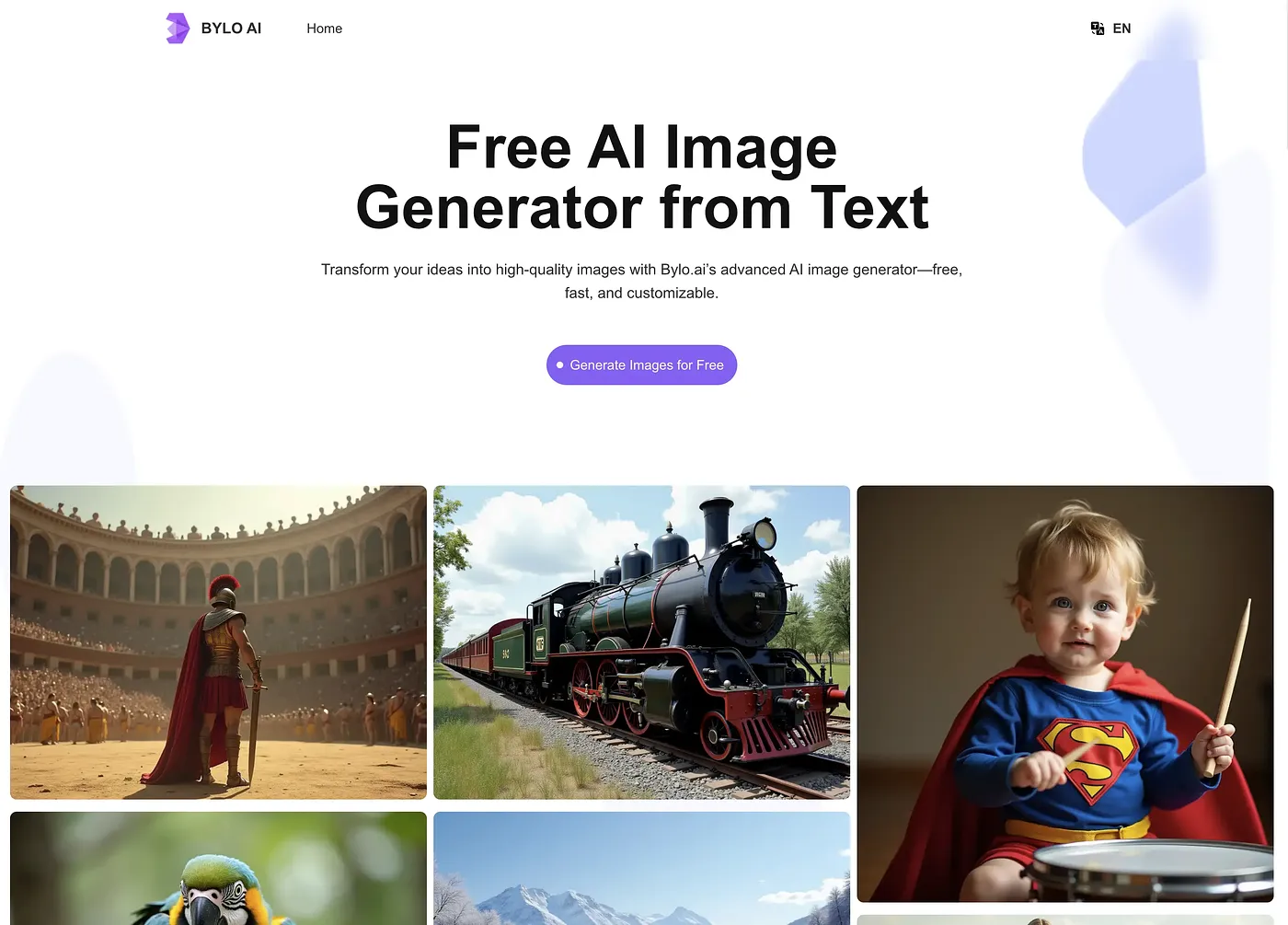
Bylo AI generates and edits images with several AI models in one web platform. It creates new visuals from text prompts using ChatGPT-4o, applies AI styles such as Ghibli or Chibi to photos, removes backgrounds, and can merge up to three images with Nano Banana's multi-fusion feature.
How much does Bylo AI cost?
Bylo AI starts at $6 per month, the price the vendor published in September 2026, and it has no free tier. Its paid plans are called Pro Plan and Ultra Plan. The reviewer notes that premium features beyond the basic usage limits cost additional credits.
Who is Bylo AI best for?
Toolio lists Bylo AI as best for designers, marketers and content creators who want several image models in one place. Alex scored it 4.5 out of 5 after real use on 4 Oct 2026, crediting its range of models and its quick AI filters and effects.
What are the downsides of Bylo AI?
Bylo AI lacks advanced photo restoration, so it does not offer deep cleaning or extensive detail restoration. More intricate edits and merges need precise prompts, and background removal does not handle every complex scene without one. Premium features beyond the basic usage limits also cost extra credits.
What are some alternatives to Bylo AI?
Toolio lists Flux AI, Snap Edit and Ghibli Art AI among the alternatives to Bylo AI. Flux AI offers free text-to-image and image edits with limited features, Snap Edit offers easy AI-powered photo editing, and Ghibli Art AI turns text or photos into Ghibli, chibi or Pixar-style artwork.