
Snap Edit
Easy AI-powered photo editing for everyone.
At a glance
4.0 out of 5
Scored by Alex after real useOur verdict
SnapEdit simplifies complex edits with easy-to-use tools, but limits high-quality exports and advanced features unless upgraded.
✓What it does well
✕Where it falls short
Key features
Questions about Snap Edit
What can you do with Snap Edit?
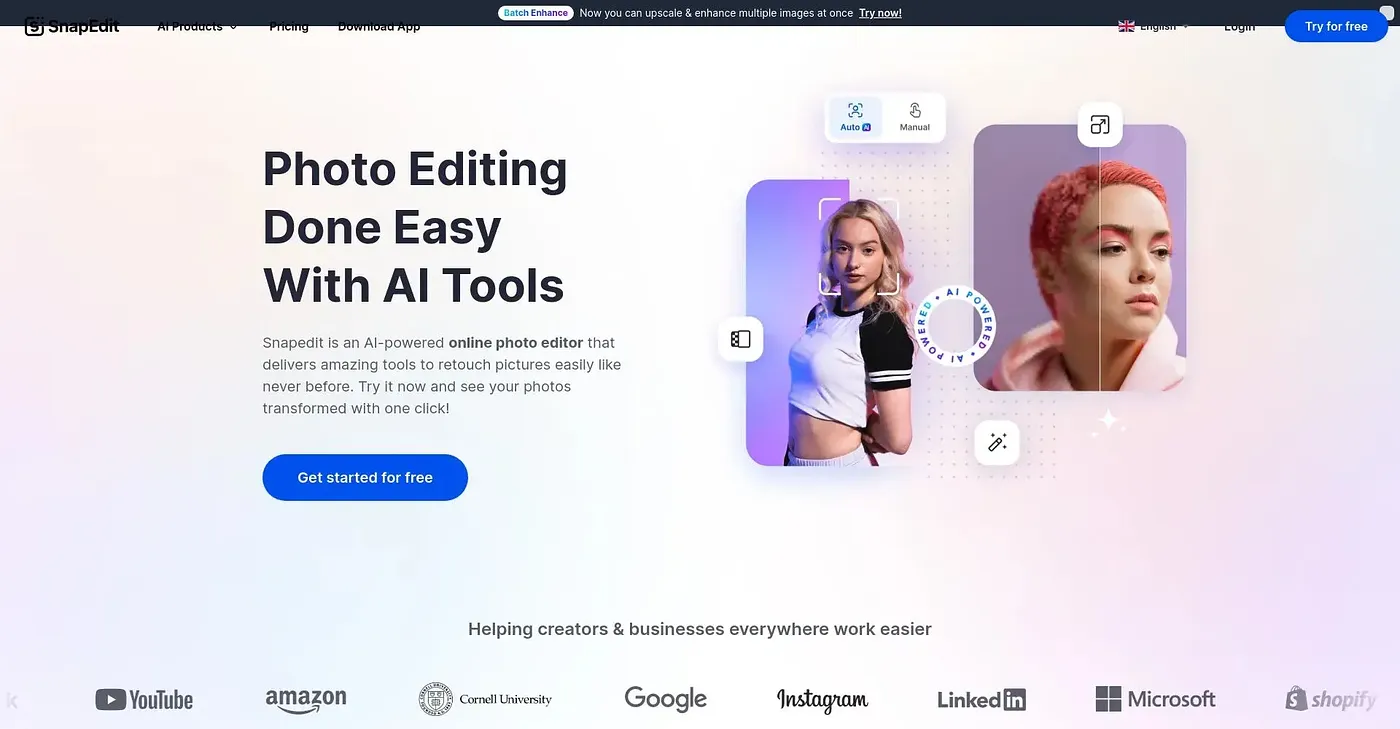
Snap Edit is an AI photo editor that removes unwanted objects, retouches skin automatically and enhances blurry photos. It combines these tools in one workspace and can batch process up to 50 photos at once. The reviewer says it simplifies complex edits with easy-to-use tools.
Is Snap Edit free?
Snap Edit has a limited free plan that starts with 25 free credits daily. Paid plans start with Personal at $6 per month, which includes all AI features and standard export quality, while Business at $12 per month adds advanced AI tools and better image quality.
What are the limits of Snap Edit's free plan?
Standard exports from Snap Edit are capped at a maximum of 1600px unless extra credits are used. The video enhancer is not part of the free plan, and some advanced manual retouching requires upgrading to a higher plan, which the reviewer lists among its main shortcomings.
Who is Snap Edit for?
Toolio lists Snap Edit as best for content creators and small teams who want quick AI edits in a web browser. Alex scored it 4.0 out of 5 after real use, noting that high-quality exports and advanced features are limited unless the account is upgraded.
What are some alternatives to Snap Edit?
Toolio lists Ghibli Art AI, which turns text or photos into Ghibli, chibi or Pixar-style artwork, and Bylo AI, which generates and edits images with multiple AI models. It also lists Flux AI for free text-to-image generation and image edits, though with limited features.