
Change Face AI
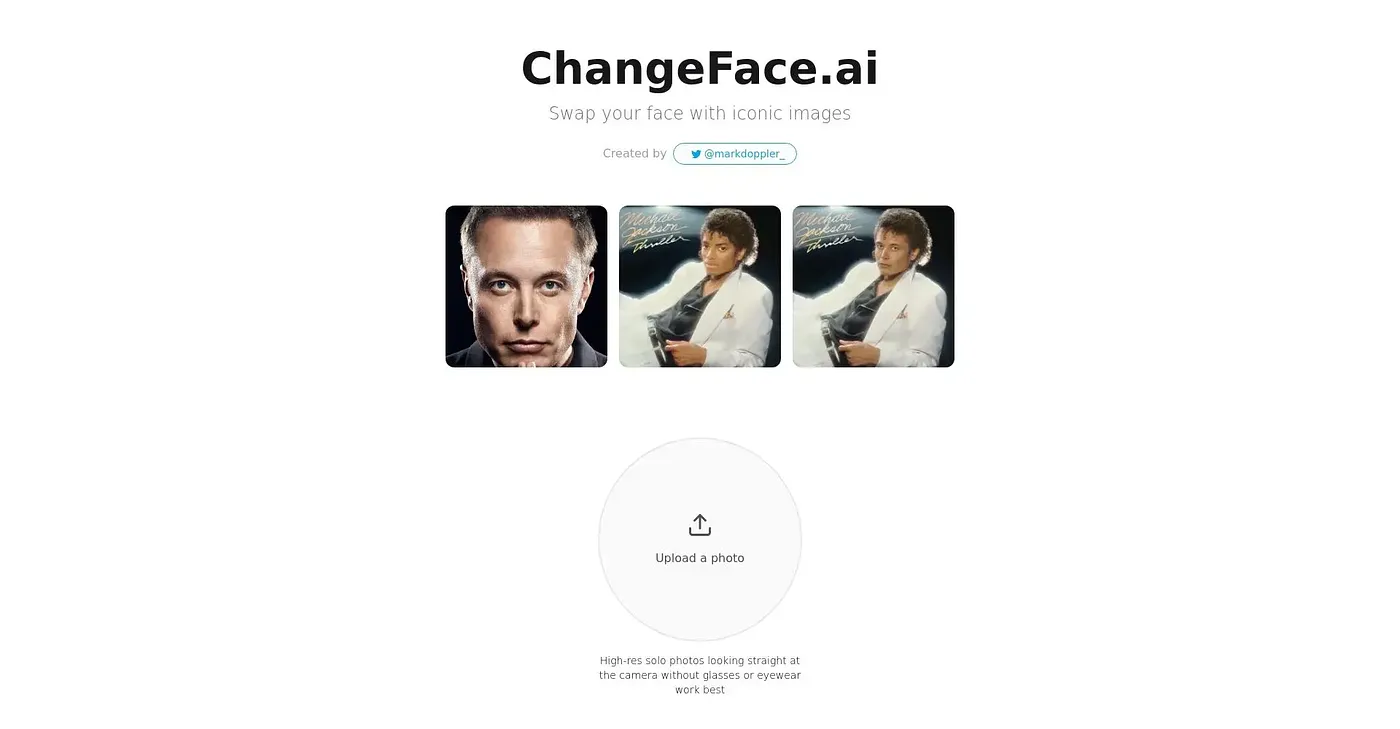
Replace faces in photos with AI.
At a glance
4.2 out of 5
Scored by Alex after real useOur verdict
Suits quick face swaps but falls short on complex edits.
✓What it does well
✕Where it falls short
Key features
Questions about Change Face AI
What does Change Face AI do?
Change Face AI replaces faces in photos using AI, through a two-step workflow that needs minimal configuration. It automatically blends skin tones and edges, and uses facial landmarks to give results a natural look. The reviewer says it suits quick face swaps but falls short on complex edits.
Is Change Face AI free?
Yes. Change Face AI starts free at $0, and that access covers all of its AI image tools with no setup fees. No paid plan is listed. Toolio rates it 4.2 out of 5, the score Alex gave after real use on 5 Oct 2026.
Can Change Face AI swap more than one face at once?
No. The reviewer notes that Change Face AI can only swap one face per generation, which is why Toolio does not recommend it for complex group edits. It is better suited to quick swaps of a single face.
What kind of photos work best with Change Face AI?
Change Face AI gives its best results with well-lit, unobstructed faces, and the reviewer notes its output is highly dependent on image quality. Sample videos are provided to show users how to get good results from their own photos.
Does Change Face AI have a dark mode?
Yes. Change Face AI can switch between light and dark themes, and it keeps track of previous edits so they are easy to revisit. It runs on the web, and Toolio lists content creators and marketers as its best fit.