
ChatGPT Easy Folders - Chrome Extension
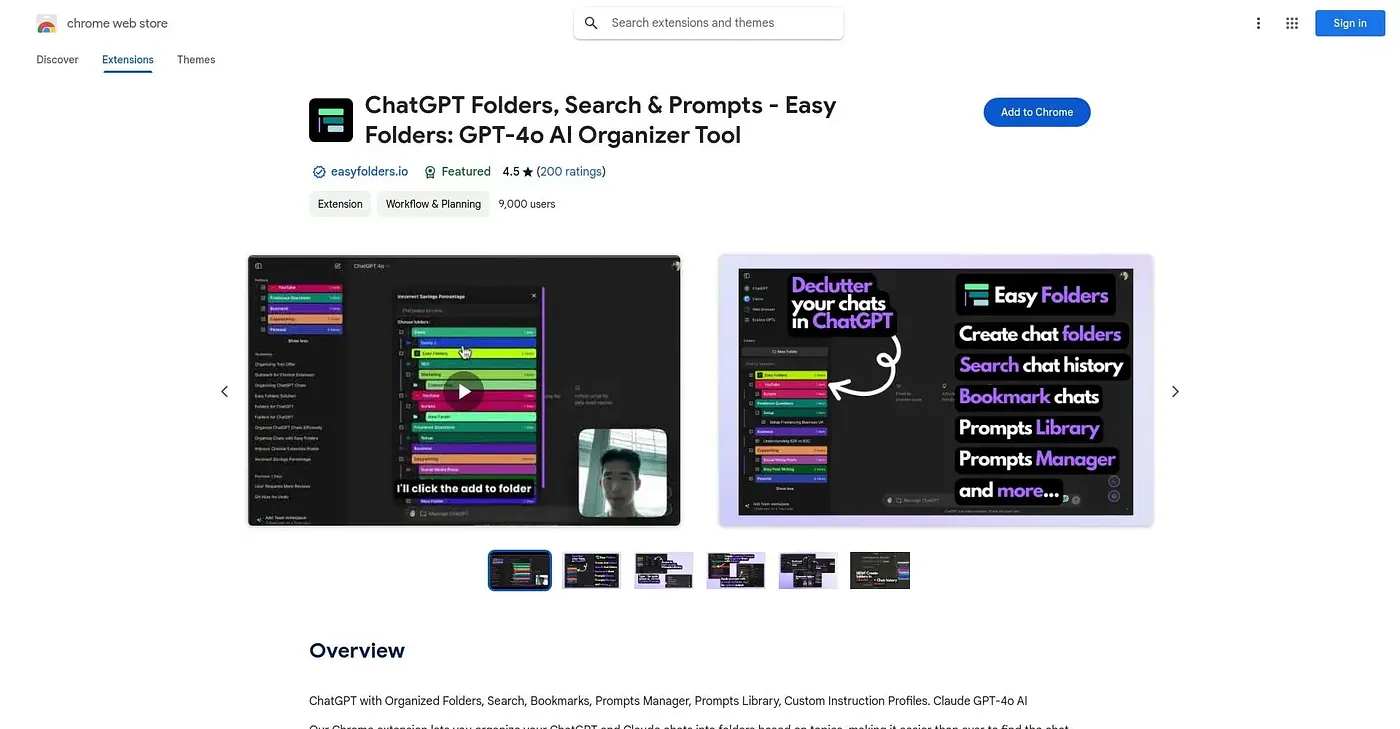
Organizes ChatGPT prompts into folders, adds a searchable prompt library and custom instruction profiles.
At a glance
Starts at
Free
The vendor's site is offline, so no current price was found.
Free tier
Yes
Platforms
Chrome
Best for
Heavy ChatGPT users organizing lots of saved prompts
Not for
New users wanting a simple, no-frills setup
3.9 out of 5
Scored by Alex after real useOur verdict
ChatGPT Easy Folders organizes prompts and responses into categorized folders, adds keyword search to quickly find past conversations, and includes a library of pre-made prompts plus custom instruction profiles for tailoring AI behavior. Heavy ChatGPT users managing a large volume of prompts get the most value. The range of features can overwhelm new users without a simplified starting view, and some specific features come with limited customization.
✓What it does well
Organized foldersPrompts and responses can be sorted into categorized folders.
Advanced keyword searchUsers can quickly locate specific prompts or responses by keyword.
Prompts libraryA library of pre-made prompts helps jumpstart new interactions.
✕Where it falls short
Can overwhelm new usersThe range of features can overwhelm new users without a simplified starting view.
Limited customization in placesSome specific features come with limited customization options.
Chrome onlyIt only works as a Chrome extension, with no other browser support.
Key features
Organized foldersIt sorts prompts and responses into categorized folders.
Keyword searchUsers can search for specific prompts or responses by keyword.
Prompts libraryA built-in library offers pre-made prompts for various use cases.
Custom instruction profilesUsers can create profiles that tailor the AI's behavior.