
ChatGPT Notification Chrome Extension
Plays a sound the moment ChatGPT finishes generating, so you never have to keep checking back.
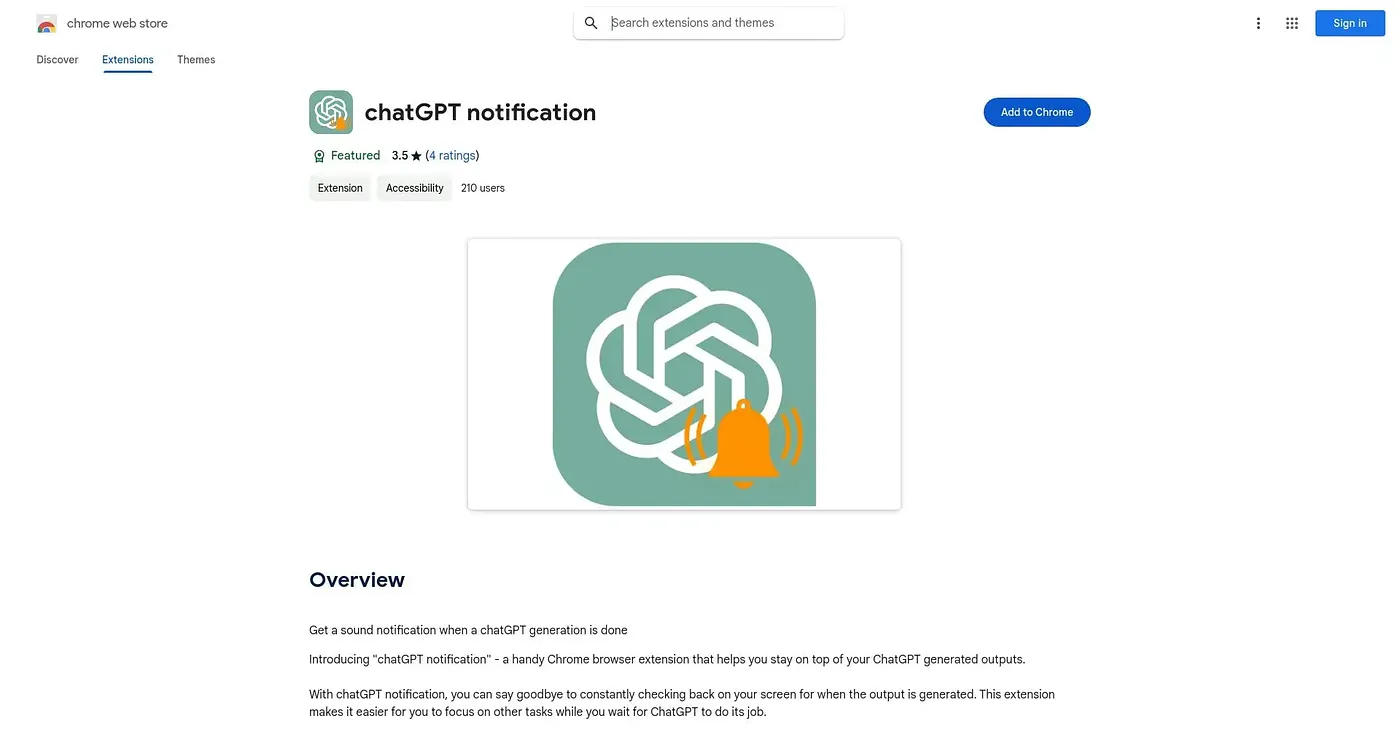
At a glance
Starts at
Free
The vendor's site is offline, so no current price was found.
Free tier
Yes
Platforms
Chrome
Best for
Multitaskers wanting an audio cue when ChatGPT finishes
Not for
Users working in quiet, sound-sensitive environments
4.3 out of 5
Scored by Alex after real useOur verdict
This extension plays an audio alert the instant ChatGPT finishes generating a response, lets users pick from different notification sounds, and keeps setup simple enough for anyone regardless of technical skill. People multitasking who want to know the moment a response is ready benefit most. Sound alerts can be disruptive in quiet environments without a silent option always available, and customization options are limited for some users.
✓What it does well
Instant sound alertsUsers get an audio alert the moment a response finishes generating.
Customizable alert soundsDifferent notification sounds can be selected to match preference.
Simple setupThe interface is easy to use even for non-technical users.
✕Where it falls short
Disruptive in quiet settingsSound alerts can be disruptive in quiet environments without a silent option always available.
Limited customizationCustomization options for notifications are limited for some users.
Chrome onlyIt only works as a Chrome extension, with no other browser support.
Key features
Instant sound notificationsIt plays an alert the moment a response finishes generating.
Custom notification soundsUsers can select from different alert sounds.
Simple setupNotifications can be configured with minimal technical effort.
Multitasking supportIt helps users stay aware of responses while doing other tasks.