
ChatSider: GPT & Claude Sidebar Chrome Extension
AI writing and translating side-by-side.
At a glance
4.9 out of 5
Scored by Alex after real useOur verdict
ChatSider offers quick AI assistance for essays, translations, and more. Best suited for daily writers; skip if you need deep analysis or legal documents.
✓What it does well
✕Where it falls short
Key features
Questions about ChatSider: GPT & Claude Sidebar Chrome Extension
What is ChatSider: GPT & Claude Sidebar Chrome Extension used for?
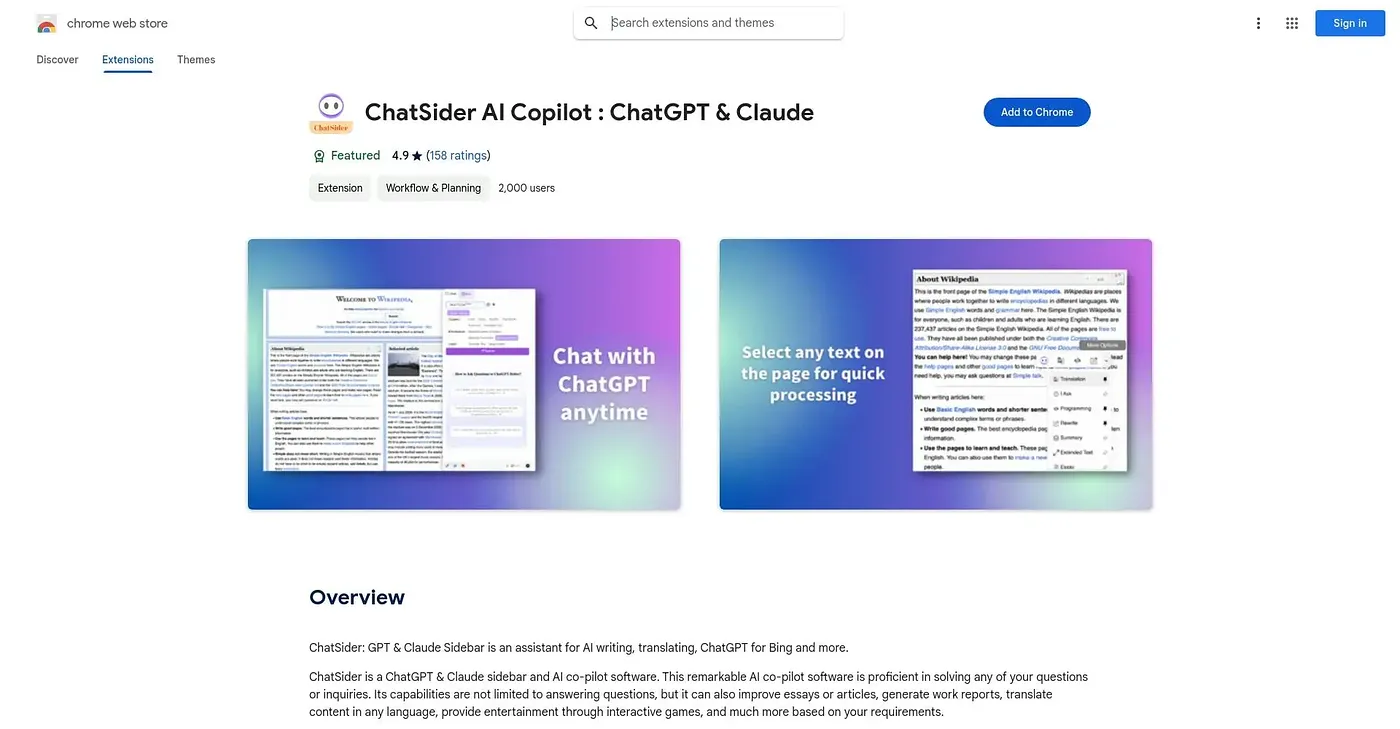
ChatSider offers quick AI help with writing and translating side by side, covering essays, translations and more from a browser sidebar that stays open for quick questions. It can optimize an article in one click and includes over ten commonly used practical templates. The reviewer finds it best suited to daily writers.
Which AI models does ChatSider: GPT & Claude Sidebar Chrome Extension support?
ChatSider supports both ChatGPT and Claude models, including the GPT-4 model from OpenAI. Toolio also lists faster response times for tasks on selected text among its key features. Switching between engines happens from the same sidebar used for writing and translation.
Who should use ChatSider: GPT & Claude Sidebar Chrome Extension?
ChatSider is best for content creators, writers and students who want quick AI assistance with daily writing. The reviewer says to skip it for deep analysis or legal documents, and it does not suit specialized analytical needs. It runs on the web.
What are the weaknesses of ChatSider: GPT & Claude Sidebar Chrome Extension?
The reviewer says ChatSider lacks the in-depth analytical capabilities of specialized tools. It does not provide a comprehensive chat history for complex queries, and translation accuracy can be lower for highly technical or nuanced language. Those limits matter most for analytical or specialist work.
How does Toolio score ChatSider: GPT & Claude Sidebar Chrome Extension?
Toolio scores ChatSider 4.9 out of 5, scored by Alex after real use on 5 Oct 2026. The reviewer praises its one-click text optimization, built-in templates and always-available sidebar. Alternatives Toolio lists include Sentence Counter, Soexai Chrome Extension, Power Brain AI and Kind Words Online Chrome Extension.