
CleverType Chrome Extension
Checks grammar and style in real time and tracks writing progress over time.
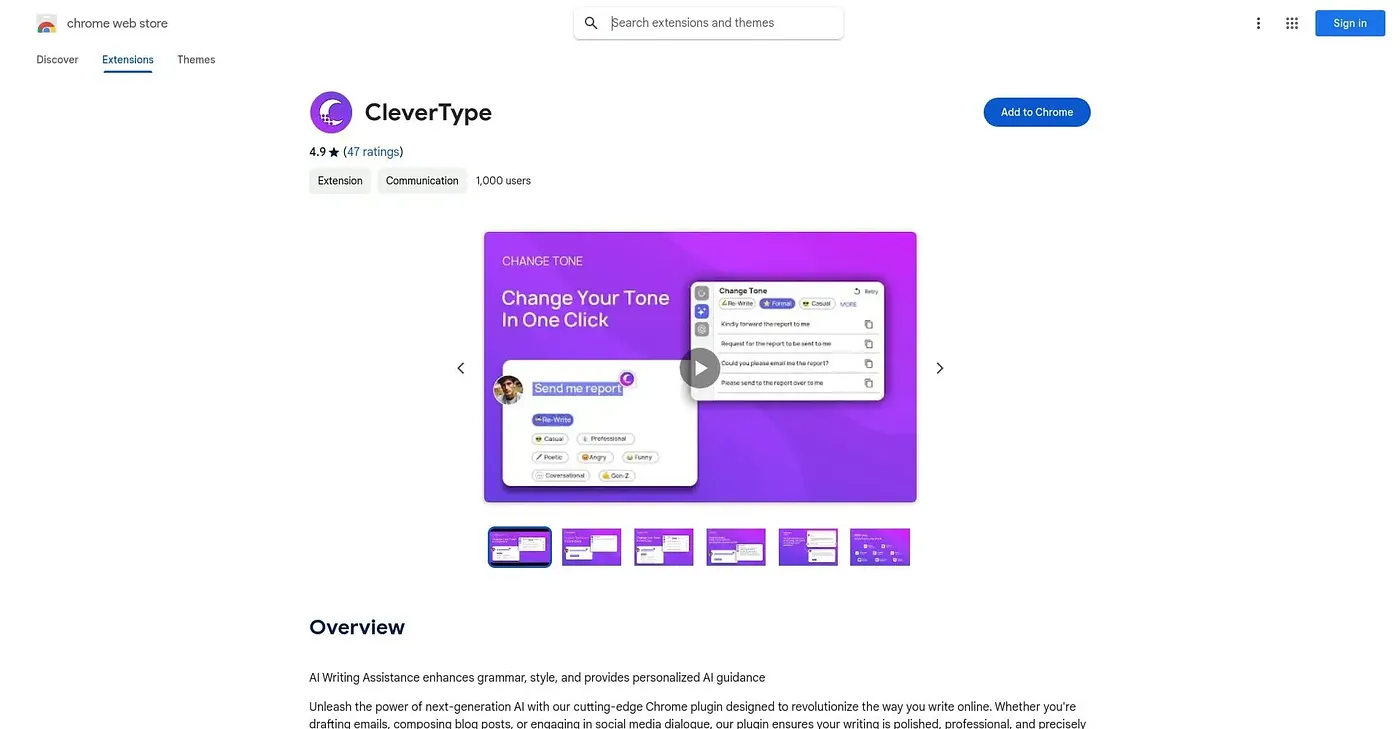
At a glance
Starts at
Free
The vendor's site is offline, so no current price was found.
Free tier
Yes
Platforms
Chrome
Best for
Writers wanting ongoing grammar and style feedback
Not for
Anyone expecting fully human-level creative editing
3.9 out of 5
Scored by Alex after real useOur verdict
CleverType flags grammar and style issues as a user types and adapts its feedback to that person's writing goals over time. A built-in analytics view shows progress, pointing out strengths and areas that still need work. Suggestions are not always relevant, and it cannot fully replicate the judgment of a human editor.
✓What it does well
Real-time grammar checksIt analyzes text as it is typed and flags grammar and style issues.
Personalized feedbackSuggestions adapt to an individual's writing style and stated goals.
Progress trackingPerformance analytics show writing progress and highlight areas for growth.
✕Where it falls short
Occasional irrelevant suggestionsSuggestions are not always relevant to what is actually being written.
No substitute for a human editorIt cannot fully replicate the nuance and creativity of a human editor.
Chrome onlyIt is limited to the Chrome browser, with no other platform version.
Key features
Grammar and style checksIt reviews text in real time for grammar and style errors.
Adaptive guidanceFeedback adjusts to an individual's writing style over time.
Performance analyticsUsers can track their writing progress and see recurring weak points.
In-browser correctionSuggestions appear directly where text is being typed in the browser.