
Cvify
Cvify warns of dangerous website.
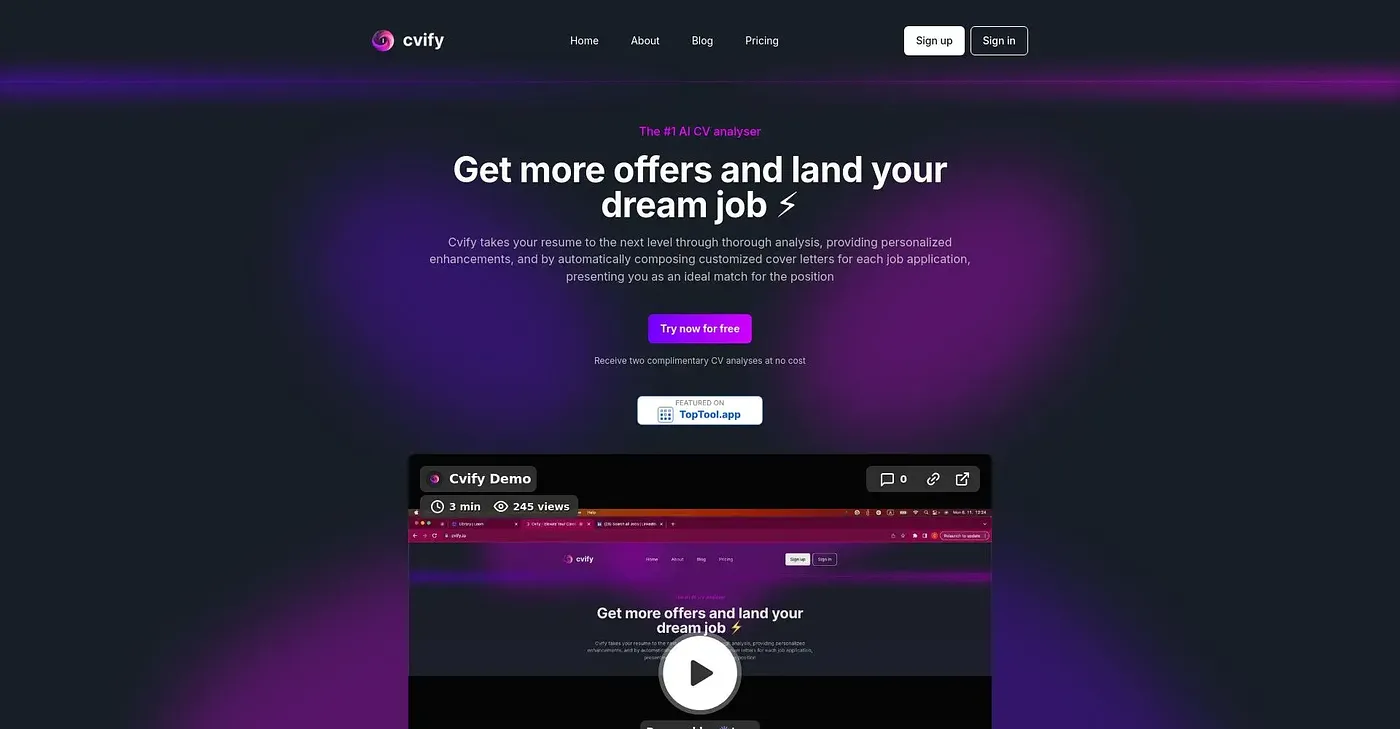
At a glance
3.9 out of 5
Scored by Alex after real useOur verdict
It alerts to a potentially harmful site but lacks detailed analysis for informed decision-making. Not ideal for cautious users looking for thorough safety checks.
✓What it does well
✕Where it falls short
Key features
Questions about Cvify
What does Cvify do?
Cvify warns users about dangerous websites. It spotlights known dangers accurately and quickly and offers a basic free risk assessment. The reviewer notes it alerts to potentially harmful sites but lacks the detailed analysis needed for an informed decision.
Is Cvify free?
Yes. Cvify has a limited free tier, listed as a Free plan at $0, and Toolio found no paid plan on the vendor's site in September 2026. Its free scan gives a basic risk assessment without requiring payment.
What are the limitations of Cvify?
Cvify gives basic warnings without context or solutions for the threats it identifies. It scans only a limited number of potentially unsafe URLs and misses others completely, and it offers no comprehensive tools for user safety beyond those warnings. The reviewer says it is not ideal for cautious users who want thorough safety checks.
Who is Cvify for?
Toolio lists Cvify as best for unsure students who want a quick warning about risky sites. It is not for students with specific URL safety needs, since it covers only a limited set of URLs. Toolio scores it 3.9 out of 5, a rating given by Alex on 5 Oct 2026.
What are some alternatives to Cvify?
Toolio lists Shortcuts for ChatGPT Chrome Extension, which turns slash commands into ChatGPT prompts, and ZumaPiano, which transcribes piano audio into practice lessons. It also lists A Levels AI, with curriculum-specific resources and an AI tutor, and Studyy, which turns pages of notes into flashcards.