
ZumaPiano - Chrome Extension
AI transcribes piano audio from YouTube, any website or MIDI into practice-ready lessons.
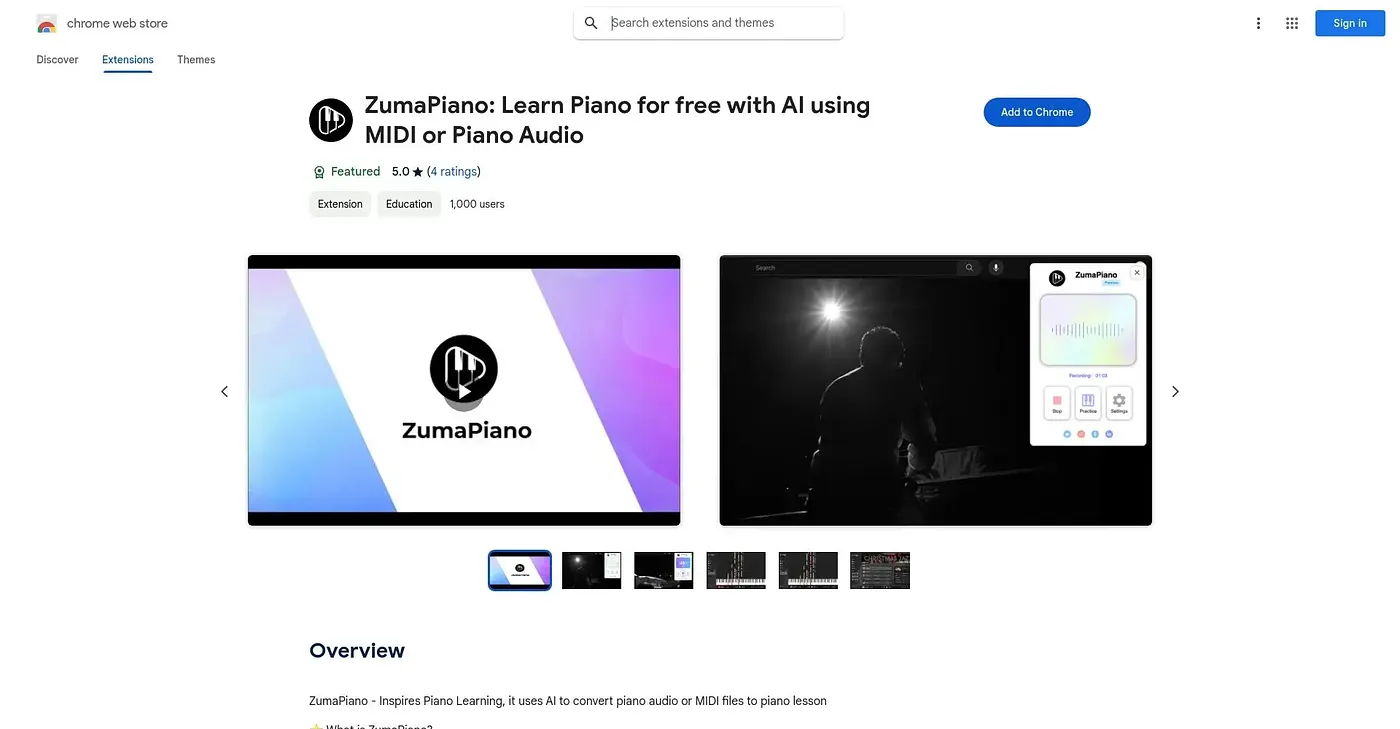
At a glance
Starts at
Free
Listed as free on the Chrome Web Store.
Free tier
Yes
Platforms
Chrome
Best for
Piano learners practicing songs without sheet music
Not for
Players wanting unlimited saved songs for free
4.1 out of 5
Scored by Alex after real useOur verdict
ZumaPiano listens to piano audio playing on any webpage, or takes an uploaded MIDI file, and turns it into a waterfall-style lesson you can slow down, loop and practice hand by hand. Voice commands control playback, and a multi-language interface serves learners beyond English speakers, but saving an unlimited number of songs to your library sits behind a premium plan. Beginners through advanced players wanting to learn songs that have no official sheet music are the clear fit, while anyone needing a large free song library will run into that cap.
✓What it does well
Universal audio transcriptionTranscribes piano audio from YouTube or any website that plays sound.
Waterfall lesson formatConverts transcriptions into a visual waterfall-style practice lesson.
Hand-separated practiceLets you isolate and practice the left or right hand separately.
✕Where it falls short
Free library is cappedUnlimited song saving requires the paid premium tier.
Chrome onlyIt runs only as a Chrome extension, not other browsers.
Depends on playable audioIt can only transcribe audio a webpage actually plays, not sheet music or scores directly.
Key features
MIDI upload transcriptionConverts uploaded MIDI files into an instant visual lesson.
Voice-controlled playbackControls play, pause and speed through voice commands.
Loop and tempo controlLoops difficult sections and adjusts playback speed.
Song library and playlistsOrganizes saved songs into playlists for structured practice.