
Doc2Lang
AI document translator with layout preservation.
At a glance
3.9 out of 5
Scored by Alex after real useOur verdict
Doc2Lang preserves original layouts but charges per token, not subscription-based. Best for one-off jobs or heavy users looking to save on volume discounts.
✓What it does well
✕Where it falls short
Key features
Questions about Doc2Lang
What does Doc2Lang do?
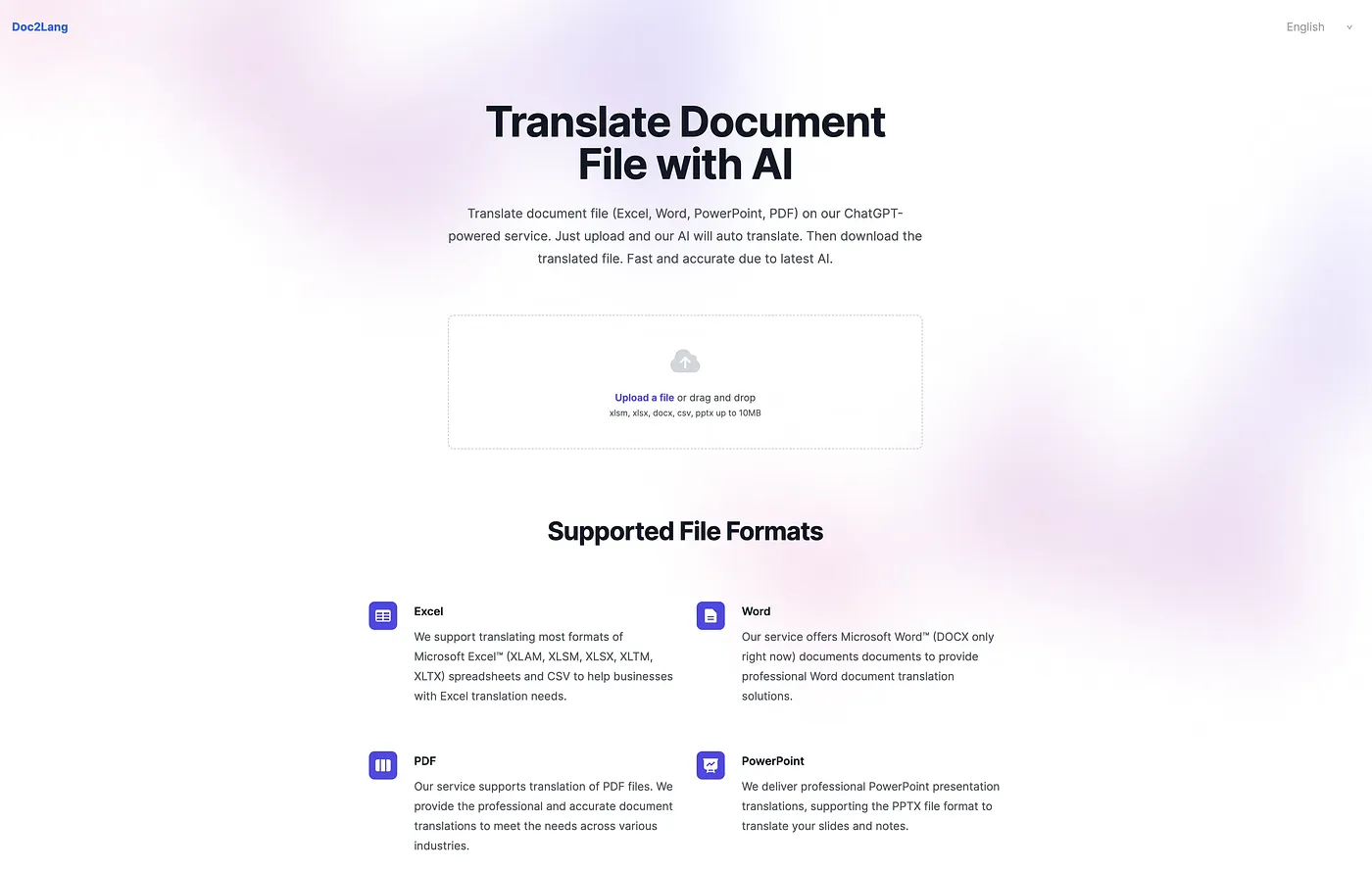
Doc2Lang is an AI document translator that preserves the original layout, keeping charts and styles in place during translation. It is powered by GPT and handles Excel, Word, PDF, PowerPoint and more, along with subtitles and images. Toolio rates it best for professionals needing exact translations.
How much does Doc2Lang cost?
Doc2Lang charges per token rather than by subscription, from $0.50 per thousand tokens. There is no free tier, though a free preview shows translation quality after a file is uploaded. The reviewer says it suits one-off jobs or heavy users looking to save with volume discounts.
Does Doc2Lang translate text inside images?
Only partly. Doc2Lang detects text within images, but the reviewer notes it does not preserve that text in its original format. For that reason, Toolio says it is not for graphic designers who need image preservation.
Does Doc2Lang have a desktop app?
Yes. Doc2Lang works on the web and also offers desktop apps for Windows and macOS, so documents can be translated in a browser or on a desktop computer. Alex scored the tool 3.9 out of 5 after real use on 4 Oct 2026.
What are some alternatives to Doc2Lang?
Toolio lists QuickContext Extension, Wallesai - Chrome Extension, Toss to Papago Chrome Extension and AutoLocalize as alternatives. QuickContext adds a right-click menu that translates or explains text, Toss to Papago translates text with a right-click, and AutoLocalize handles Xcode project localization with AI.