
Dopepics
Advanced AI image editor and upscaler.
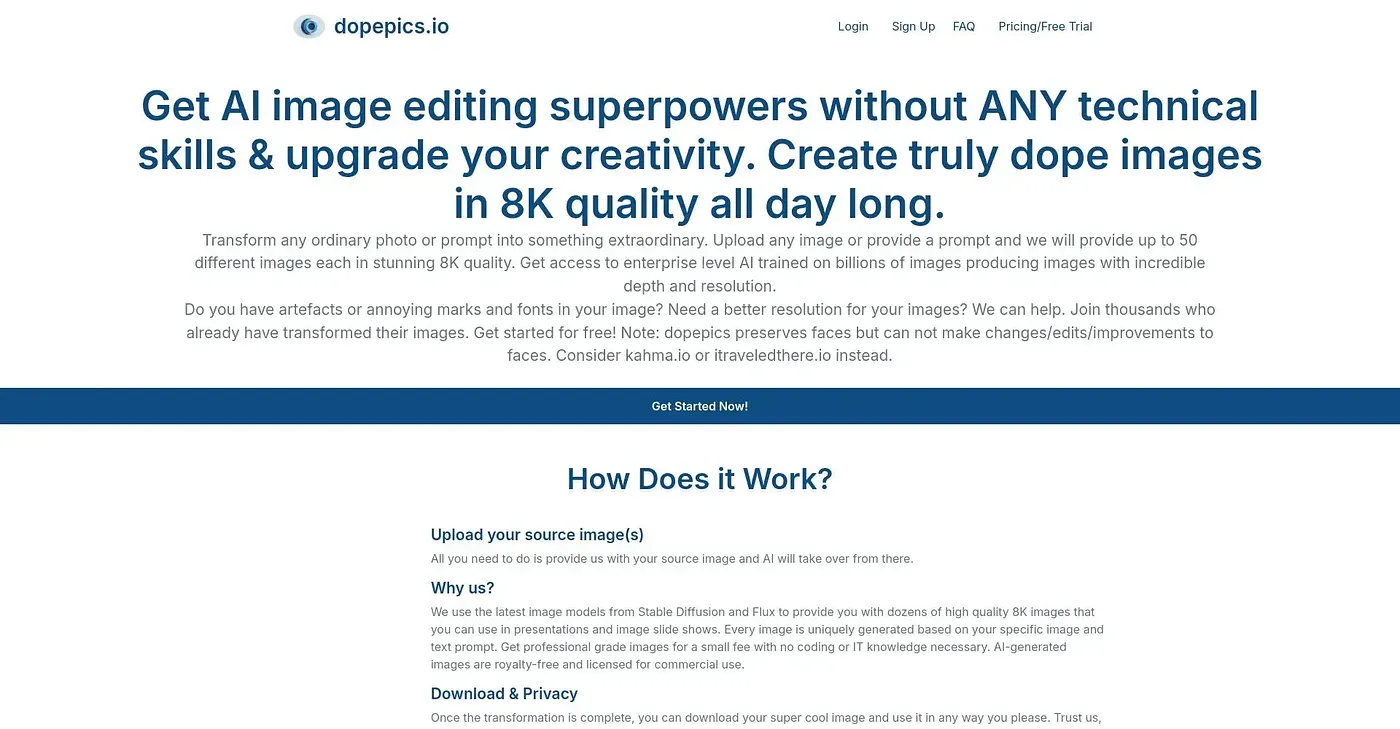
At a glance
3.9 out of 5
Scored by Alex after real useOur verdict
Dopepics excels in skin retouching but struggles with batch processing large datasets.
✓What it does well
✕Where it falls short
Key features
Questions about Dopepics
What does Dopepics do?
Dopepics is an AI image editor and upscaler, with advanced AI for skin retouching and natural blemish removal. It offers adjustable settings for fine-tuned results and quick uploading and processing, and the vendor says it can integrate with cloud storage for easy access and sharing.
How much does Dopepics cost?
Dopepics starts from $19 per month, a plan that includes unlimited image uploads and basic AI features. There is no free tier, and the reviewer notes it costs more than some alternatives such as Canva.
Does Dopepics have a mobile app?
No. Dopepics runs on the web, macOS and Windows, but there is no mobile app. The reviewer lists the lack of a mobile version among its shortcomings, and Toolio recommends it mainly for professional photographers and editors.
Is Dopepics good for batch editing?
Not especially. The reviewer says Dopepics excels at skin retouching but struggles with batch processing large datasets, as it is inefficient at working through large volumes of images sequentially. Toolio scores it 3.9 out of 5 after real use.
What are some alternatives to Dopepics?
Toolio lists Stock Img AI, PixPark AI, Pic Copilot AI and iFoto AI as alternatives. iFoto AI is an AI photo editor for e-commerce professionals that changes backgrounds and enhances images, while Pic Copilot AI generates product visuals in minutes but needs a premium Pro+ subscription for all features.