
EasyToDo: Daily Planer
Prioritizes daily tasks by deadline and charts your progress with visual data over time.
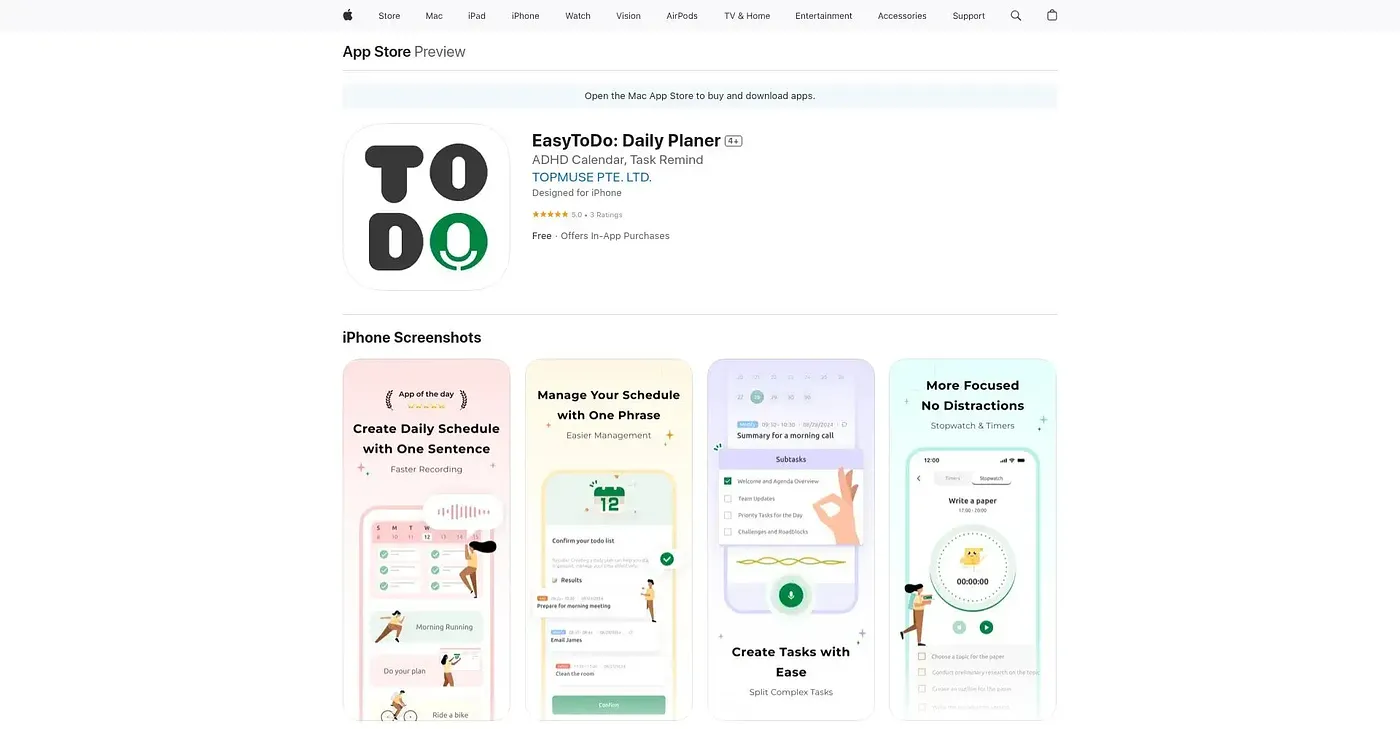
At a glance
Starts at
Free
The vendor's site is offline, so no current price was found.
Free tier
Yes
Platforms
iOS
Best for
People wanting visual progress tracking on daily tasks
Not for
Users needing reliable multi-device syncing
3.9 out of 5
Scored by Alex after real useOur verdict
EasyToDo schedules tasks by prioritizing them against deadlines and personal milestones, then charts progress over time so users can see productivity trends. Themes, layouts and color schemes can be adjusted to make the planner feel personal. Customization still has real limits for some users, and occasional syncing issues can disrupt a workflow that depends on staying current across devices.
✓What it does well
Smart task prioritizationTasks are automatically prioritized based on deadlines and personal milestones.
Progress visualizationCharts and graphs track productivity trends and achievements over time.
Customizable interfaceThemes, layouts and color schemes can be personalized to individual taste.
✕Where it falls short
Customization has limitsCustomization options are limited enough to frustrate some users.
Occasional sync issuesSyncing issues can crop up occasionally, so it does not always stay current across devices.
iOS onlyIt only works on iOS, with no Android or web version.
Key features
Smart schedulingTasks are scheduled and prioritized based on deadlines and milestones.
Data visualizationCharts and graphs display progress and productivity trends.
Progress trackingIt tracks achievements over time to encourage continued use.
Customizable interfaceUsers can adjust themes, layouts and colors to their taste.