
Enhance AI
Not suited for complex, long-term projects.
At a glance
4.0 out of 5
Scored by Alex after real useOur verdict
EnhanceAI quickly adds AI autocomplete to forms and texts but is not ideal for extensive customizations or heavy usage.
✓What it does well
✕Where it falls short
Key features
Questions about Enhance AI
What does Enhance AI do for forms and text fields?
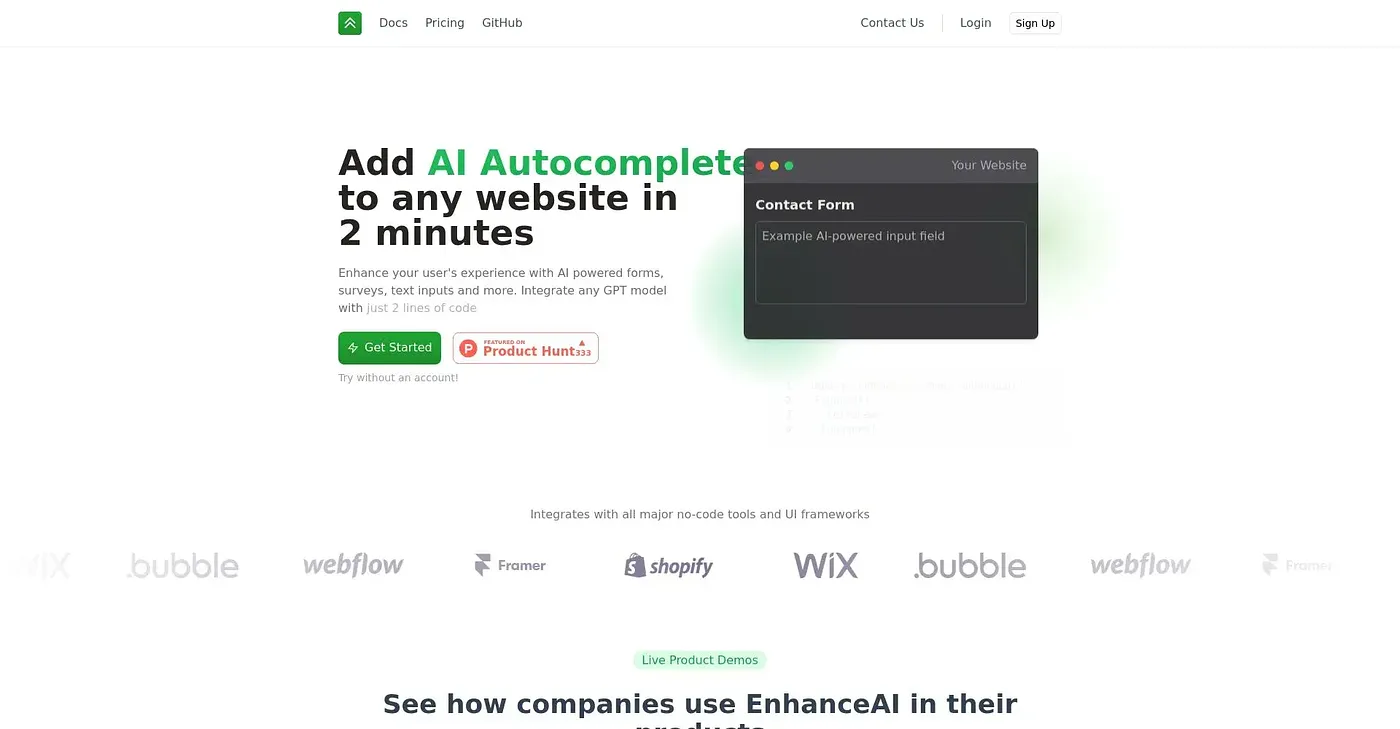
Enhance AI adds AI autocomplete to forms and text inputs, and it integrates in just 2 lines of code. It supports OpenAI models such as ChatGPT and GPT-4, custom prompts for user inputs, usage analytics, and semantic search across sites using natural language.
Is Enhance AI free?
Enhance AI has a limited free tier with token limits, as published by the vendor in September 2026. The reviewer notes that it charges extra for usage beyond the first 100K tokens, and Toolio's pricing lists a Power User Plan at $810 per 1K tokens.
What are the limitations of Enhance AI?
Enhance AI offers basic customization but not deep personalization, according to the reviewer. Heavy usage gets expensive because extra usage is charged. It also does not offer long-term maintenance or custom development services, which is why it is not suited to complex, long-term projects.
Who is Enhance AI best for?
Toolio lists Enhance AI as best for simple text input integrations, and not for long-term projects with heavy usage. Developers who want a quick, no-code way to add AI autocomplete benefit most from its fast setup and support for multiple no-code tools and UI frameworks.
What alternatives to Enhance AI does Toolio list?
Toolio lists Pandas AI, JobHire.AI, Microbots AI Platform Chrome Extension and OpenGPTs Chrome Extension as alternatives. Microbots turns plain-language requests into browser automation code, while OpenGPTs adds a sidebar AI chat. Enhance AI itself holds a Toolio score of 4.0 out of 5.