
Face Swap
Swaps faces in photos and short video clips, with templates ready to try.
At a glance
4.6 out of 5
Scored by Alex after real useOur verdict
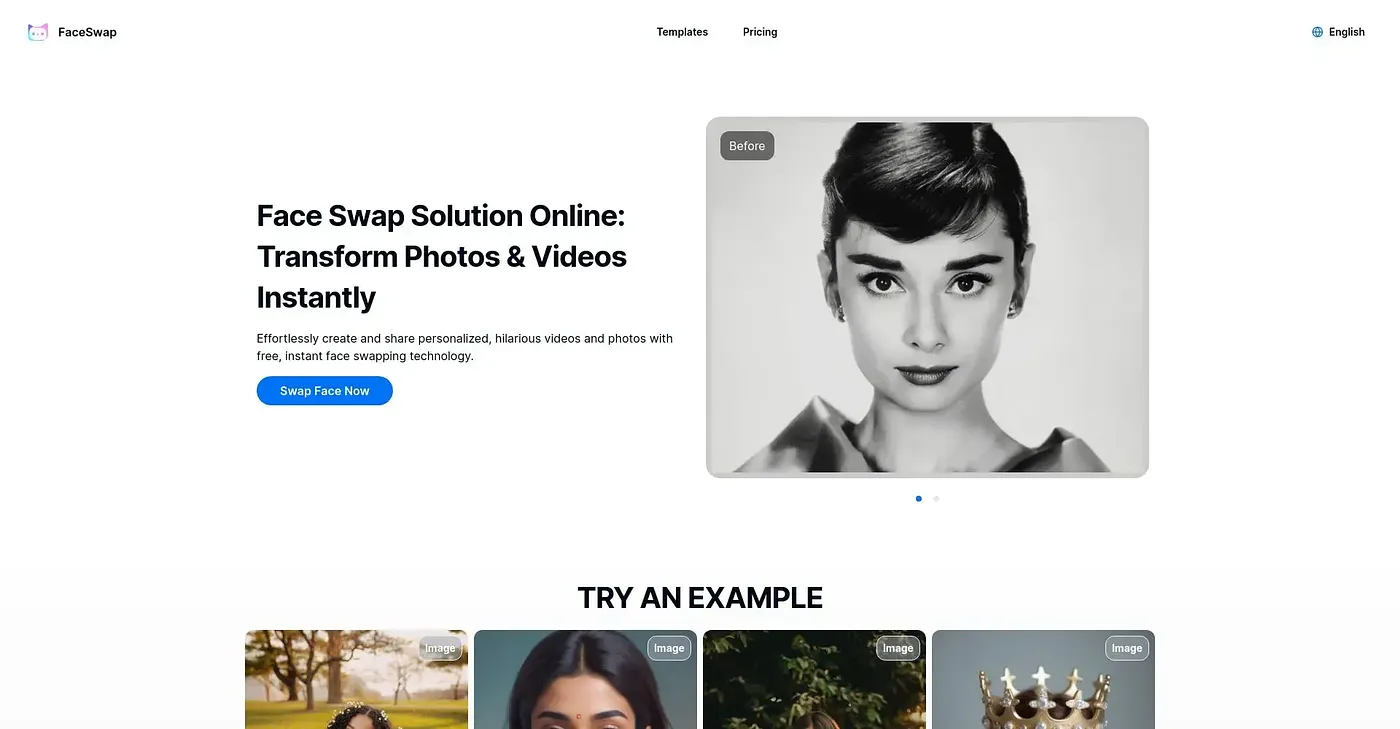
Face Swap takes a photo or a short video clip and swaps in a different face, with template scenes ready to use if you don't have your own image pair. Group shots and multi-person videos are supported alongside a basic clothes-swap feature. The free tier caps you at ten images and three ten-second videos a month with no watermark, and going past that costs $7 a month for the Starter plan.
✓What it does well
✕Where it falls short
Key features
Questions about Face Swap
What does Face Swap do?
Face Swap takes a photo or a short video clip and swaps in a different face. Template scenes are ready to use for anyone without their own image pair, and group photos and multi-person videos are supported. A separate clothes-swap tool changes the outfit in a photo using AI.
Is Face Swap free?
Face Swap has a limited free tier that allows ten images and three ten-second videos a month, with no watermark. Free videos are capped at 720p and a 40MB file size. Going past those limits requires the Starter plan at $7 a month.
Can Face Swap handle group photos?
Yes. Face Swap can swap multiple faces in a single group photo or video at once, with each face swapped individually. The reviewer lists group photo support among its main strengths, along with video swaps and ready-made templates.
How does Toolio rate Face Swap?
Toolio scores Face Swap 4.6 out of 5, rated by Alex after real use on 3 Oct 2026. It names casual users making quick face-swap photos or clips as the best fit. The reviewer's main complaints are the tight free limits and the need for a paid tier to remove them.
What are some alternatives to Face Swap?
Toolio lists Auto Cropper, FilterPixel, Photo Fairy AI and Swaperface as alternatives to Face Swap. Swaperface offers free face swapping with limited features, and Photo Fairy AI transforms photos into art. FilterPixel is aimed at event photography, where speed matters.