
FlowChartAI
FlowChartAI lacks dedicated desktop apps, charges for premium features.
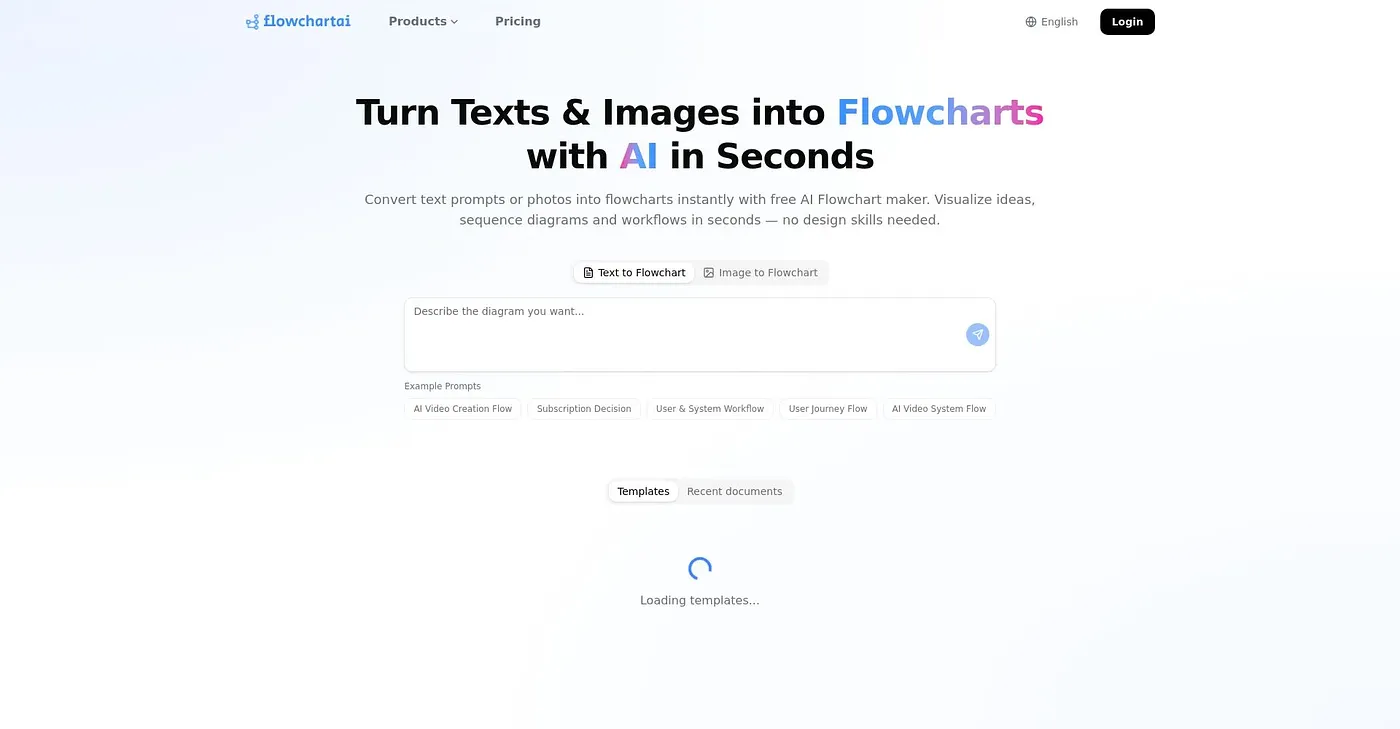
At a glance
4.0 out of 5
Scored by Alex after real useOur verdict
FlowChartAI unites multiple tools in one place but is pricey with limited free tier. It’s good for teams who need speed and convenience but should skip if budget is tight or detailed editing required.
✓What it does well
✕Where it falls short
Key features
Questions about FlowChartAI
What can you do with FlowChartAI?
FlowChartAI brings several AI tools into one interface. It generates flowcharts and org charts from natural language prompts, converts images and PDFs into editable formats like Excel or Word, and includes a video editor for compressing videos and extracting audio. Social downloads and transcription are also part of the set.
Is FlowChartAI free?
FlowChartAI offers a free trial, which the reviewer describes as three months long, plus a limited free tier. Access to premium tools is restricted after the trial. Paid options are the Pro Plan at $29 per month, which includes all tools and premium features, and the Team Plan at $49 per user per month.
Does FlowChartAI have a desktop app?
No. FlowChartAI runs on the web only, and the reviewer notes it lacks dedicated desktop software for offline use or complex editing tasks. Anyone who needs detailed editing or works on a tight budget is advised to skip it.
Who is FlowChartAI best for?
FlowChartAI suits teams that need quick AI-generated diagrams and files and value speed and convenience. The Team Plan, at $49 per user per month, is aimed at small to medium teams and includes custom support. It is not meant for complex video editing work.
How does Toolio score FlowChartAI?
Alex scored FlowChartAI 4.0 out of 5 on 3 Oct 2026 after real use. The reviewer likes having multiple tools in one place but calls it pricey with a limited free tier, and notes that certain advanced editing and conversion features require paid plans. Toolio has listed it since March 2026.