
Freemake
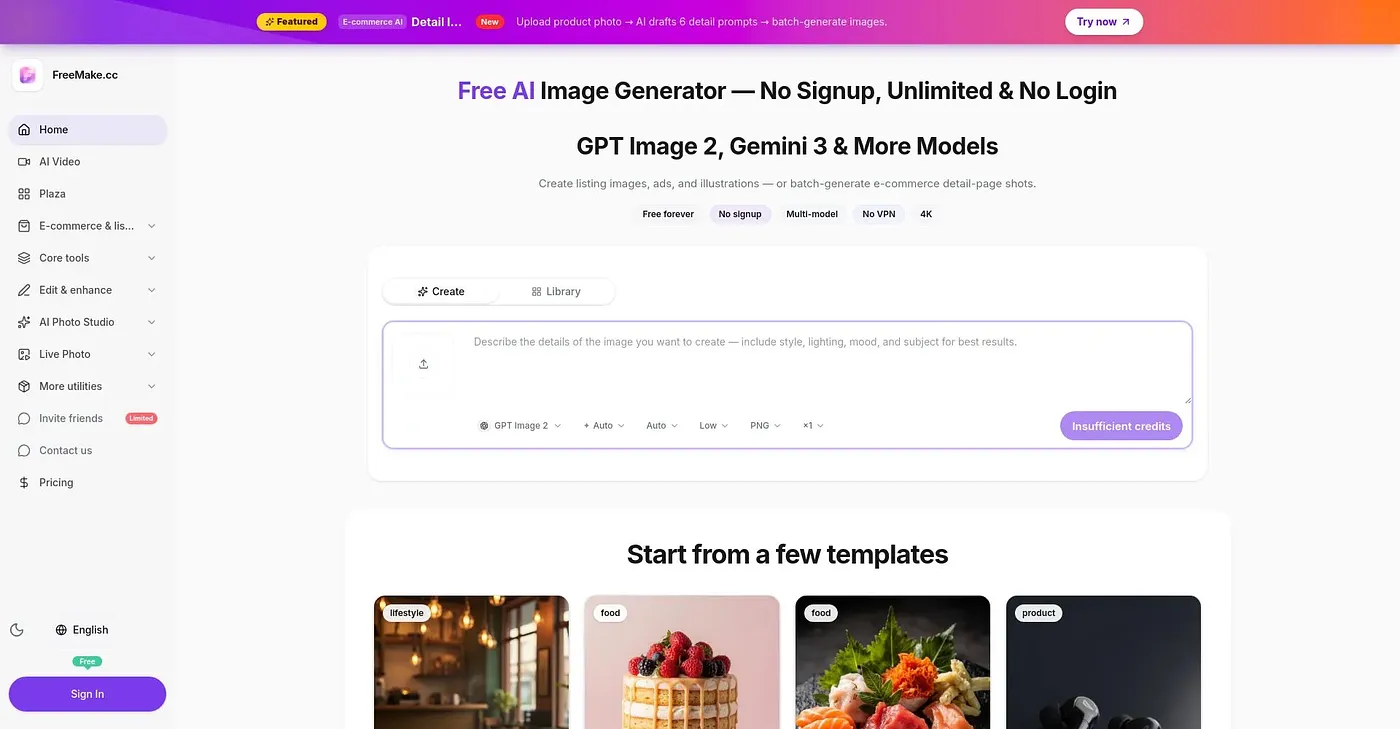
Generate stunning AI images directly in browser.
At a glance
4.0 out of 5
Scored by Alex after real useOur verdict
FreeMake generates AI images easily without signup or login. Great for e-comm listings but lacks advanced features.
✓What it does well
✕Where it falls short
Key features
Questions about Freemake
Is Freemake free?
Freemake has a limited free tier with daily free credits, so images can be generated without sign-up or payment. Upgrading is required for higher resolution and watermark-free output, and paid plans start at $4.67 per month.
Which AI models does Freemake use?
Freemake lets users switch between GPT Image 2 and Gemini models within one workspace. Images can be created from text prompts or from uploaded reference photos. The reviewer notes that results arrive within seconds, which makes quick iterations easy.
Does Freemake require a sign-up?
No. The reviewer notes that Freemake generates AI images without signup or login, and its daily free credits can be used without payment. It runs on the web, directly in the browser. Toolio lists it as best for beginners and e-commerce creators.
What are the limitations of Freemake?
The reviewer finds that Freemake lacks advanced features, with no photo editing utilities such as cropping or resizing beyond basic needs. Free output carries a watermark, and higher resolution requires an upgrade. Toolio lists it as not for advanced photo editors.
How does Toolio score Freemake?
Toolio gives Freemake a score of 4.0 out of 5, scored by Alex after real use on 3 Oct 2026. The reviewer calls it great for e-commerce listings but notes it lacks advanced features. Toolio lists Tattoo Cook, CreateINK: AI Tattoo Generator and AI Art Generator as alternatives.