
GenPen.AI
Suits designers and animators; not ideal for motion graphics pros.
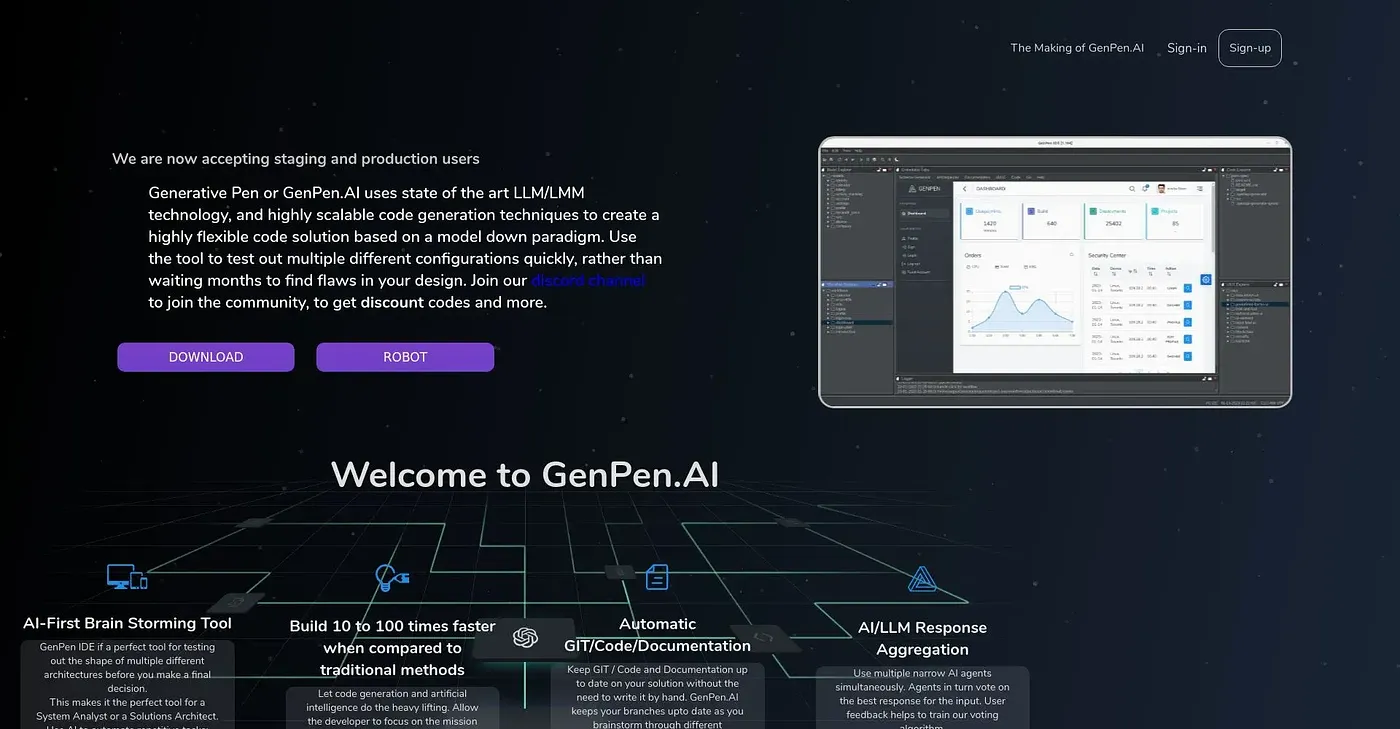
At a glance
3.8 out of 5
Scored by Alex after real useOur verdict
PenGen AI transforms images into hand-drawn animations. It works well for creative projects but lacks complex animation features needed by advanced users.
✓What it does well
✕Where it falls short
Key features
Questions about GenPen.AI
What does GenPen.AI do?
GenPen.AI transforms images into hand-drawn animations with a hand-painted look and feel. Users can pick from various color schemes and build animations with an intuitive drag-and-drop tool, and the reviewer says the vibrant results work well for creative projects in areas such as education and marketing.
Is GenPen.AI free?
Yes. Toolio lists GenPen.AI with a free tier, and no paid plan was found on the vendor's site in September 2026. It runs on the web, and the reviewer finds the interface easy to use, even for beginners.
Can GenPen.AI handle complex animation?
Not well. The reviewer says GenPen.AI does not handle complex motion or character animations, lacks sophisticated effects such as lens flares or particle systems, and offers only limited editing options for advanced users. Toolio lists high-end film production among the uses it does not suit.
Who is GenPen.AI for?
GenPen.AI is best for creative professionals who want colorful, hand-drawn style animations without a steep learning curve. Advanced animators who need complex animation features should look elsewhere. Alex scored it 3.8 out of 5 after real use on 5 Oct 2026.
What are some alternatives to GenPen.AI?
Toolio lists AI Coder Buddy, Magic Regex Generator, Taiga and QueryCraft AI as alternatives. AI Coder Buddy is a developer assistant that is launching soon, Taiga brings an AI coding mentor into Slack, Magic Regex Generator is aimed at developers, and QueryCraft AI helps build queries.