
Taiga
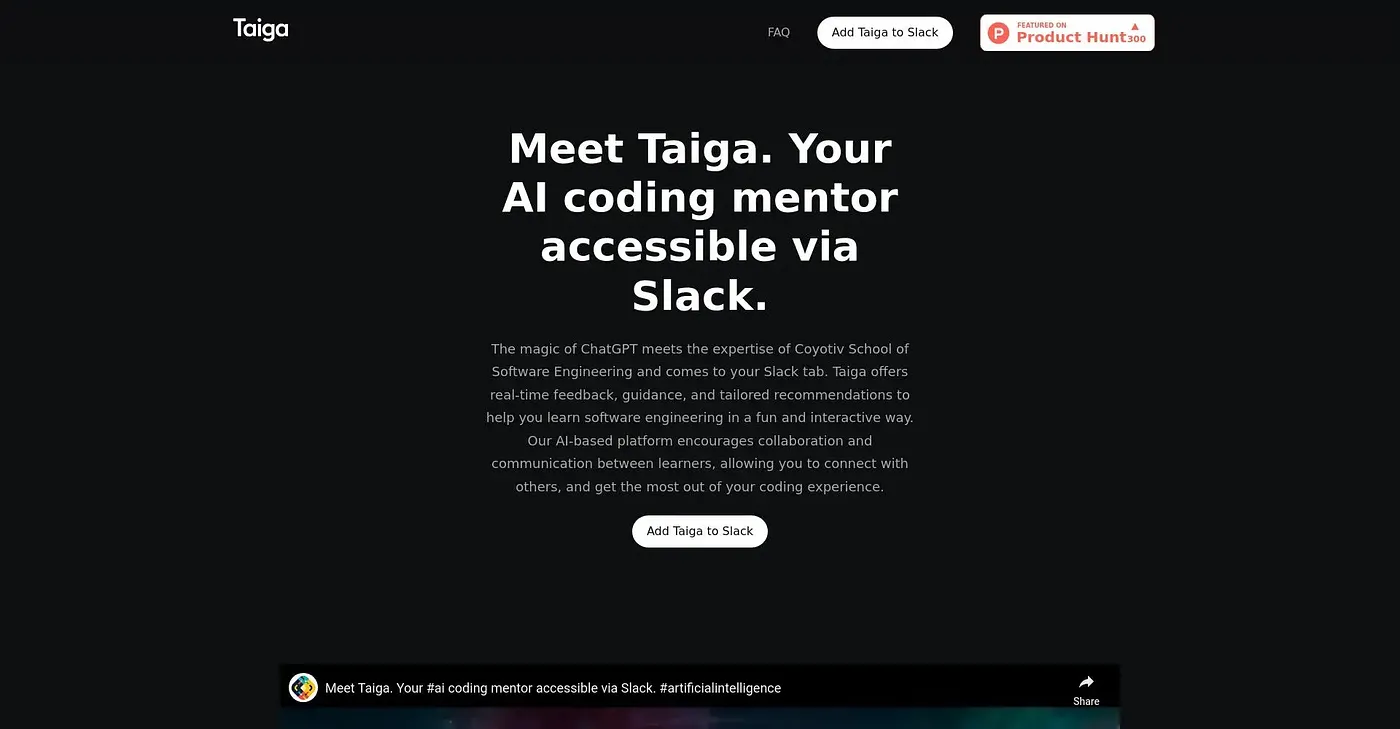
Brings an AI coding mentor, built on Coyotiv's curriculum, straight into your Slack workspace.
At a glance
3.9 out of 5
Scored by Alex after real useOur verdict
Taiga pairs ChatGPT with curriculum from Coyotiv School of Software Engineering to answer programming questions, review code and explain error messages, all without leaving Slack. It leans into a conversational, mentor-like style rather than a plain command-response bot, tailoring explanations to how you learn. It only works inside Slack, so teams or individuals who don't already live there get no benefit from installing it.
✓What it does well
✕Where it falls short
Key features
Questions about Taiga
What does Taiga do?
Taiga brings an AI coding mentor into Slack, pairing ChatGPT with curriculum from Coyotiv School of Software Engineering. It answers programming questions, reviews code and explains error messages in real time, all without leaving Slack.
Is Taiga free?
Taiga is free to use, with a free tier and no paid plan found on the vendor's site in September 2026. Toolio lists it at $0, and the main requirement is an existing Slack workspace, since it is built to work inside Slack.
How is Taiga different from a regular coding chatbot?
The reviewer says Taiga leans into a conversational, mentor-like style rather than a plain command-response bot, tailoring explanations to how each user learns. Its guidance draws on Coyotiv School of Software Engineering's teaching content, and it lets learners share progress with teammates in Slack.
What are the limitations of Taiga?
The reviewer notes that learning with Taiga depends on an AI chatbot rather than a live human mentor, and no ratings or usage numbers are given to judge its track record. Teams that don't already use Slack get no benefit from installing it.
Who is Taiga for?
Taiga is best for developers learning to code inside their Slack workspace. Alex scored it 3.9 out of 5 after real use, on 5 Oct 2026, and Toolio lists CodeWP, Typogram Chrome Extension, Codia AI and ChatGPT Deutsch as alternatives.