Gling AI
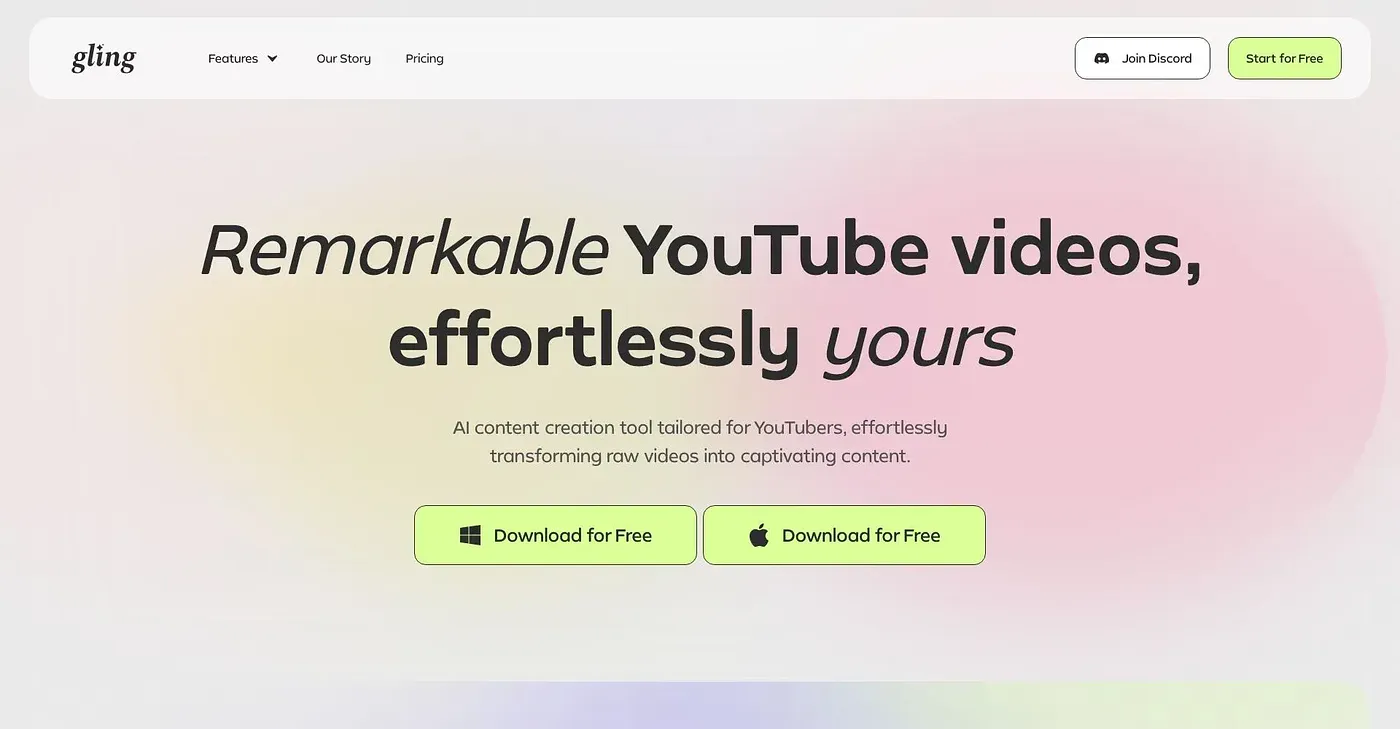
Gling AI edits videos by removing bad takes and noise.
At a glance
Starts at
Free, limited
Price as published by the vendor, September 2026.
Free tier
Yes, limited
Platforms
Web
Best for
YouTube creators, editors
Not for
Advanced multicam editors
4.0 out of 5
Scored by Alex after real useOur verdict
Gling streamlines video editing with AI but falls short on advanced multicam features. Best for basic edits.
✓What it does well
Quick editsAutomatically cuts bad takes and silences, saving time.
AI captionsGenerates accurate subtitles for videos.
Title generatorSuggests titles with the best chance of success on YouTube.
✕Where it falls short
Limited multicam editingOnly basic support for multicam, no advanced features.
Requires uploadNeeds raw recordings to start edits; not real-time.
Free tier limitsLimited to 1 hour of AI edited media per month.
Key features
Noise removalAutomatically removes background noise from videos.
Auto framingZooms in or out based on the content for better visual quality.
AI text-based trimmingText-to-speech analysis to trim unwanted parts of videos.
Multicam Editing SupportSupports basic multicam editing but lacks advanced features.